What do you want to make today?
Describe what you want to see, or add your own photo. Your first image is free — no card needed.
Examples
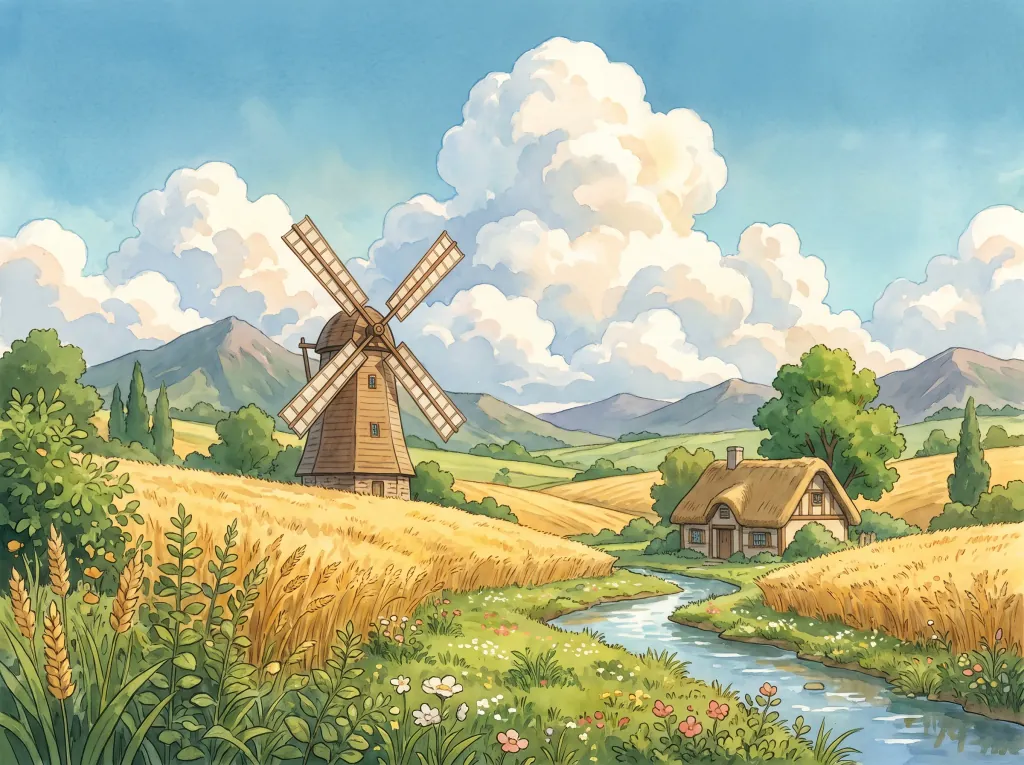


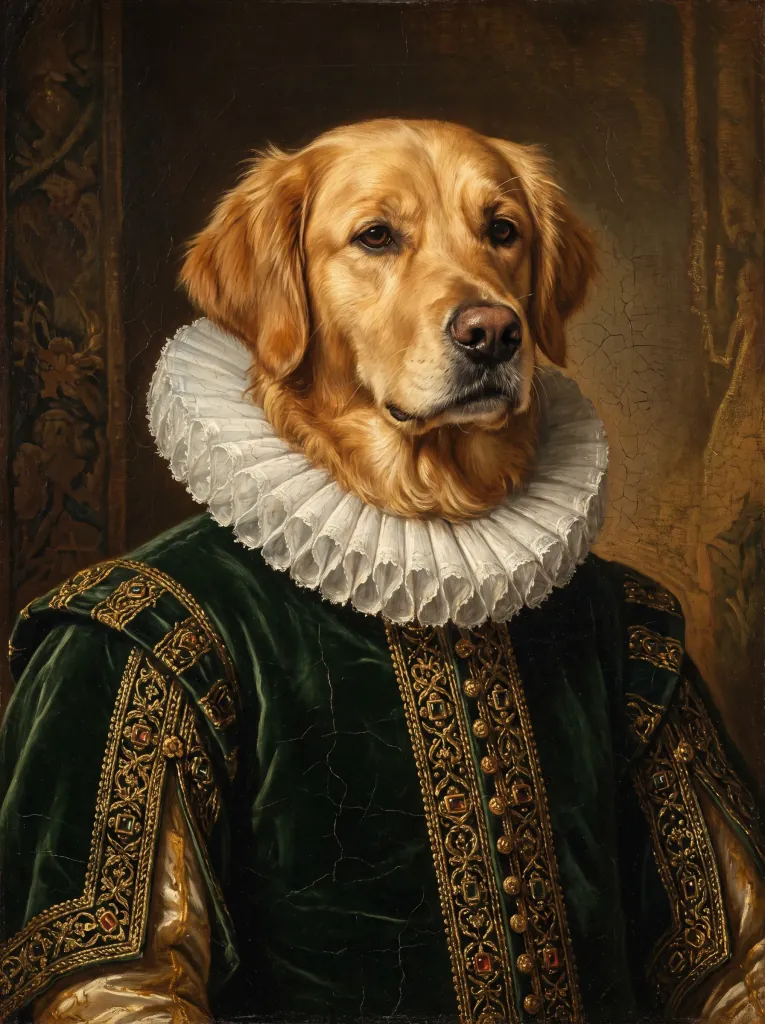
First image free · no card needed
What obrazki.ai is
obrazki.ai is a browser-based tool for creating and editing images with artificial intelligence — nothing to install, no graphics software to learn. A description in plain language is enough to get a finished file in a matter of seconds.
Three starting points
Start from a description alone ("Create"), from your own photo for the AI to transform ("From image"), or from a specific frame you want fixed — an object removed, a background replaced, quality raised ("Edit"). Every mode ends in the same place: a finished file to download.
The quality level follows the job
Several generative models with different strengths run underneath — some are faster, others hold fine detail or on-image text better. There is no model to pick: the generation settings let you choose a quality level and an output format, and the model is chosen automatically within that level.
Priced in credits
A 1K image costs 1 credit, or 3 at the Ultra level. A higher resolution multiplies that: double at 2K, four times at 4K. Credits are bought in packs or as part of a subscription and stay valid for 12 months from the day they are granted. Holding an account costs nothing by itself.
Rights to the results
Images created on your account can be used commercially — in marketing, a shop, social media or printed material. Downloaded files carry no watermark and no imposed quality reduction.
Sign in without a password
An account is created with an email address and a six-digit code — no password to invent or remember. Your generation history is stored on the account, so the same images are available on your phone and on your computer.
Four languages
The interface runs in Polish, English, German and Spanish. Prompts can be written in any of them — the model understands the description regardless of the interface language.
Which quality level should you choose?
For photos and everyday images, Best is enough: 1 credit per 1K image and a result in about 20 seconds. When time matters there is Fast — the same 1 credit, sooner. Logos, lettering, transparent backgrounds and SVG files come from Design, also 1 credit. Ultra costs 3 credits and needs an account; reach for it on an intricate prompt or when the image has to carry a lot of text.
| Level | Best for | Models behind it | Formats | Resolutions | Time | Credits per image |
|---|---|---|---|---|---|---|
| Fast | Quick tries and sketches. | Muse, Nano Banana 2 Lite | jpeg, png | 1K, 2K, 4K | ~15 s | 1 |
| Best | Photos and everyday images — the default level. | MAI-Image-2.6, Nano Banana 2, Grok Imagine 2 | jpeg, png | 1K, 2K, 4K | ~20 s | 1 |
| Design | Logos, icons, lettering, transparent backgrounds, SVG files. | Ideogram 4, Recraft V4.1 | png, svg, jpeg | 1K, 2K | ~15 s | 1 |
| Ultra | Intricate prompts and a lot of text in the image. Requires an account. | GPT Image 2.5, Nano Banana Pro | png, jpeg, webp | 1K, 2K, 4K | ~60 s | 3 |
Credits shown for 1K resolution. 2K costs double, 4K four times as much. SVG files and transparent backgrounds are produced only for an image made from a prompt, not when editing a photo.
Frequently asked questions
- What can I create with obrazki.ai?
- Product photography, portraits and profile pictures, social media graphics, thumbnails, logos, posters, invitations, illustrations and colouring pages. You can also work on your own photo: replace the background, remove an object, restore an old photograph or colourise a black-and-white one.
- What does one image cost?
- A 1K image costs 1 credit, or 3 at the Ultra level; 2K costs double and 4K four times as much. The current cost is shown on the generate button before you run it. Credits are bought either as one-off packs or through a monthly subscription.
- How long do credits stay valid?
- Each batch of credits is valid for 12 months from the day it was granted. Generating always spends the credits closest to expiry first, so nothing is wasted unnecessarily.
- Can I use the generated images commercially?
- Yes. Images created on your account may be used for commercial purposes: advertising, online shops, social media and printed material.
- Do the images have a watermark?
- Files downloaded from your account have no watermark. The preview shown before signing in is partly obscured — the full image unlocks once the result is claimed to an account.
- Do I need an account?
- You can generate a first image without signing in. Claiming the result in full quality, keeping it in your history or buying credits requires an account — created with an email address and a six-digit code, no password.
- Which formats and aspect ratios are available?
- Square (1:1), landscape (4:3, 3:2, 16:9, 21:9) and portrait (3:4, 2:3, 9:16) — covering social media, thumbnails and print. The output file can be saved as PNG, JPEG or WebP, and as SVG at the Design level.
- Does obrazki.ai work on a phone?
- Yes. It runs in the browser on phones, tablets and desktops with nothing to install. History is shared across every device signed in to the same account.
Last updated: