Your product in a scene like an ad
Upload a product photo and AI places it in an appealing setting — on a table, a shelf or in the sun. Ready-made frames for ads and social, with no shoot and no set design.

How it works
Three steps stand between a product and a finished lifestyle scene.
- 1
Upload your product photo
A product on a plain background works best — AI handles the rest of the scene.
- 2
Describe the scene or pick a style
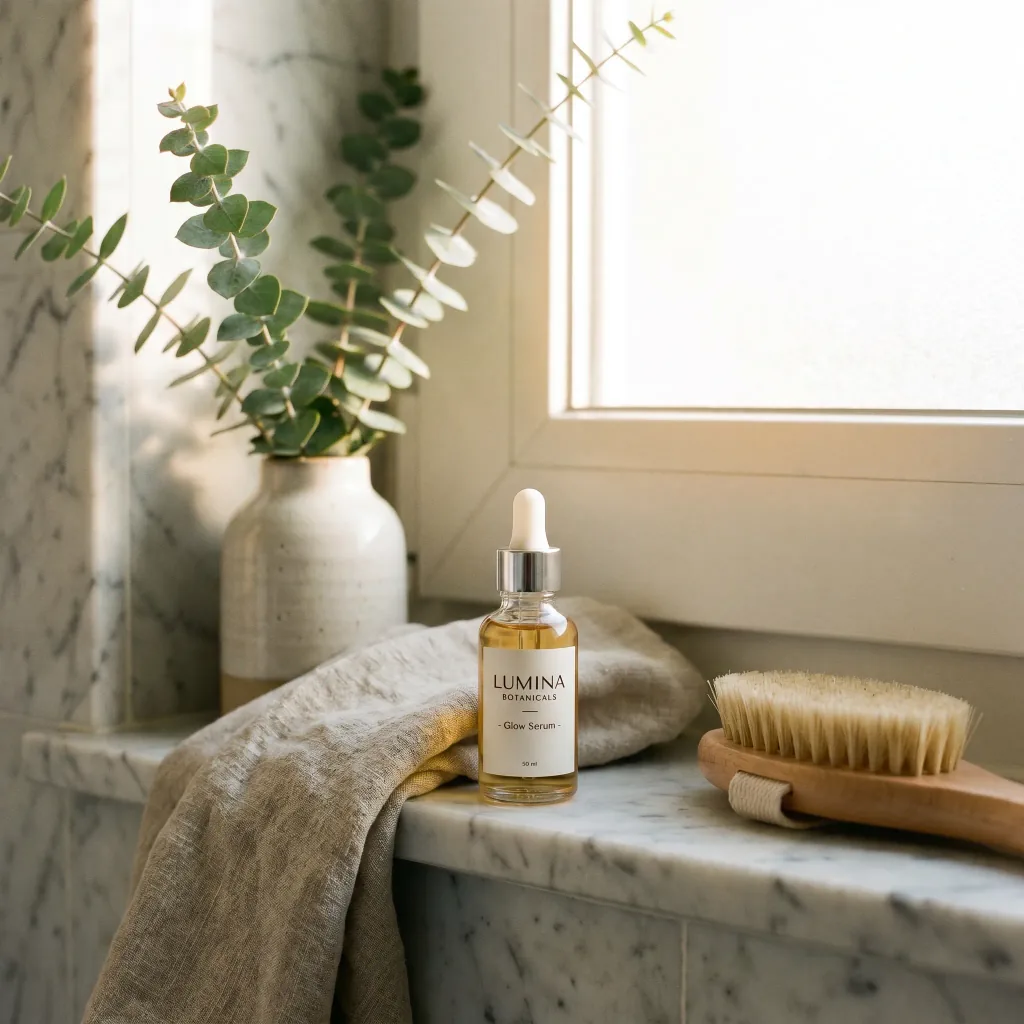
Say where the product should go — a cozy living room, a marble bathroom, a sunny terrace.
- 3
Download the result
Save the finished frame in high resolution — for ads, Instagram and your store.
What your campaigns need
Lifestyle scenes
The product lands in a natural, appealing setting that fits its character.
Ad-grade light
Soft, warm lighting and a pleasing depth of field, like photos from a campaign.
True to the product
Shape, label and color stay unchanged — only the surroundings change.
Social-media ready
Square frames fit Instagram, Facebook and in-store ads.
Done in seconds
No studio rental and no stylist — the scene appears right in your browser.
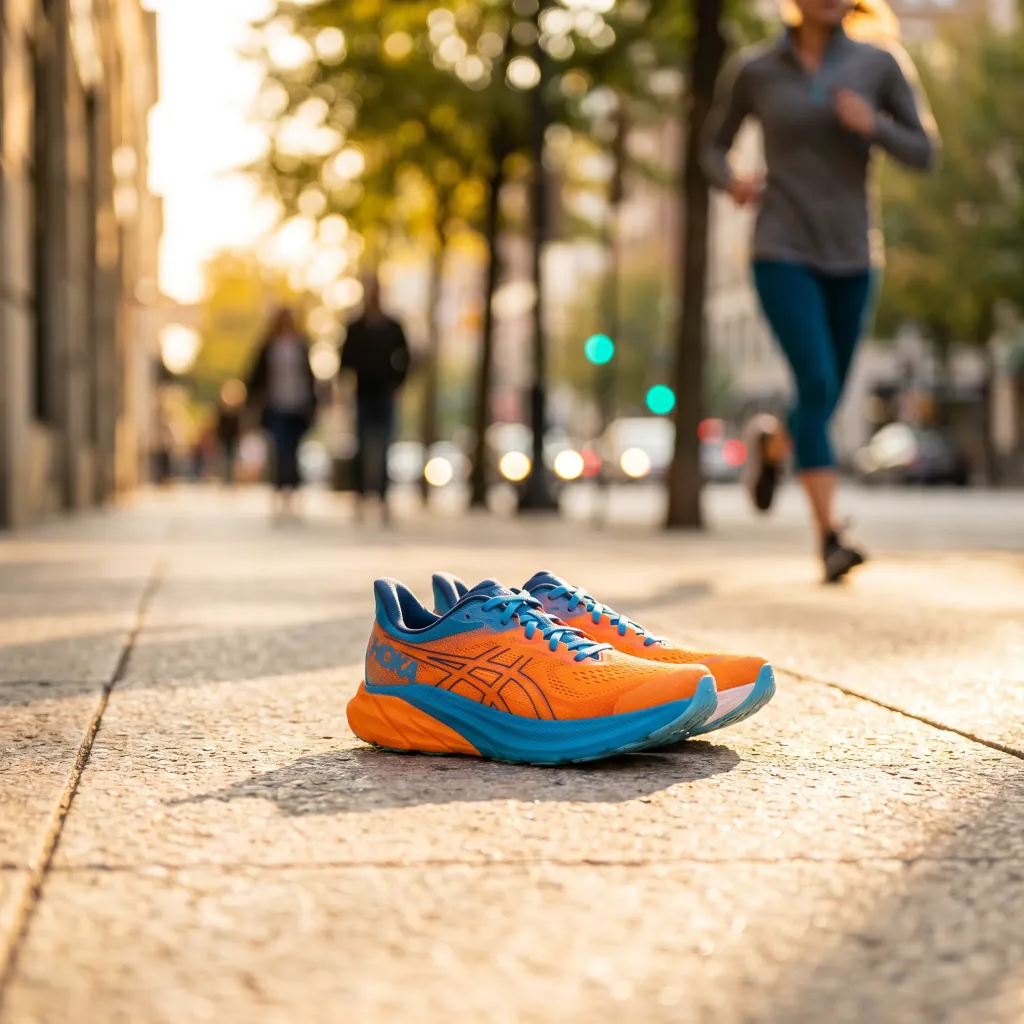
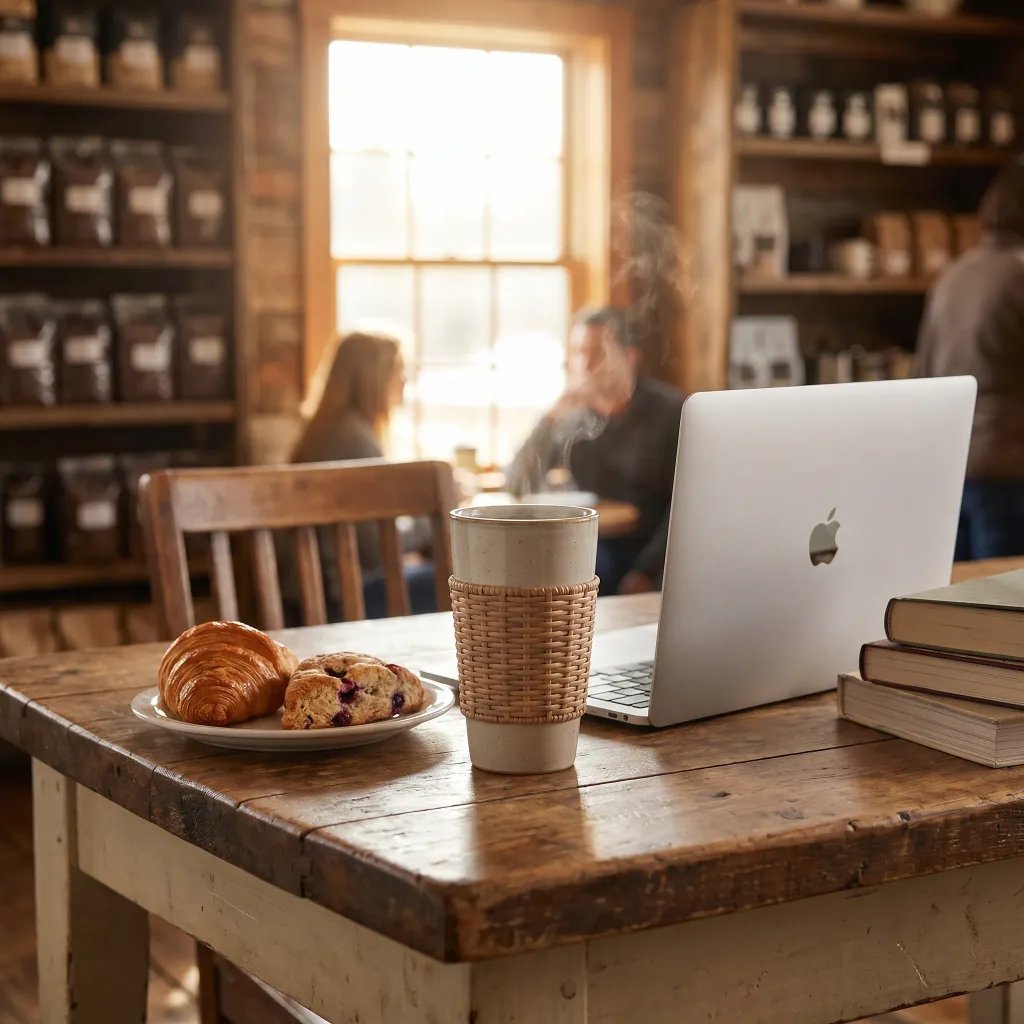
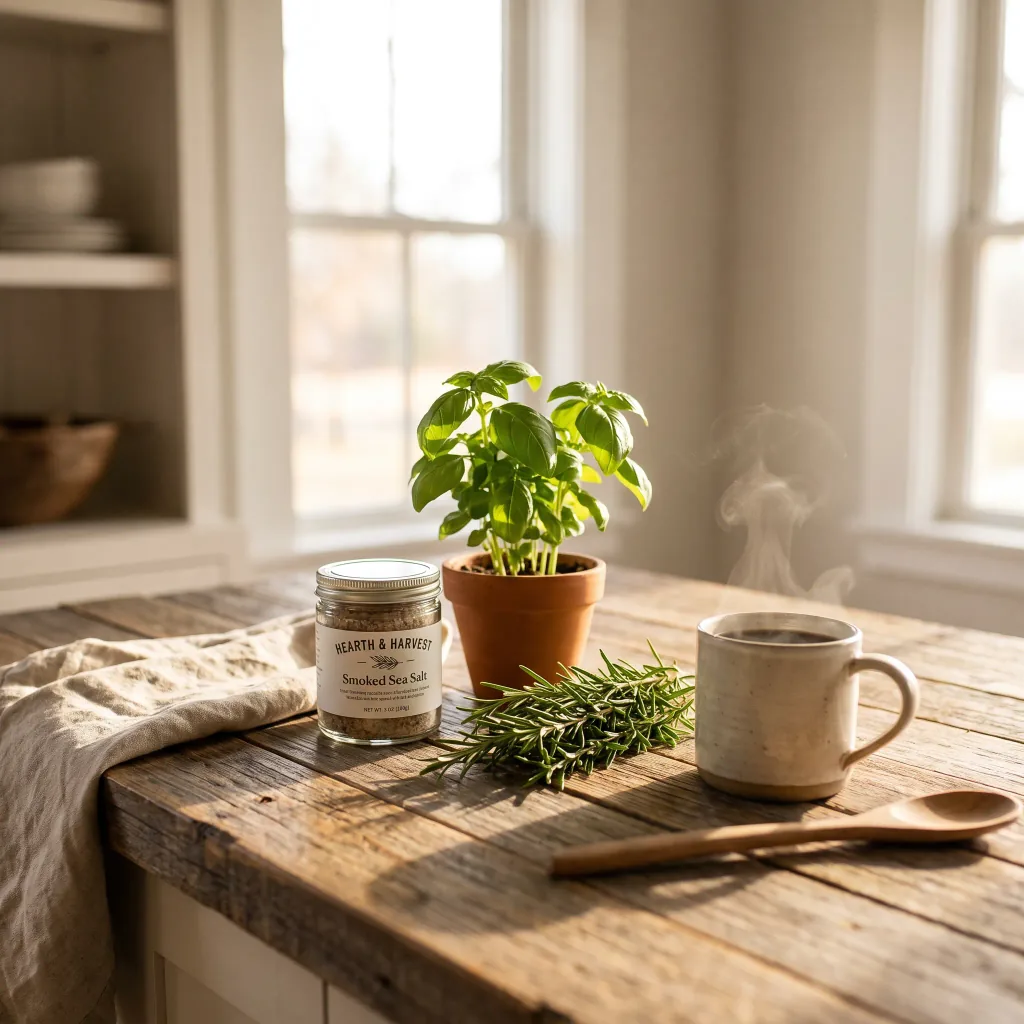
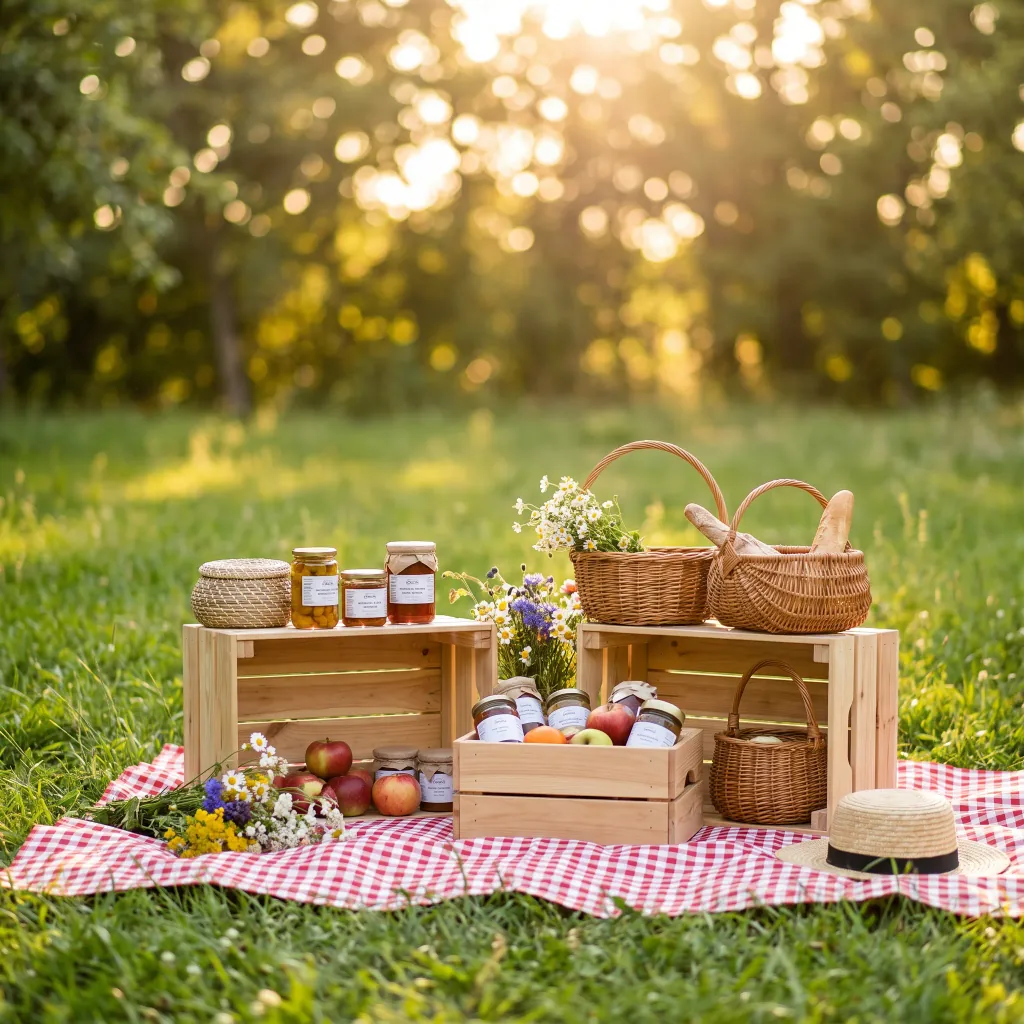
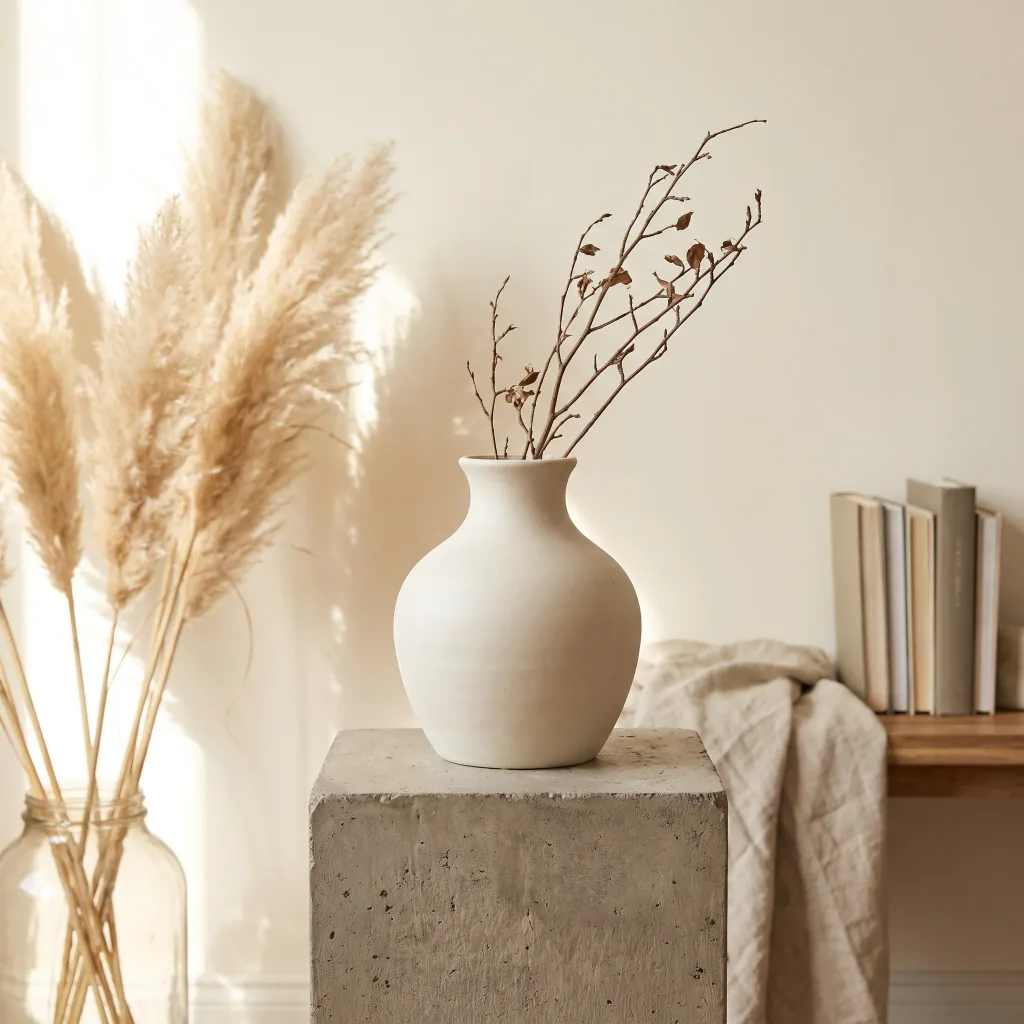
See the examples
Products placed in scenes ready for ads and social.
Frequently asked questions
How does product staging work?
AI recognizes the product in your uploaded photo and composes a new scene around it — choosing the backdrop, light and props. The whole result is produced automatically in seconds.
Can I use these photos in ads?
Yes. You can use the finished frames commercially — in ads, on Instagram, Facebook, in your store and in marketing materials.
Which product photo should I upload?
A sharp photo of the product on a plain, even background works best. The cleaner the product reads, the better AI blends it into a new scene.
Will the product look the same?
Yes. Only the surroundings change — the shape, label and color of the product stay true to the original.
Can I generate several scenes?
Yes. You can create many setting variants for the same product and pick the one that sells best.
What quality do I download?
You download the frame in high resolution as PNG or JPG, in a 1:1 square — ready to publish.
How much does it cost?
Cost depends on the model and resolution — from 1 credit per image. Credit packs and the subscription are available in the app, and you get free starter credits when you create an account.
Last updated:
Related tools
Give your product a backdrop that sells
Stage your first scene right now.