Remove unwanted objects from photos
Stray passers-by, a trash bin or a cable in the frame vanish without a trace. AI fills the background so no edit is visible.
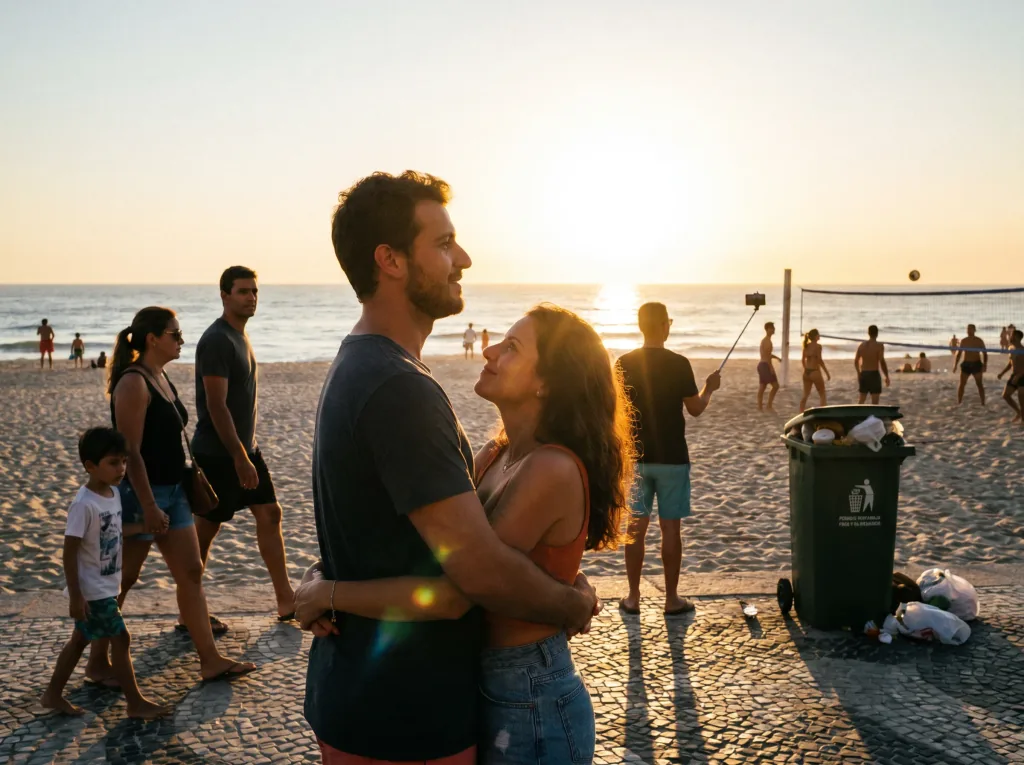 Before
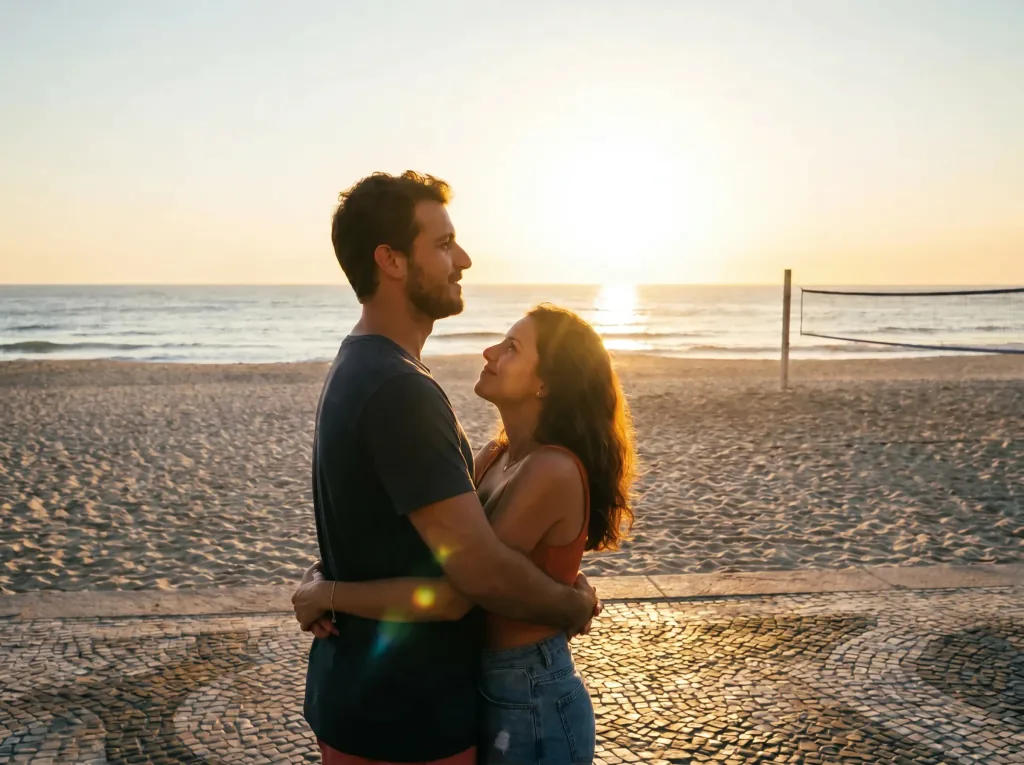 After
AfterHow it works
Three steps to a clean frame.
- 1
Upload the photo
Send a photo with the element you want gone.
- 2
Mark what to remove
Select or describe the object — AI handles the rest.
- 3
Download the result
Save the photo with a clean, natural background.
A clean frame, effortlessly
Clean background
Unwanted elements vanish and the background is rebuilt naturally.
Photobombers gone
Remove stray people from the background.
No trace
The edit is invisible — the frame looks natural.
Instant result
The result appears in seconds in your browser.
Before and after
See object removal on real examples.
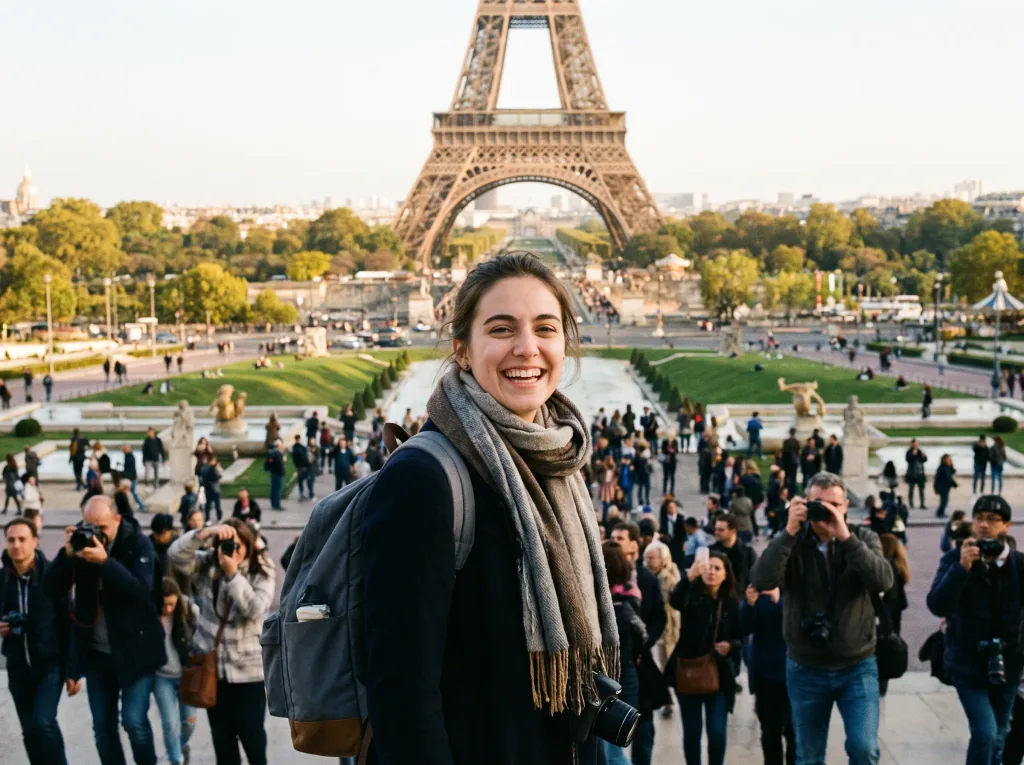 Before
 After
After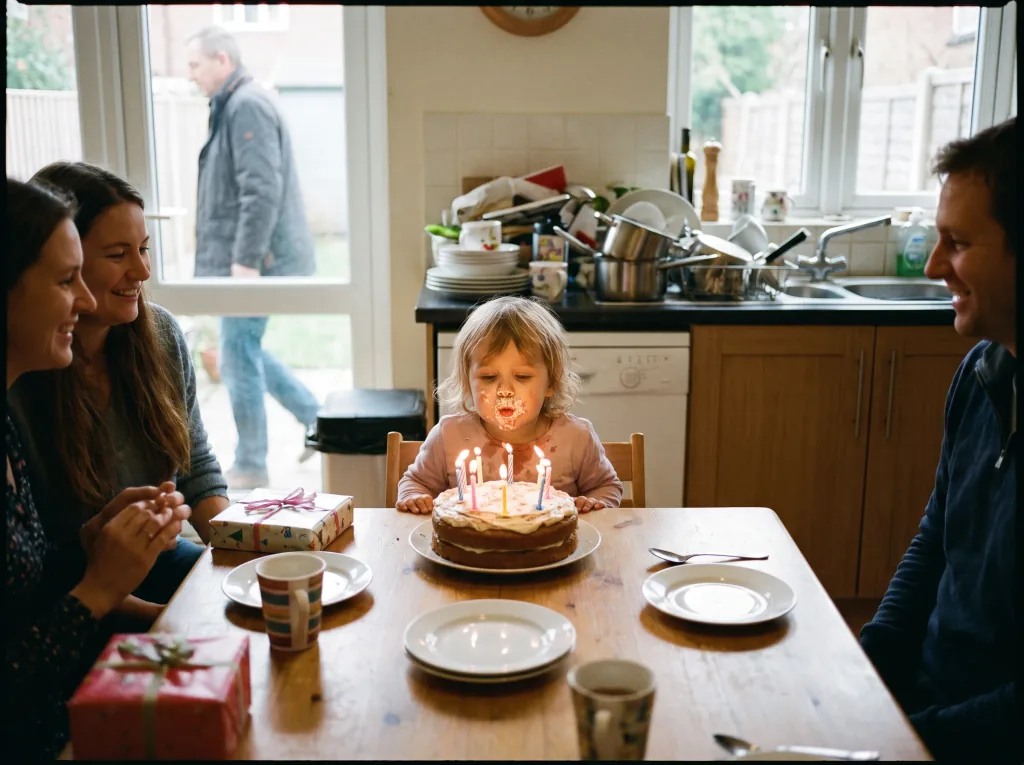 Before
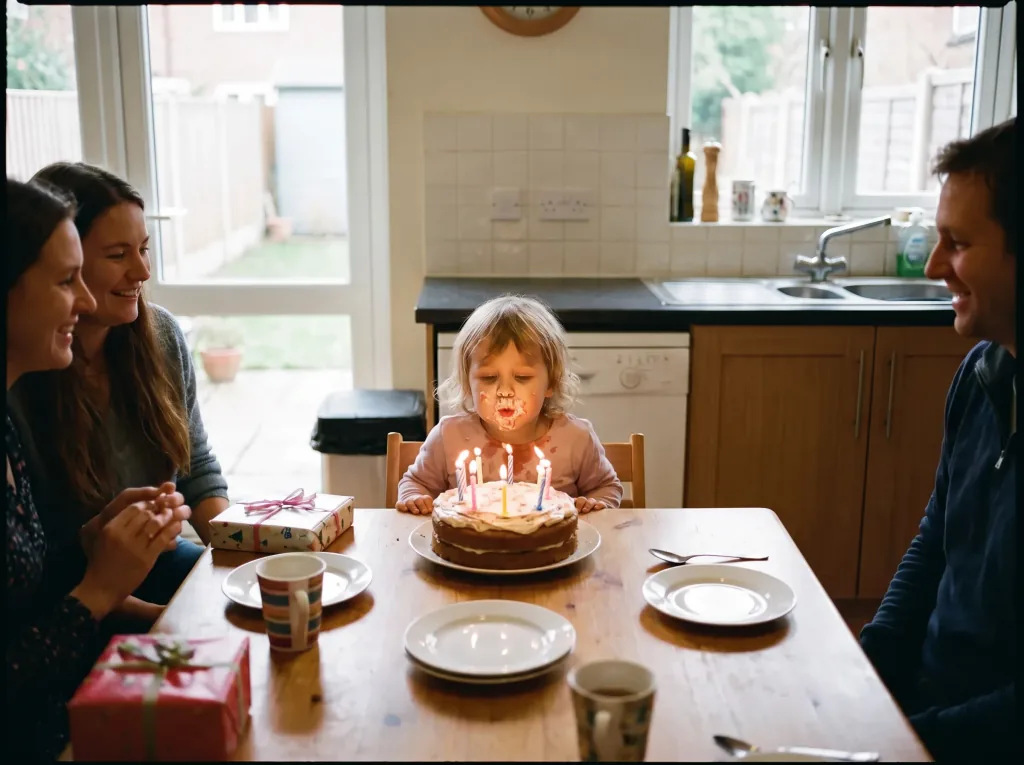 After
After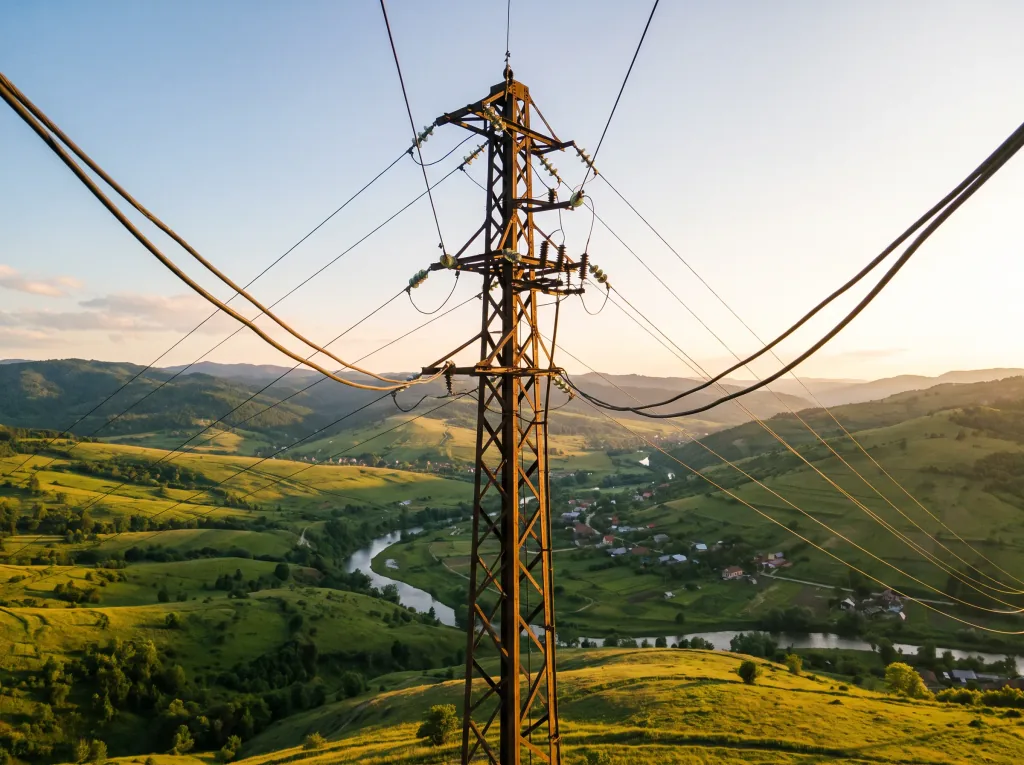 Before
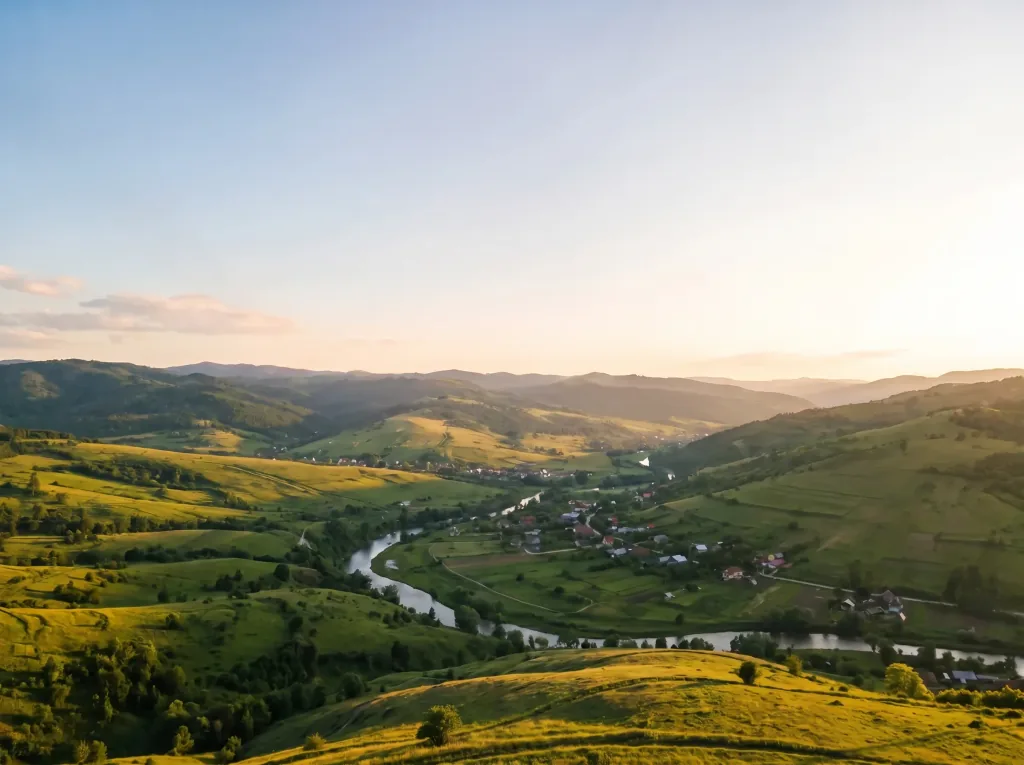 After
After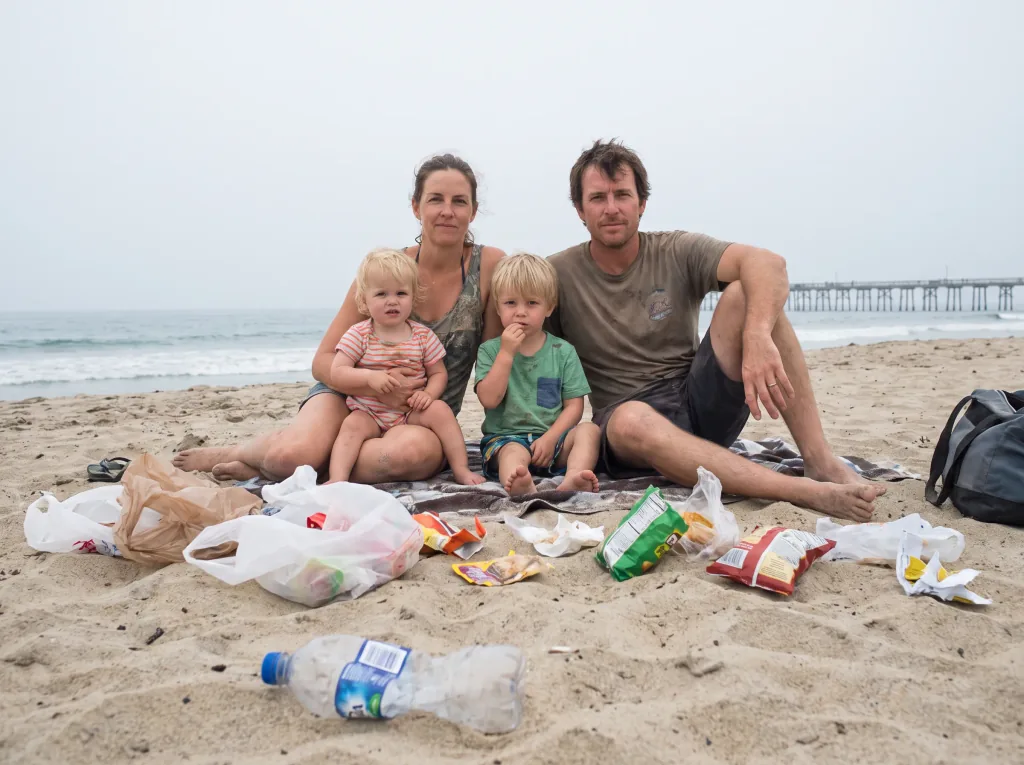 Before
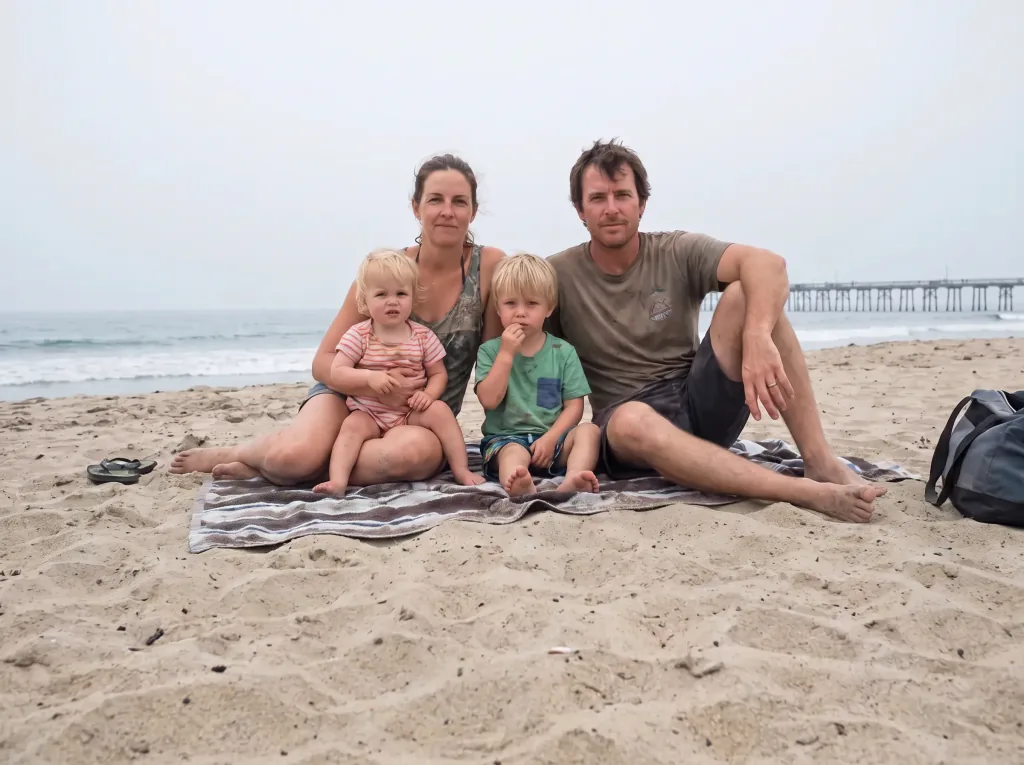 After
After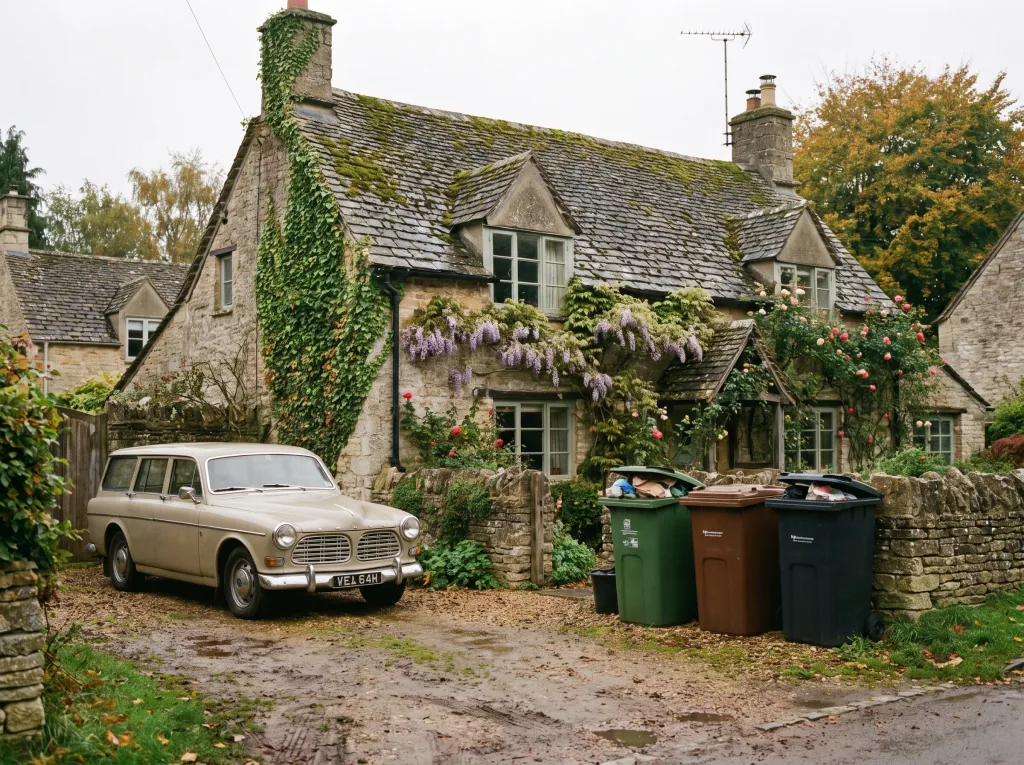 Before
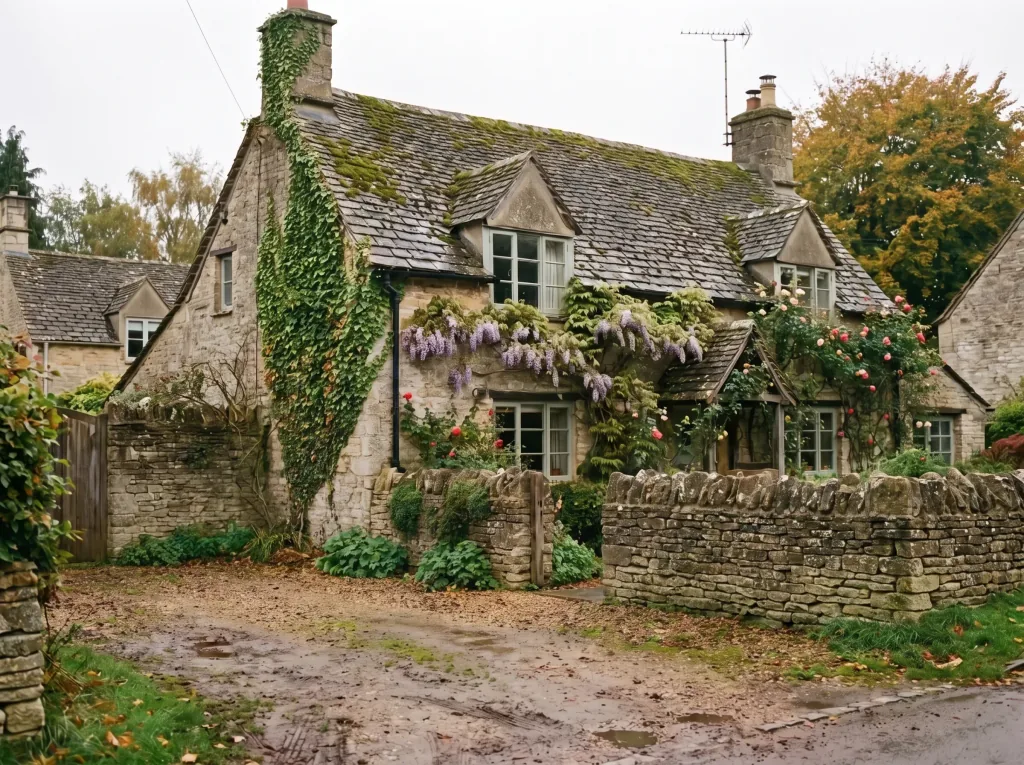 After
After Before
 After
AfterFrequently asked questions
What can I remove from a photo?
Stray people, litter, cables, signs, stains or logos — AI fills the background based on the surroundings.
Is the edit visible?
On calm backgrounds it's invisible. Very complex backgrounds may take a couple of tries.
Are my photos safe?
Yes. They're used only to produce your result and are not shared. See the Privacy Policy.
How do I mark what to remove?
After uploading, you describe or select the element you want gone.
Can I redo a photo?
Yes. Generate several versions and pick the best.
How much does it cost?
Cost depends on the model and resolution — from 1 credit per image. Credit packs and the subscription are available in the app, and you get free starter credits when you create an account.
Last updated:
Related tools
Only what you want in frame
Remove your first object right now.