Invitations people remember
Describe the occasion and the style, and AI designs an invitation made for your event. No designer, no templates — a print-ready design in seconds.
How it works
Three steps from idea to finished invitation.
- 1
Describe the event
Give the occasion, style and colors — e.g. "romantic wedding invite with flowers".
- 2
AI designs it
AI builds the composition, picks the typography and the background.
- 3
Download and print
Save the design in high resolution — ready to print or send online.
Everything your invitation needs
Any style
From elegant to playful — describe the mood and the design fits the occasion.
Your wording
Names, date and venue go straight onto the invite — all in one place.
Print-ready
High resolution works for both home printing and professional print shops.
Many versions
Generate several variants and pick the one that fits best.
Instant result
No install and no waiting — the design appears in your browser.
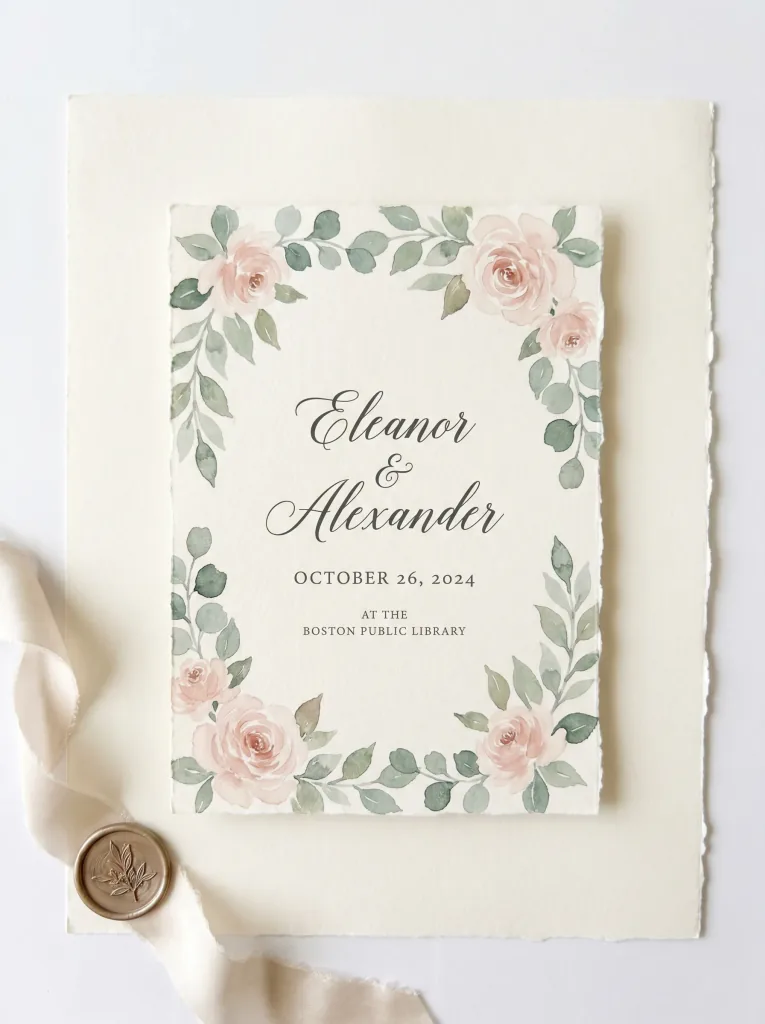
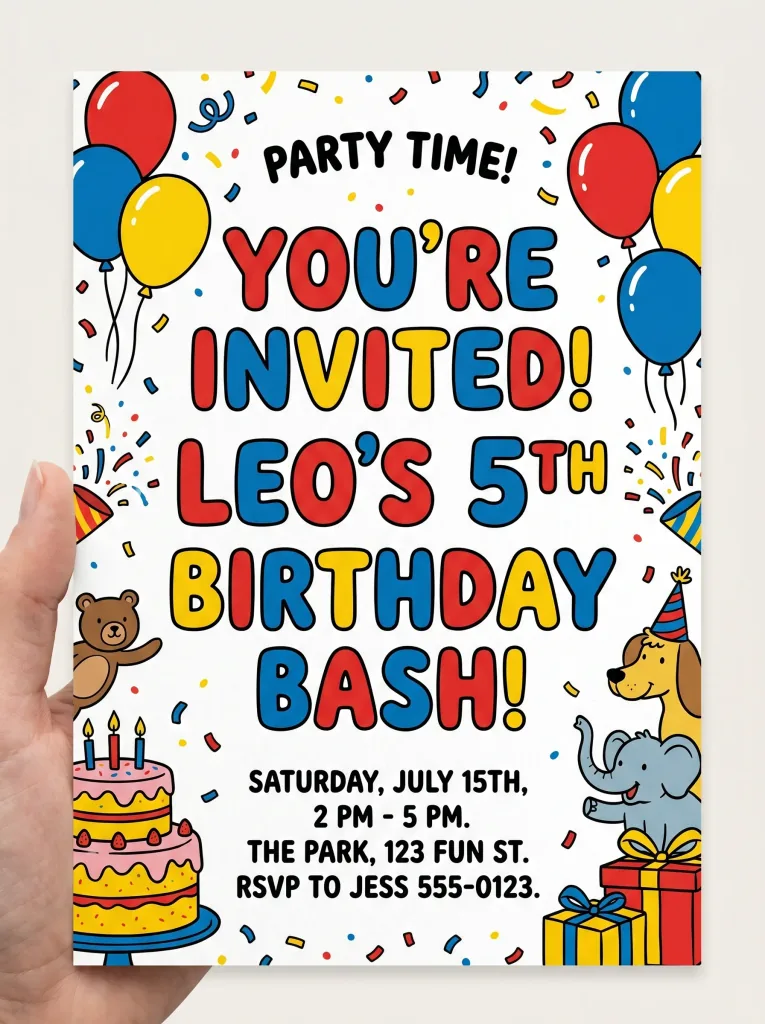
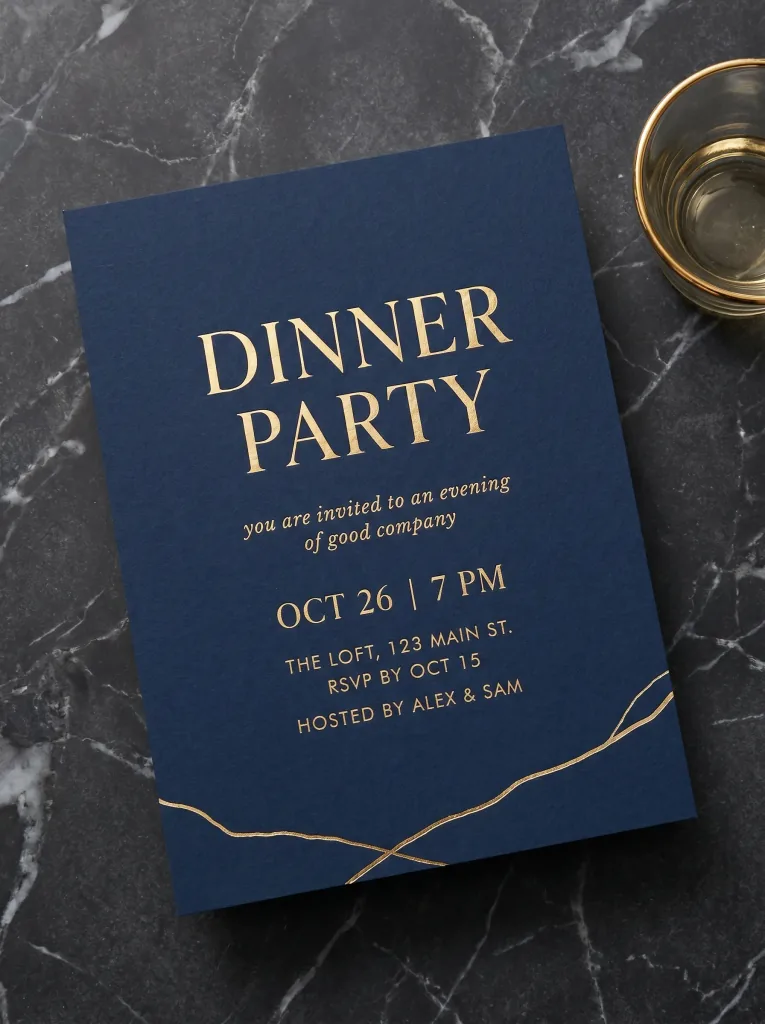
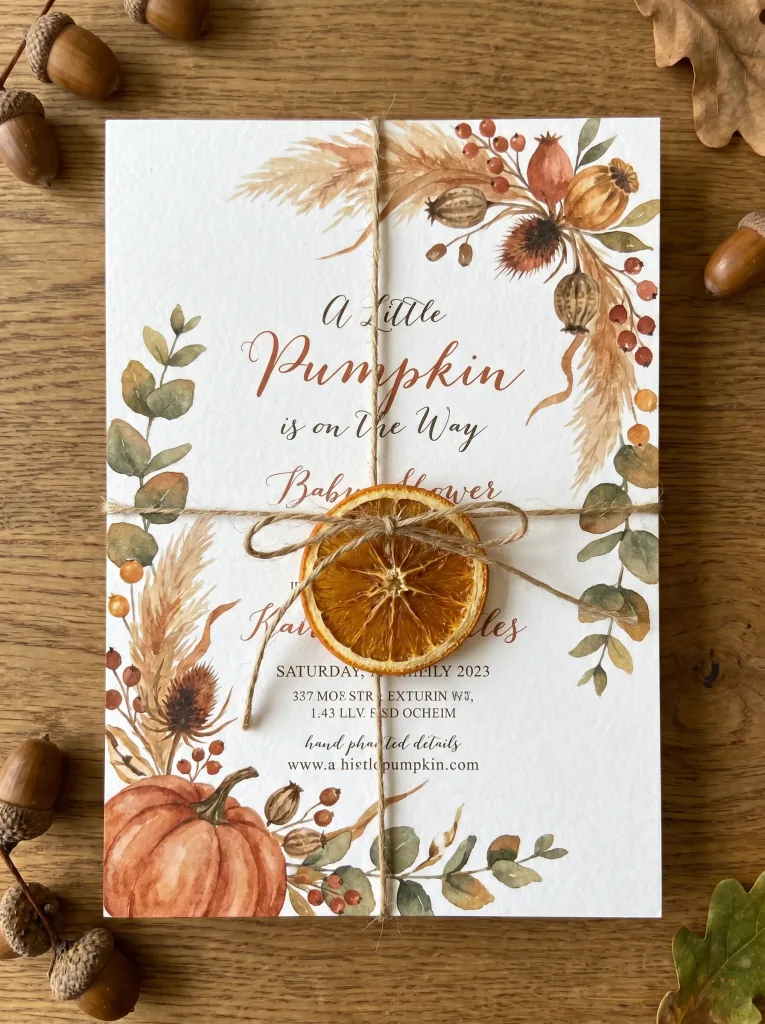
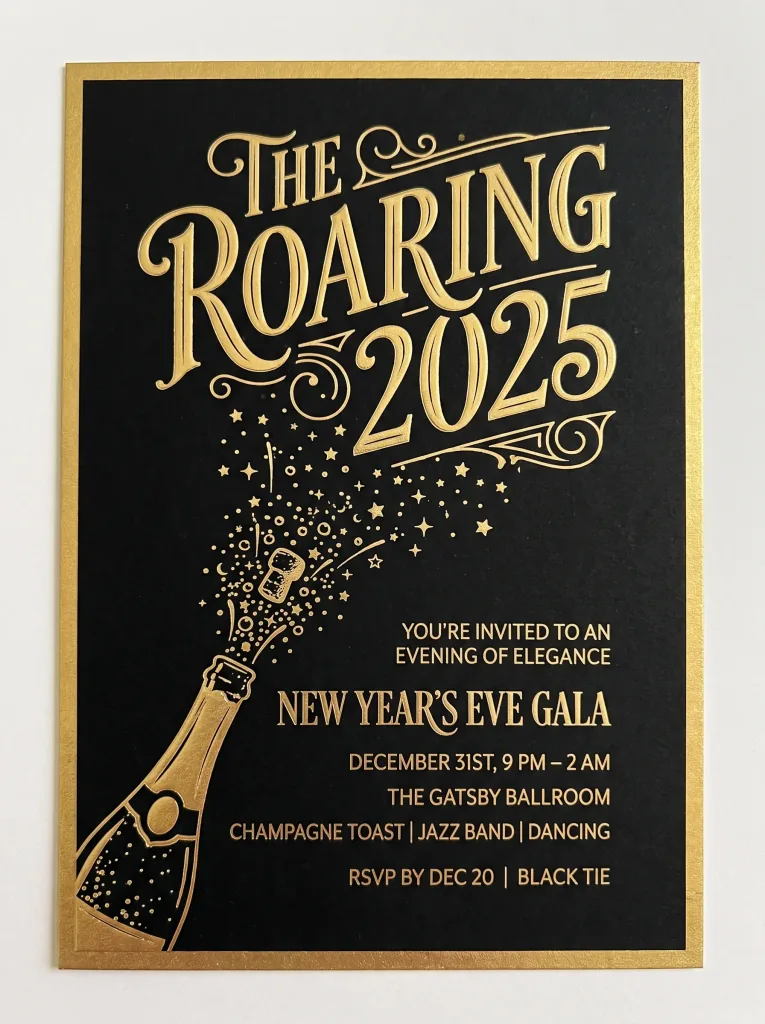
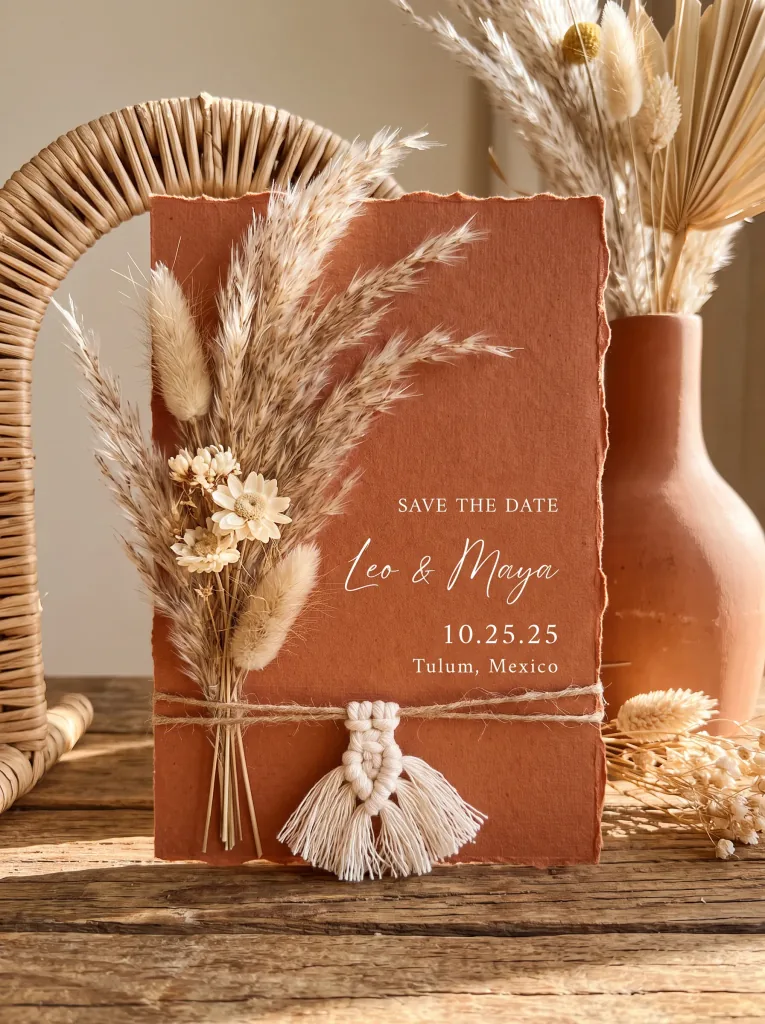
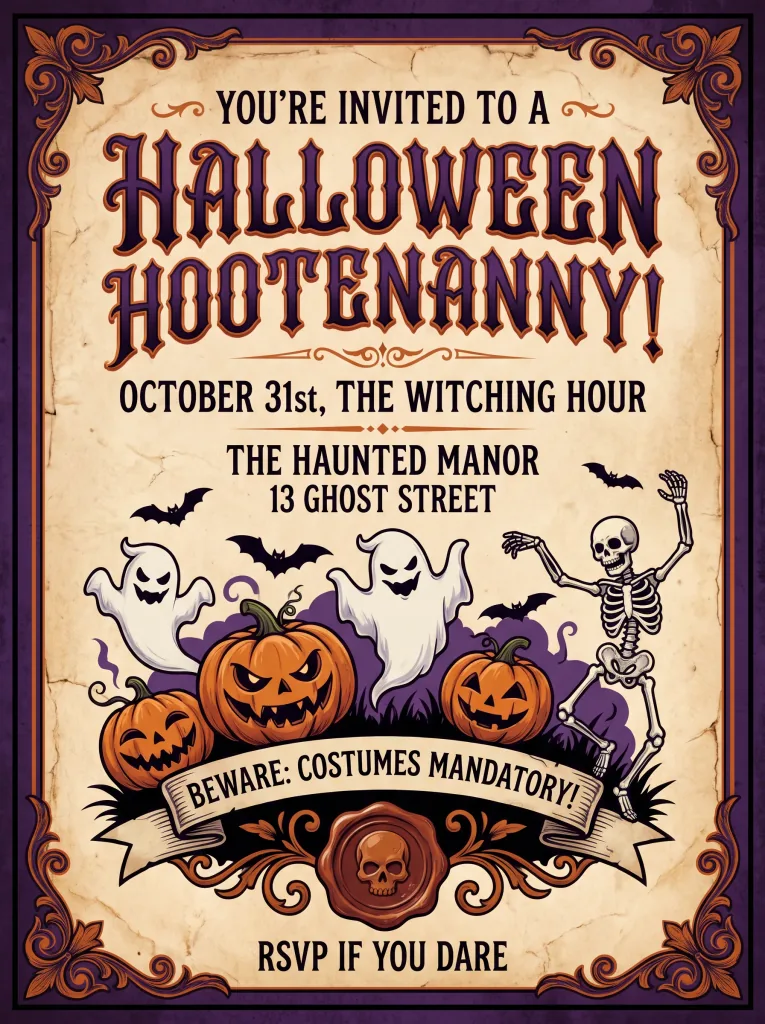
Sample invitations
See what you can create in moments.
Frequently asked questions
How is the invitation made?
You describe the occasion, style and colors, and AI produces a finished design in seconds. You can refine the description and generate more versions.
Can I add my own text — names and a date?
Yes. Put the names, date and venue in your description and AI places them on the invitation. Short, specific wording works best.
What occasions does it work for?
Weddings, birthdays, christenings, parties, baby showers or company events — just describe the character of the event.
Is the design ready to print?
Yes. You download the invitation in high resolution — it works for home printing, print shops and online sending.
What file format do I get?
You save the design as a high-quality image (PNG/JPG), ready to print or share online.
Can I make several versions?
Yes. Generate as many variants as you like — change the colors or style in the description and compare.
Can I use the invitations commercially?
Yes. You can use the designs privately and commercially, for example in event services.
How much does it cost?
Cost depends on the model and resolution — from 1 credit per image. Credit packs and the subscription are available in the app, and you get free starter credits when you create an account.
Last updated:
Related tools
Invite your guests in style
Design your first invitation right now.