Bring your old photos back to life
A scratched, faded or torn photo looks brand new again. AI removes the damage, sharpens detail and refreshes the colors — in seconds, with no photo-editing software.
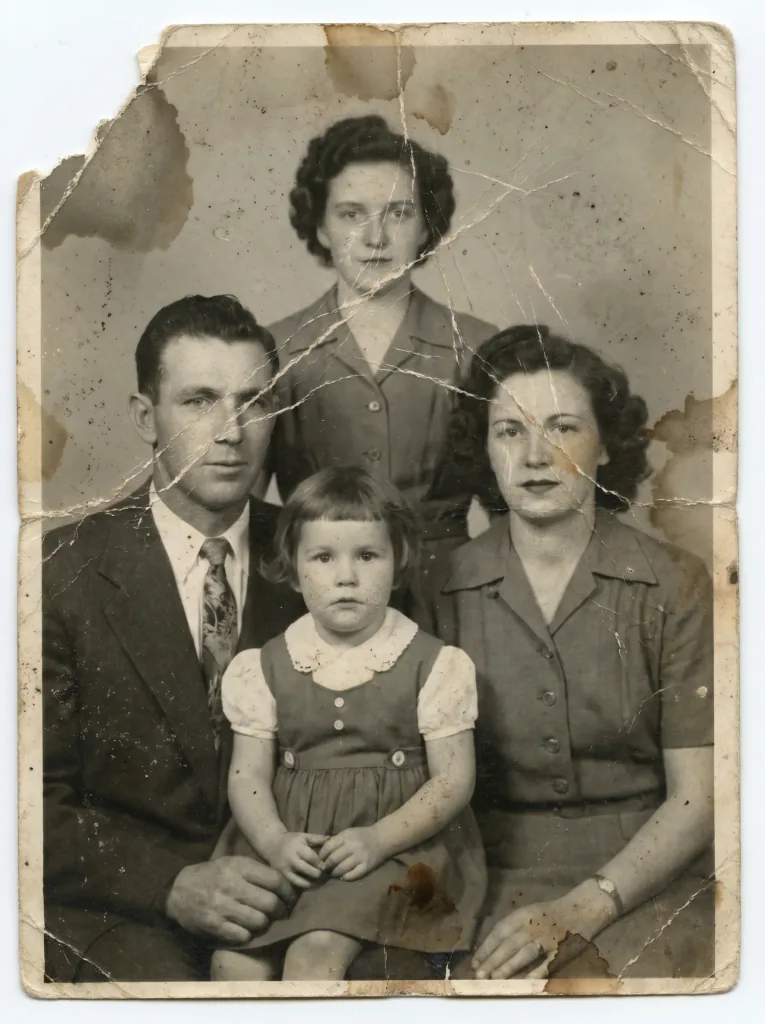 Before
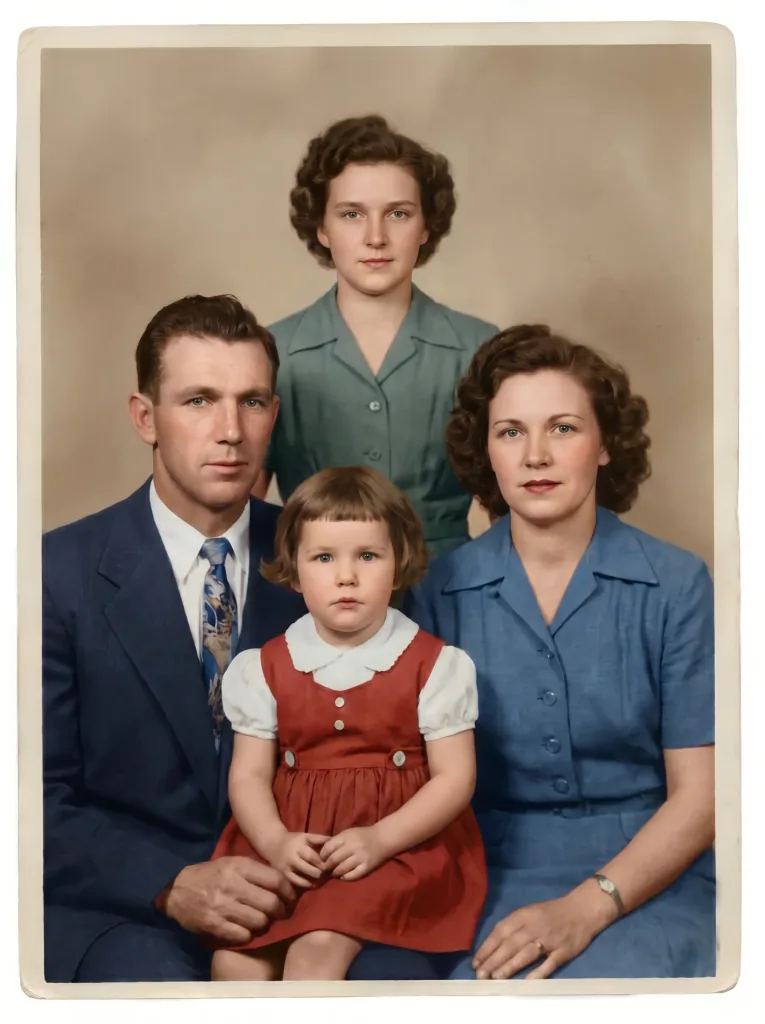 After
AfterHow it works
Three steps stand between an old photo and its new version.
- 1
Upload the photo
Send a scan or a snapshot of the old photograph — even a badly damaged one.
- 2
AI restores it
AI removes scratches and creases, reduces noise and sharpens faces.
- 3
Download the result
Save the restored photo in high quality — ready to print and to share.
What your memories need
Damage removal
Scratches, cracks, stains and creases disappear, and AI rebuilds missing areas naturally.
Realistic color
Black-and-white photos gain believable, period-accurate color.
More sharpness
Blurry, low-resolution photos become crisp, with legible detail.
True to the original
Faces and the character of the photo are preserved — we restore, never replace.
Done in seconds
No install, no designer — the result appears right in your browser.
Before and after
See the restoration on real examples.
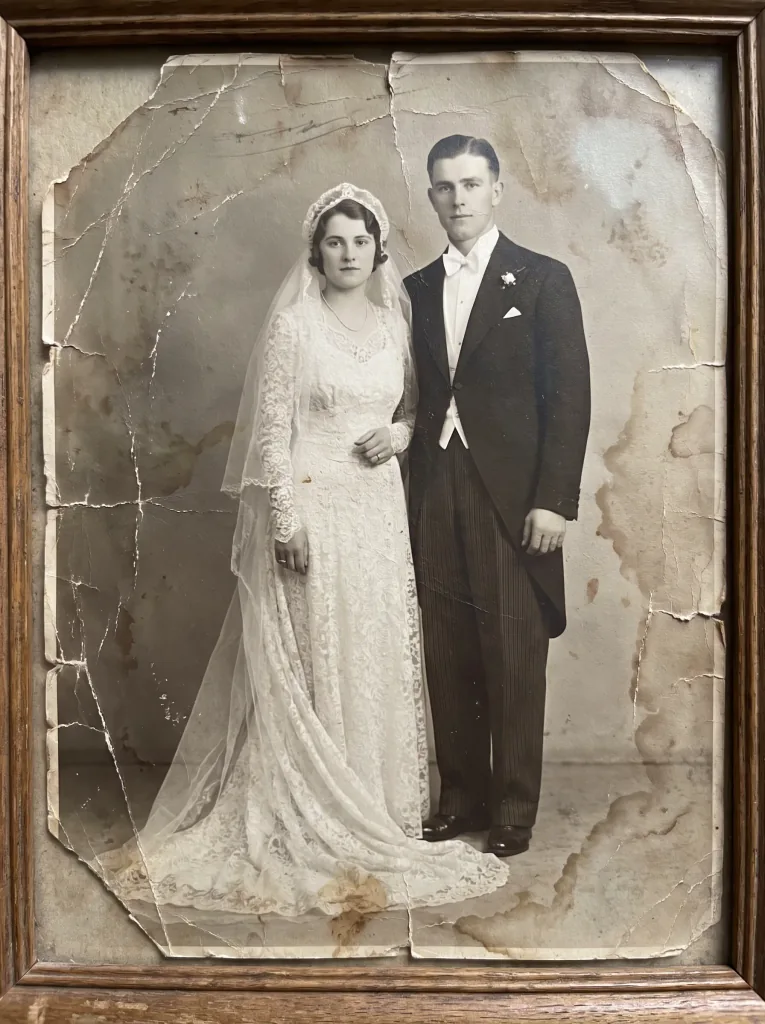 Before
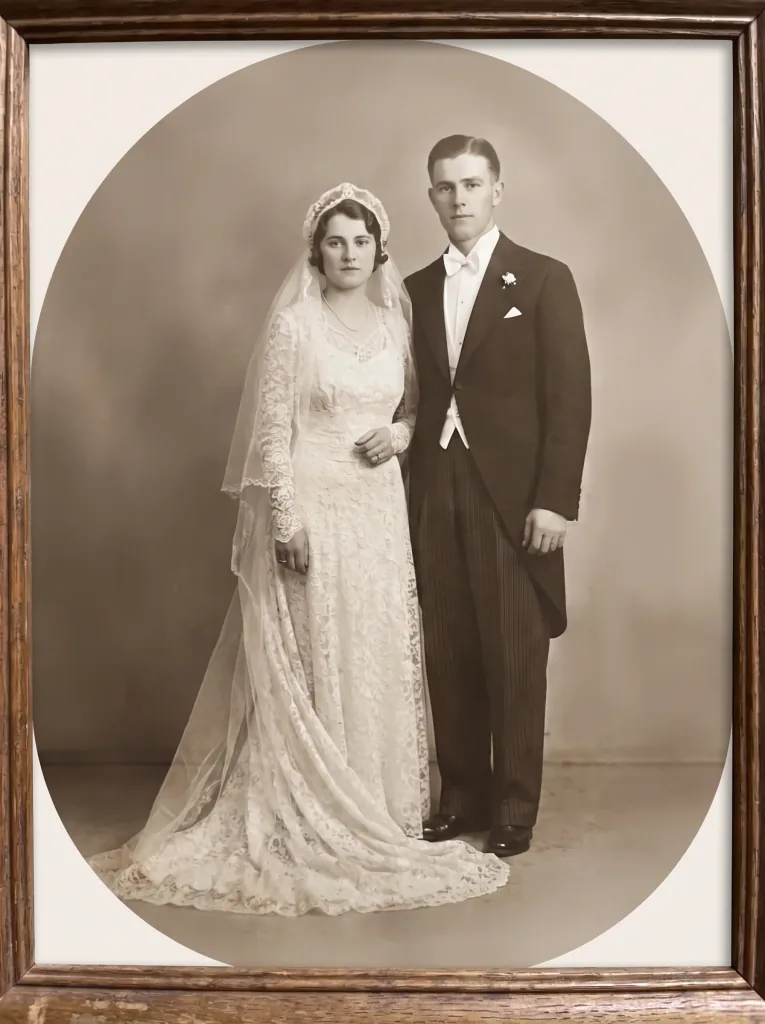 After
After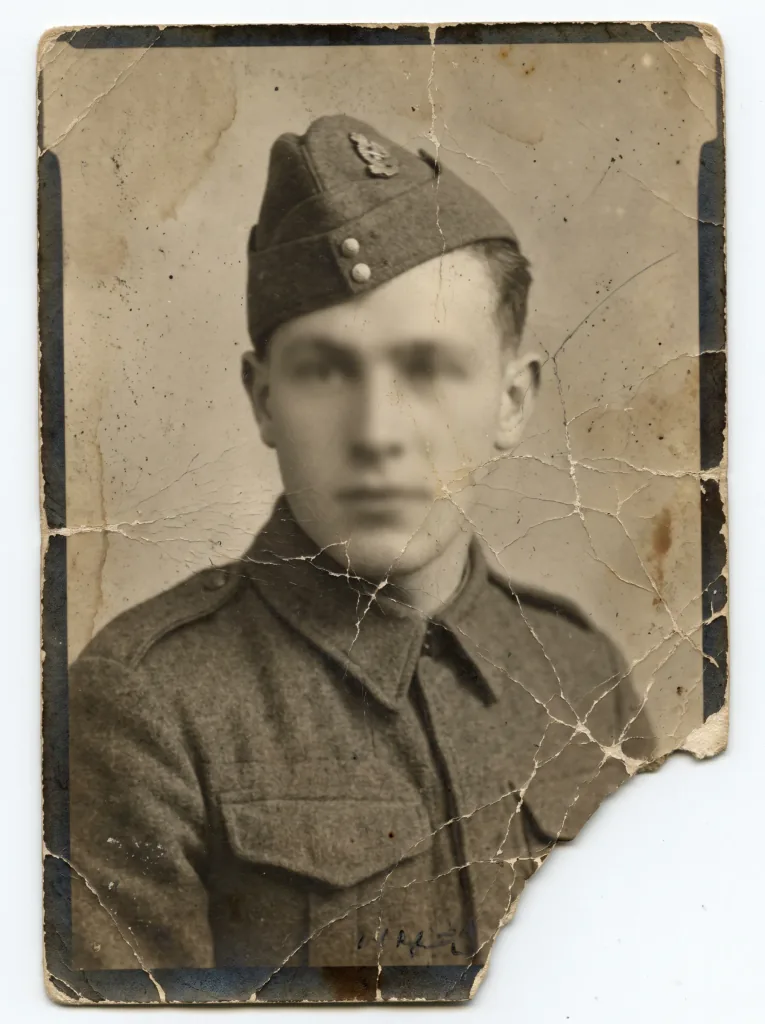 Before
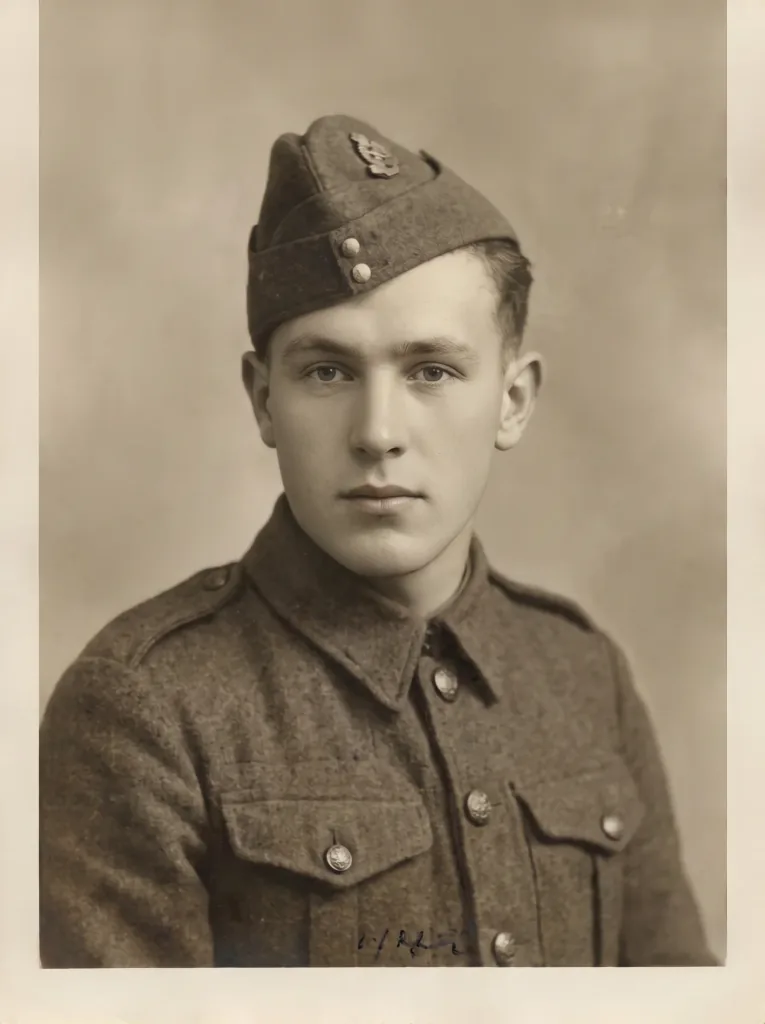 After
After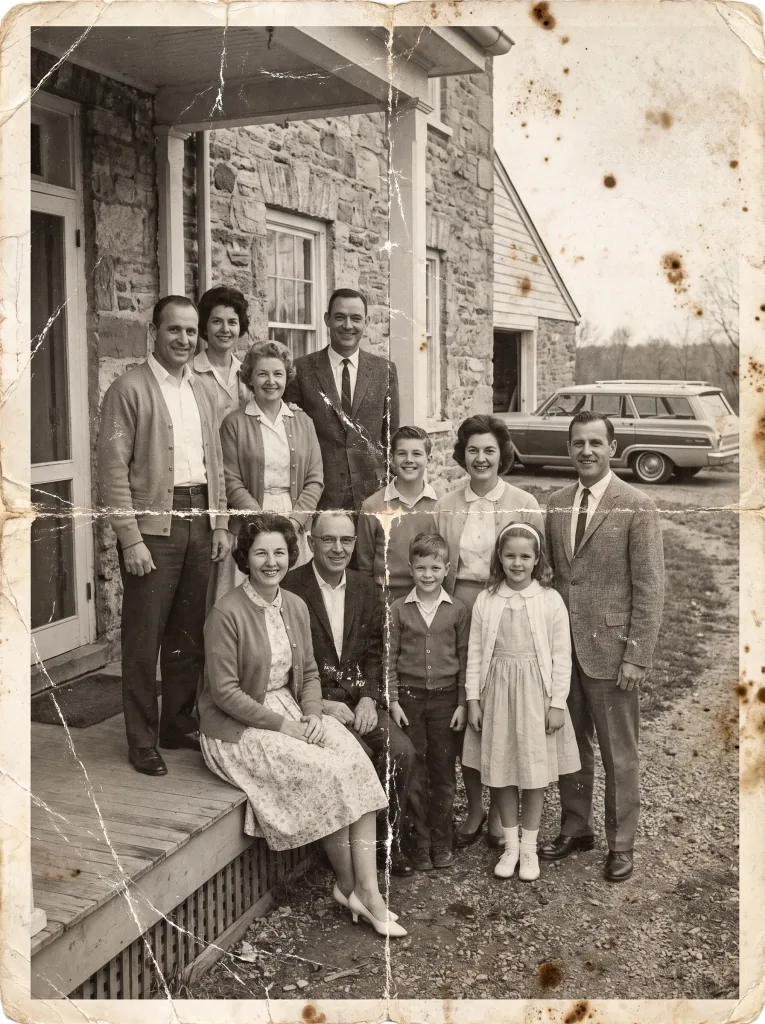 Before
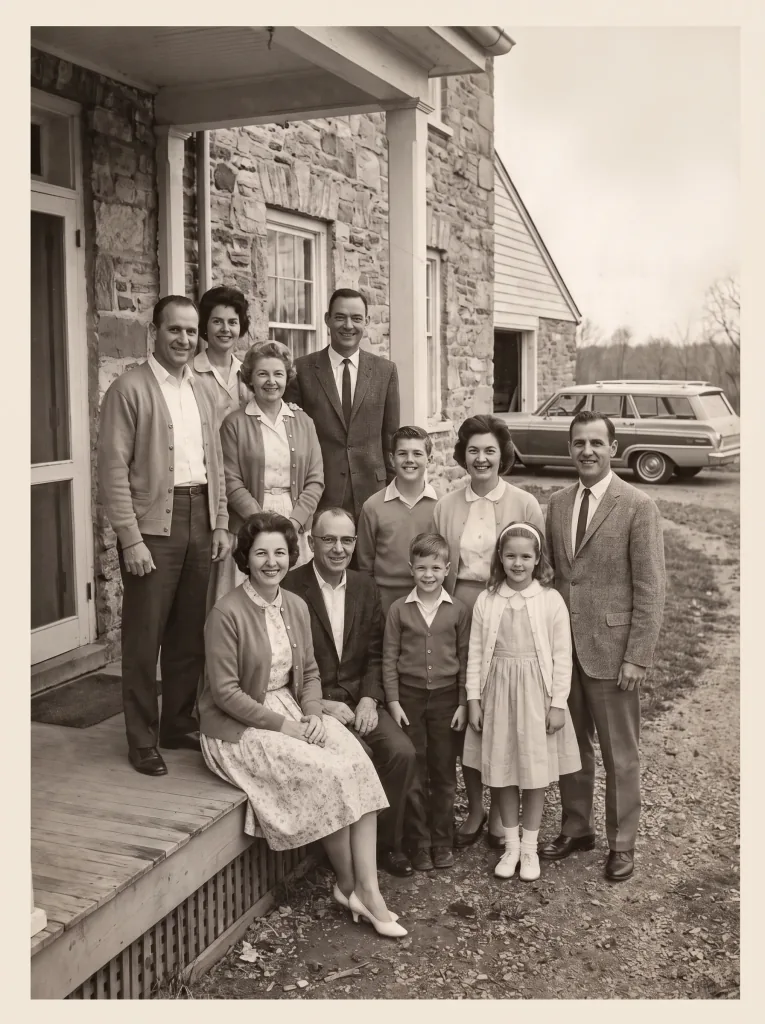 After
After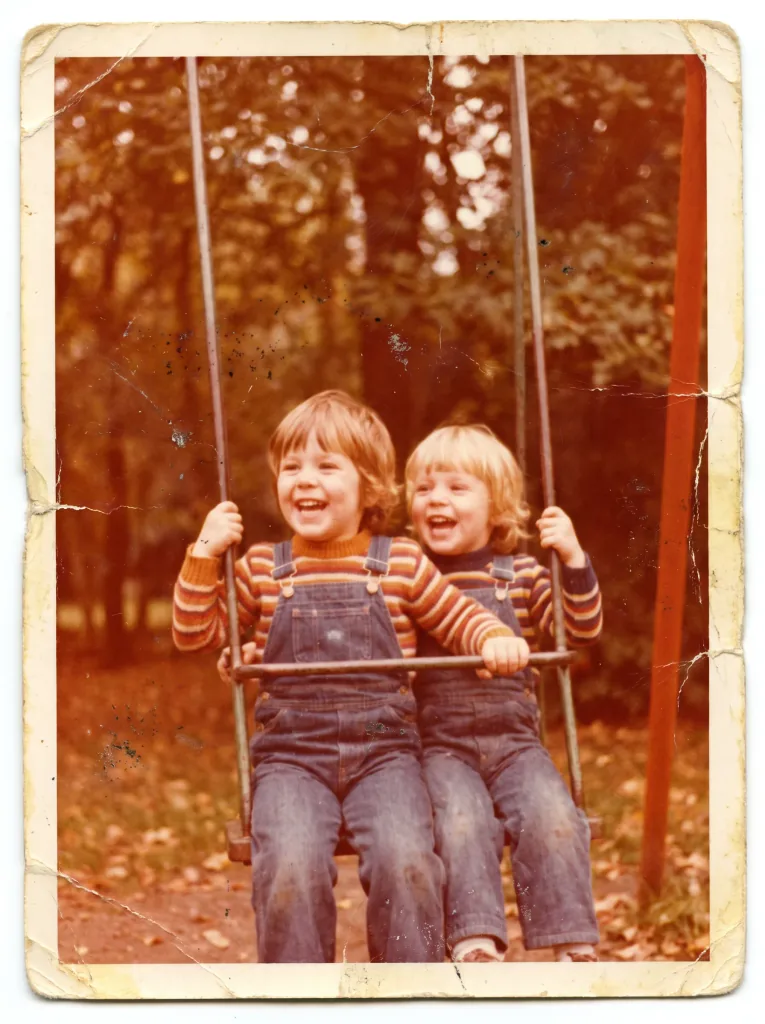 Before
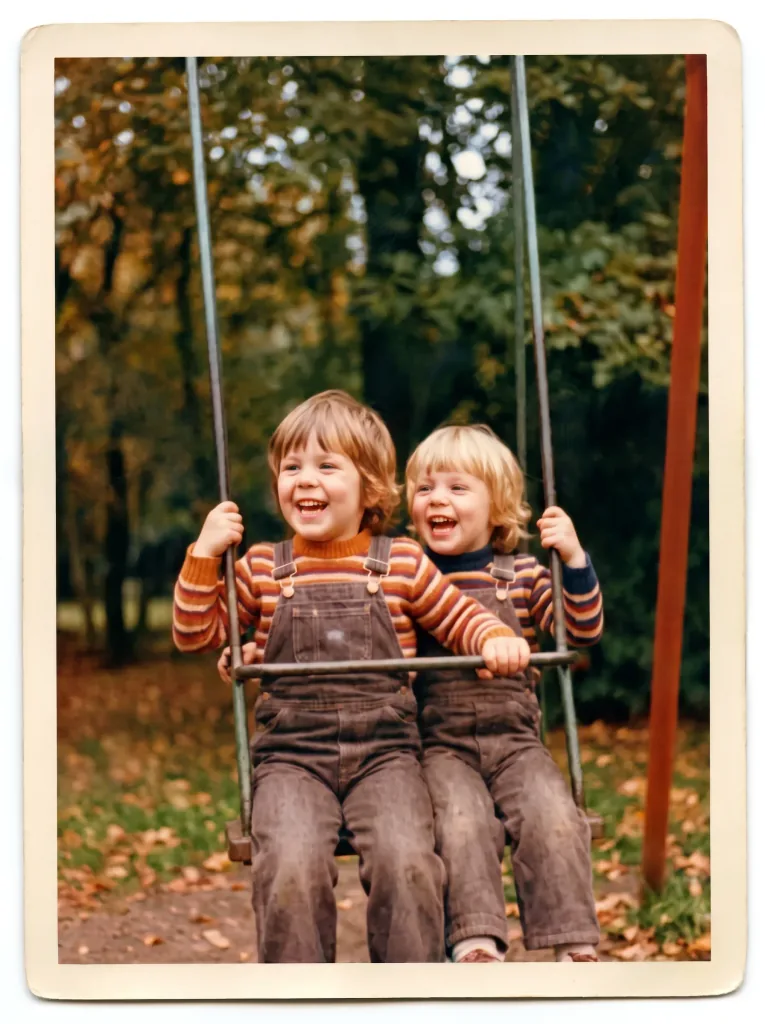 After
After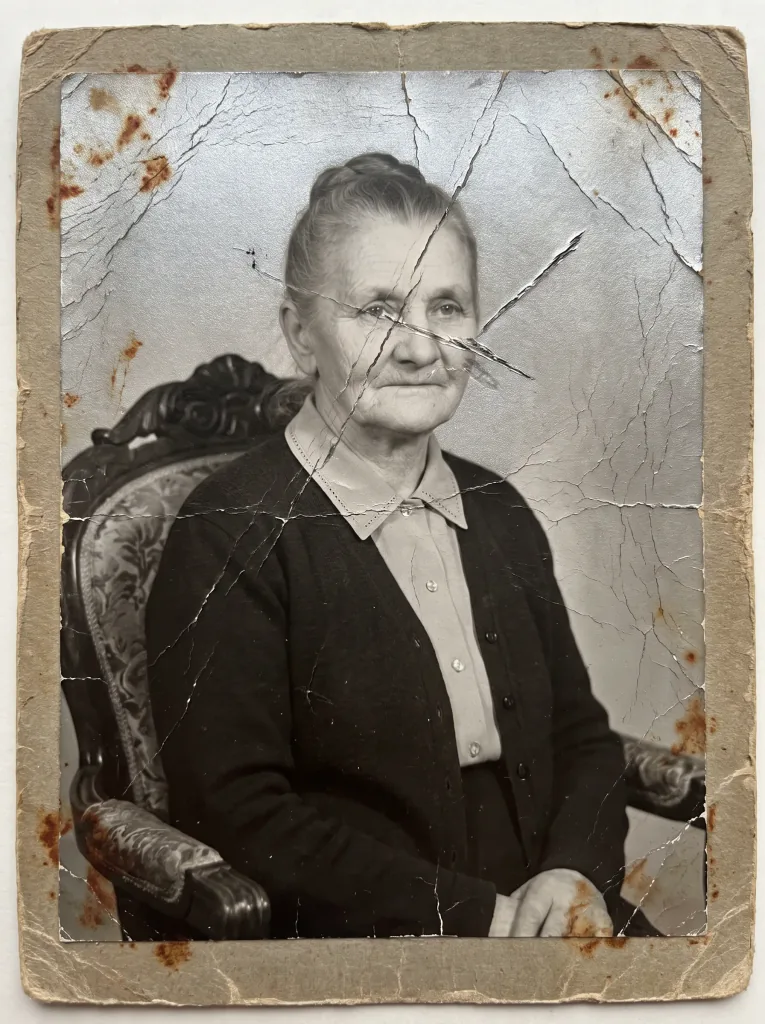 Before
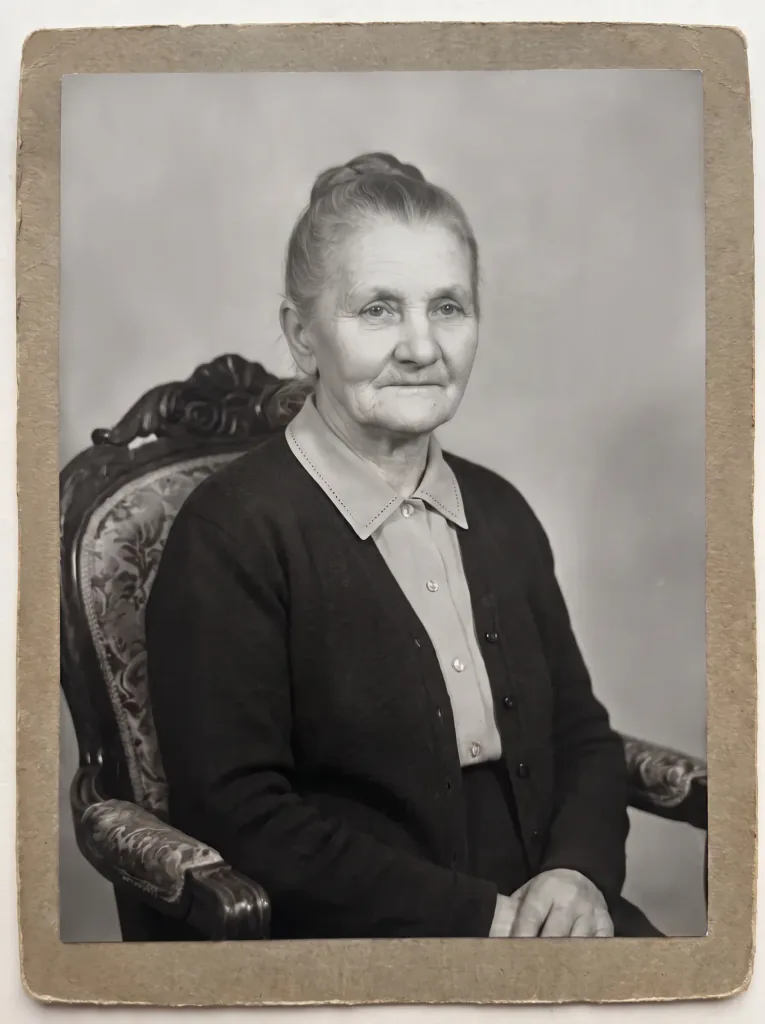 After
After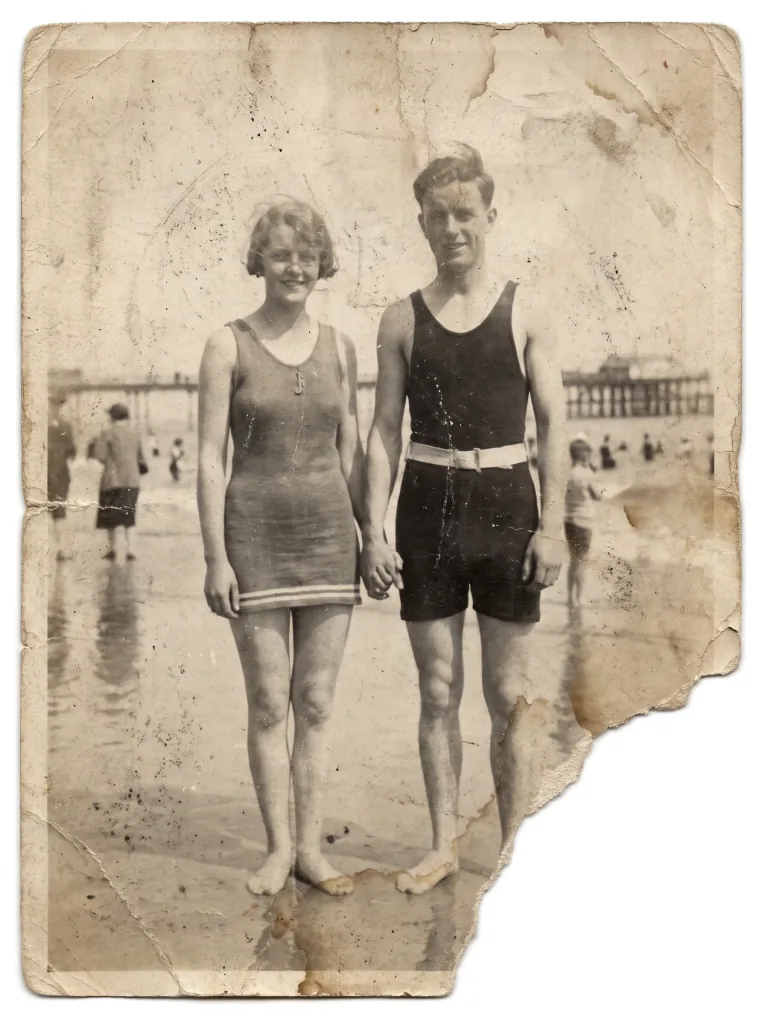 Before
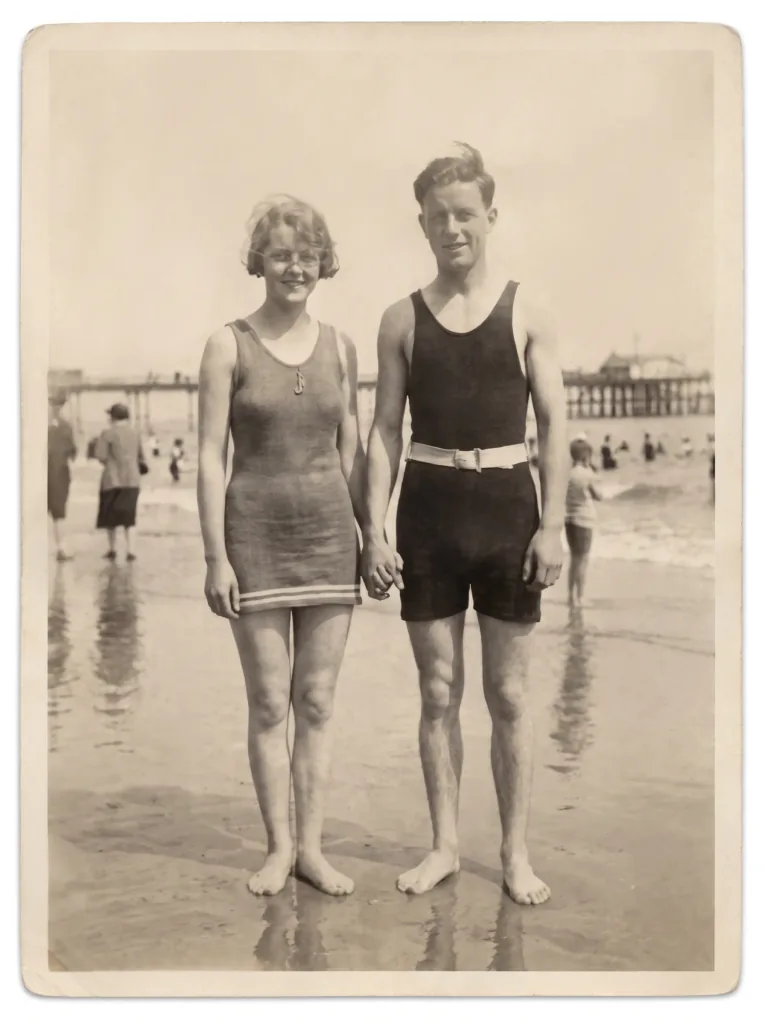 After
AfterFrequently asked questions
How does photo restoration work?
Your uploaded photo is analyzed by AI that recognizes the damage and rebuilds missing areas from millions of examples. The result is produced automatically in seconds.
Are my photos safe?
Yes. Photos are used only to produce your result and are not shared with anyone. See the Privacy Policy for details.
Which photos work best?
A clear scan or photo of the whole picture in good light works best. The more detail is visible, the better the result — but AI also handles heavily damaged prints.
Will the faces stay the same?
Yes. Restoration preserves the features and character of the people in the photo — the goal is to refresh, not to change how anyone looks.
Can I restore a photo more than once?
Yes. You can generate several versions of the same photo and pick the one you like most.
What quality is the download?
You download the restored photo in high resolution, ready to print and to share with family.
How much does it cost?
Cost depends on the model and resolution — from 1 credit per image. Credit packs and the subscription are available in the app, and you get free starter credits when you create an account.
Last updated:
Related tools
Your memories deserve a second life
Restore your first photo right now.