YouTube thumbnails that beg to be clicked
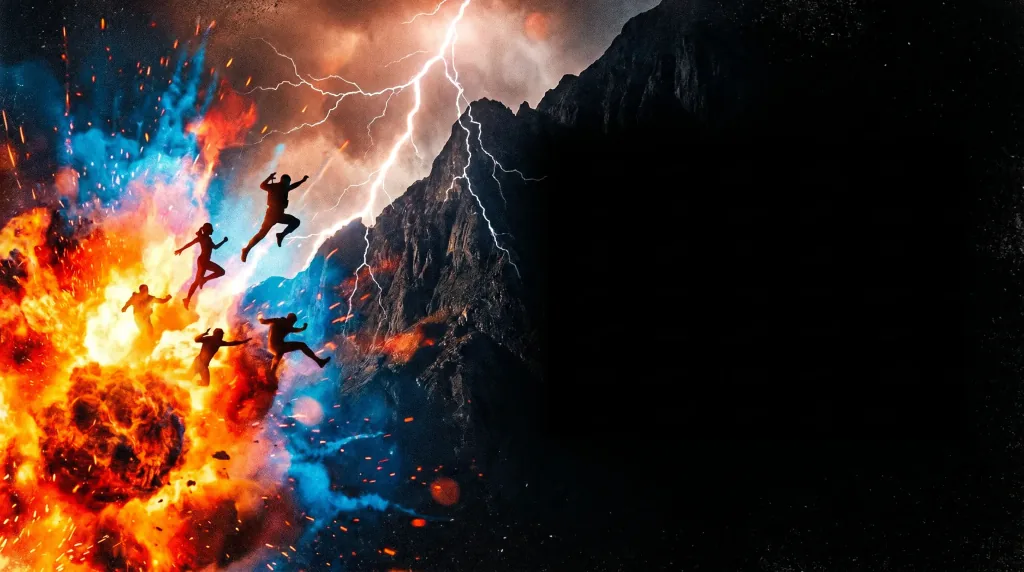
Describe your video topic and AI designs a bold thumbnail with room for big text. Strong colors and contrast that lift your click-through rate and views.
How it works
Three steps stand between a video topic and a finished thumbnail.
- 1
Describe the video topic
Say what the video is about and the emotion it should spark — surprise, curiosity, hype.
- 2
AI designs the thumbnail
AI builds a bold 16:9 frame with contrast and room for big text.
- 3
Download the result
Save the thumbnail in high resolution — ready to upload under your YouTube video.
What your videos need
High CTR
Strong contrast and vivid colors make the thumbnail stand out in the feed.
Room for text
The composition leaves a big, clean space for short, legible lettering.
16:9 format
The right ratio for YouTube, legible even in a small preview on a phone.
Emotion that tempts
Vivid, dynamic frames spark curiosity and invite the click.
Done in seconds
No designer and no software — the thumbnail appears right in your browser.
See the examples
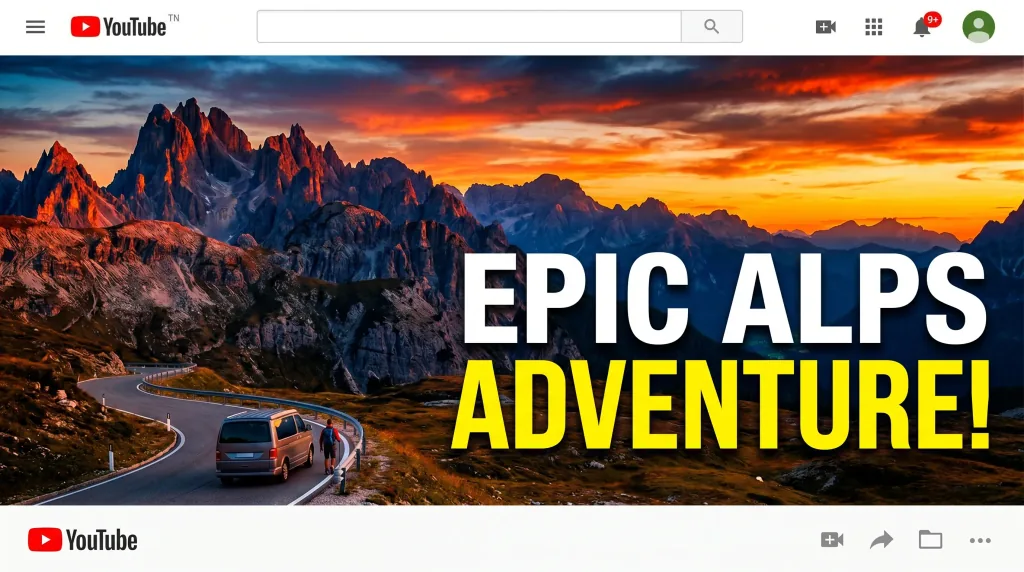
Thumbnails across topics — gaming, tech, vlog and more.





Frequently asked questions
How does making thumbnails work?
You describe the video topic and AI designs the thumbnail — choosing a bold frame, colors and contrast and leaving room for text. The result is produced in seconds.
Can I use the thumbnails on my channel?
Yes. You can use the generated thumbnails commercially on your YouTube channel and elsewhere.
Can I add my own title?
The composition leaves clean space for big lettering. You can add the text in a free editor, or ask AI for a thumbnail with a specific headline.
What should I type for a clickable thumbnail?
Give the topic, the main emotion and optionally the colors. The stronger and more specific the message, the more eye-catching the thumbnail.
Can I make several versions?
Yes. You can generate many variants of one thumbnail and test which gets a better CTR.
What resolution and format do I download?
You download the thumbnail in high resolution as PNG or JPG, in the 16:9 ratio YouTube recommends.
How much does it cost?
Cost depends on the model and resolution — from 1 credit per image. Credit packs and the subscription are available in the app, and you get free starter credits when you create an account.
Last updated:
Related tools
Give your videos thumbnails that pull clicks
Create your first thumbnail right now.