Replace a photo background in seconds
A dull wall becomes a park, a studio or anywhere you like. AI keeps the lighting natural and consistent so the photo looks real.
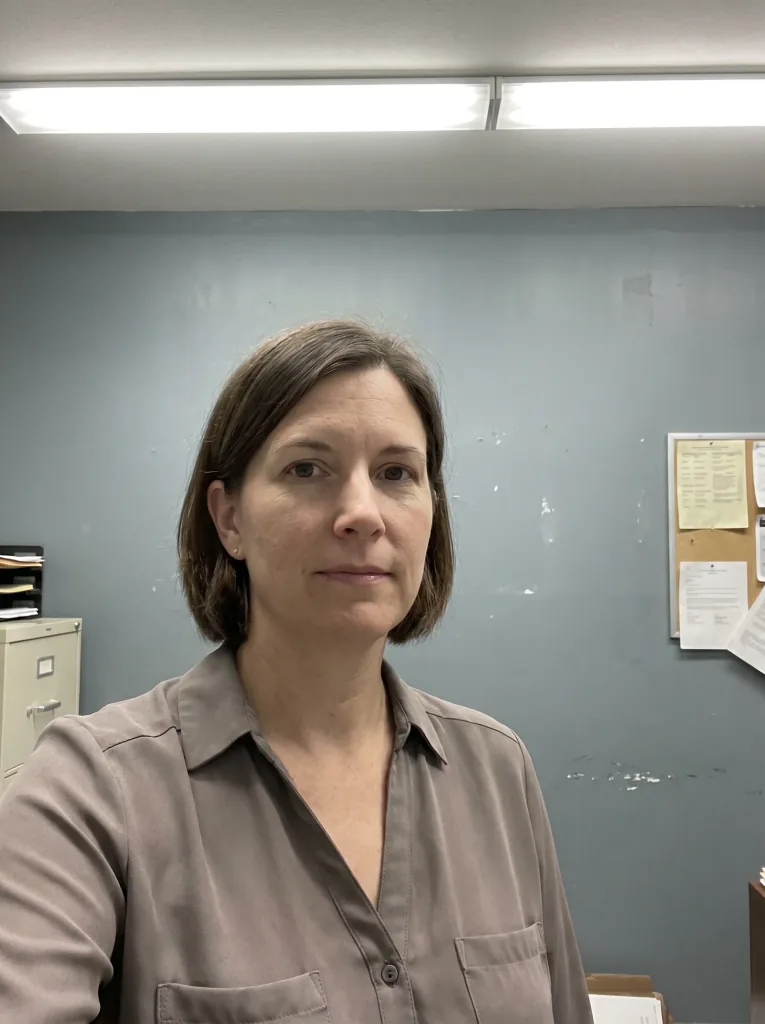 Before
 After
AfterHow it works
Three steps to a new background.
- 1
Upload the photo
Send a photo with the background you want changed.
- 2
Describe the new background
Type the setting you want to appear.
- 3
Download the result
Save the photo with its new, realistic background.
A new setting, the same shot
Any setting
Park, studio, city or beach — just describe it.
Consistent light
AI matches the lighting to the new background.
Natural subject
The person or product is kept without artificial edges.
Instant result
The result appears in seconds in your browser.
Before and after
See background replacement on real examples.
 Before
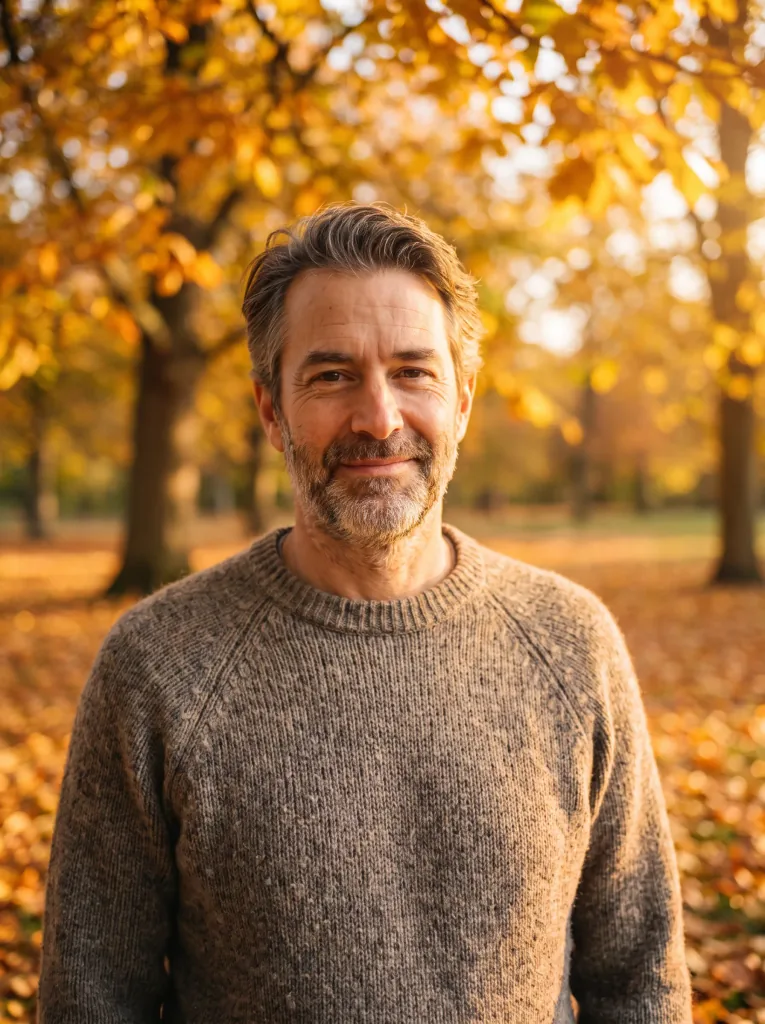 After
After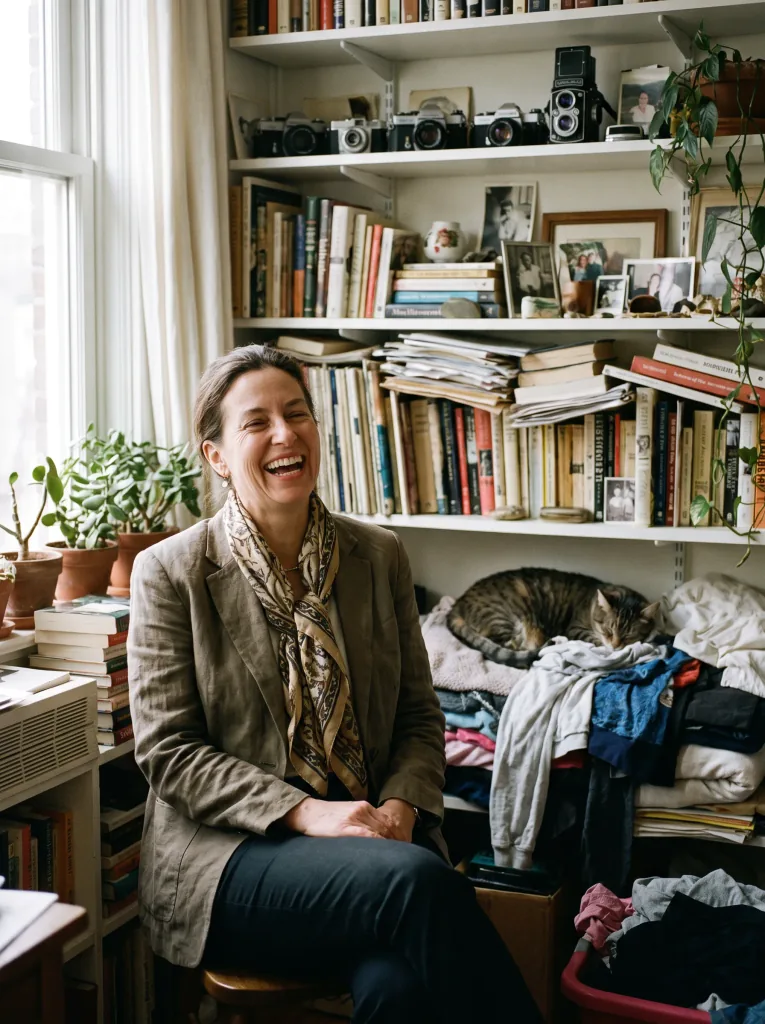 Before
 After
After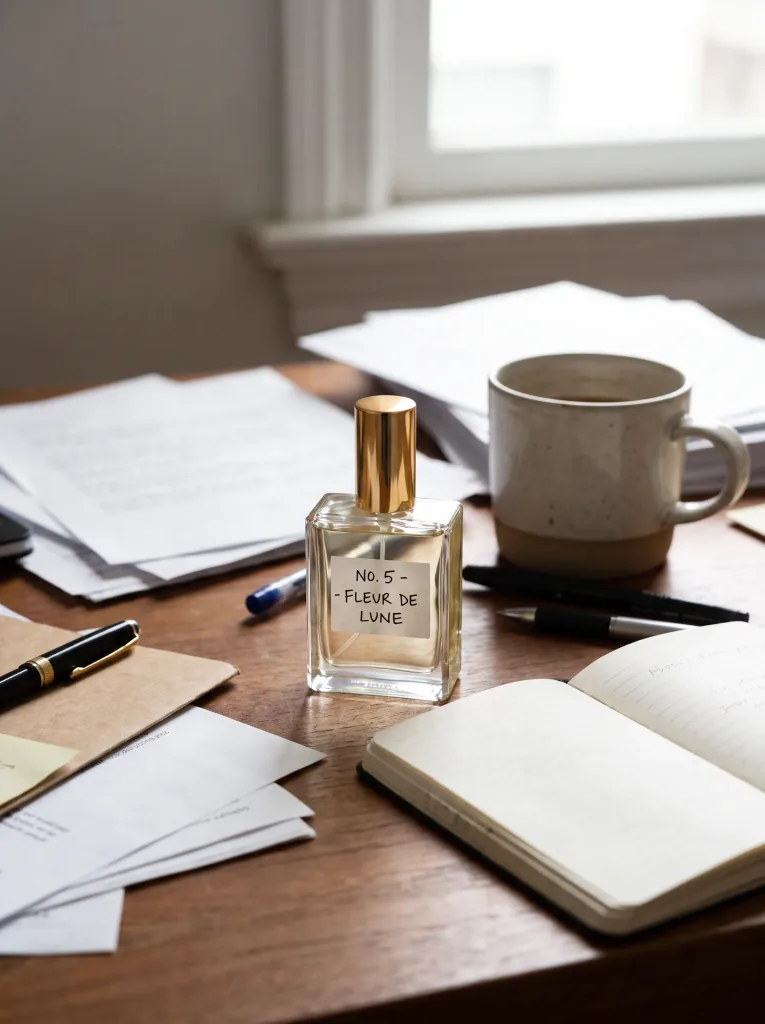 Before
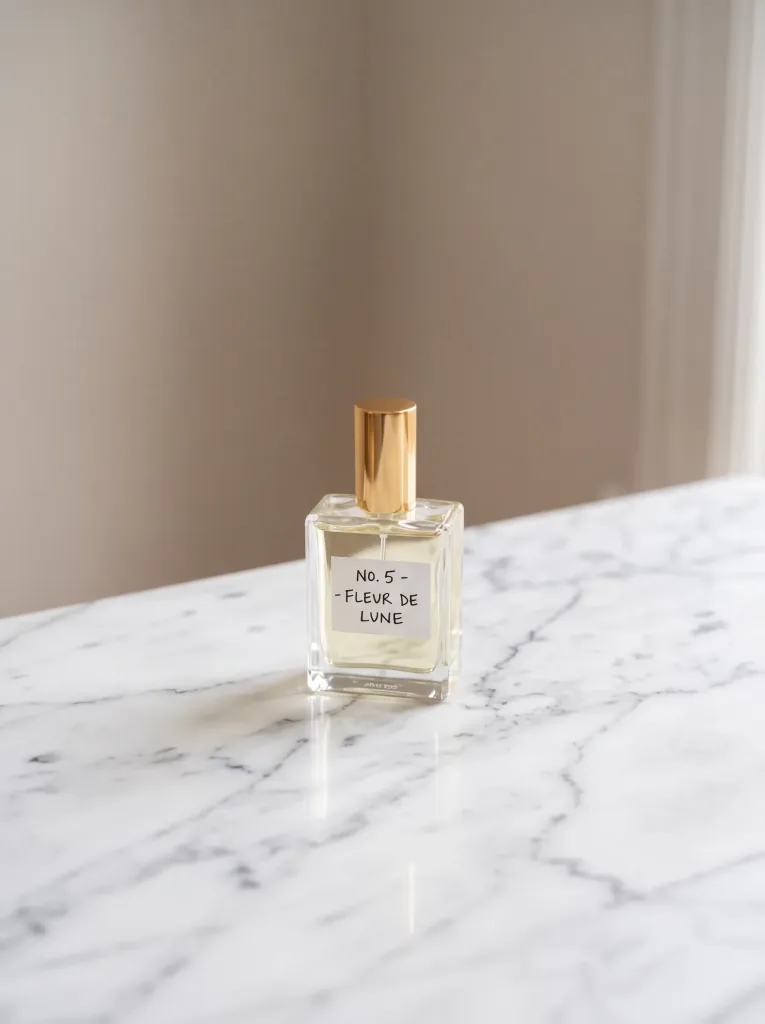 After
After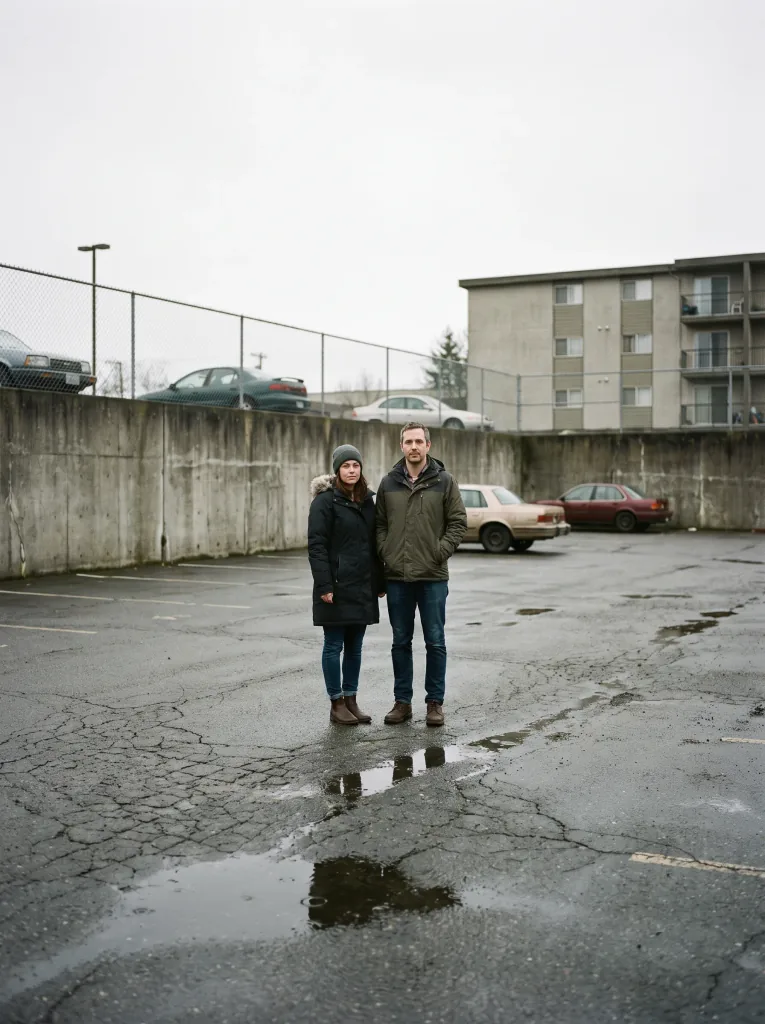 Before
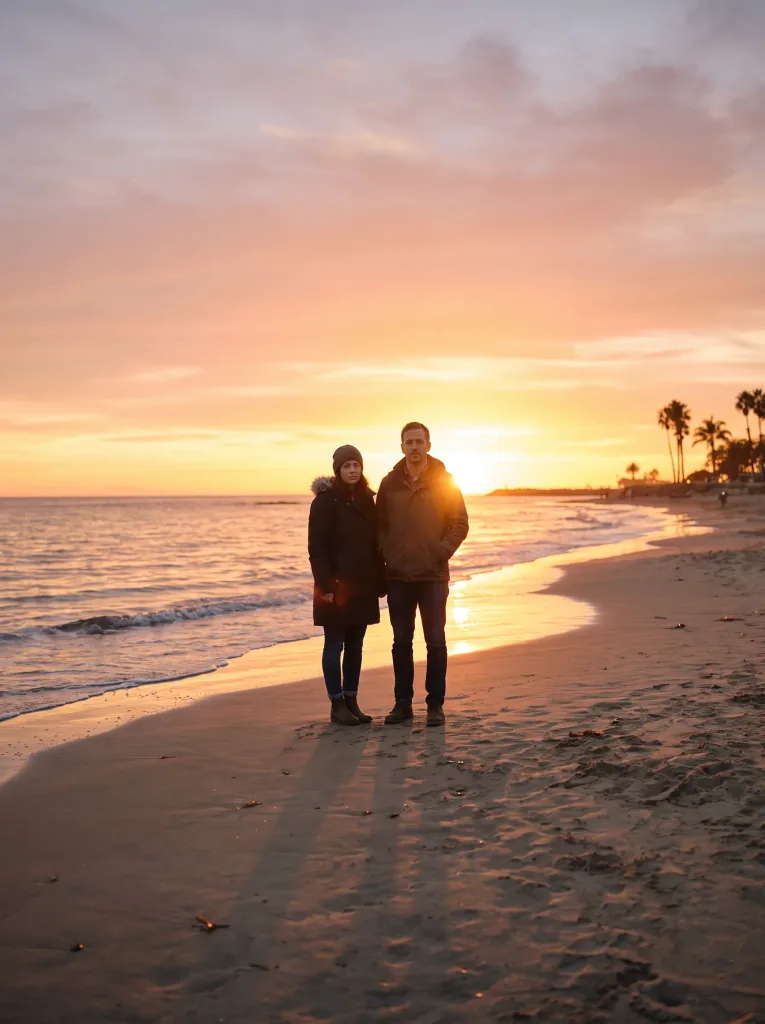 After
After Before
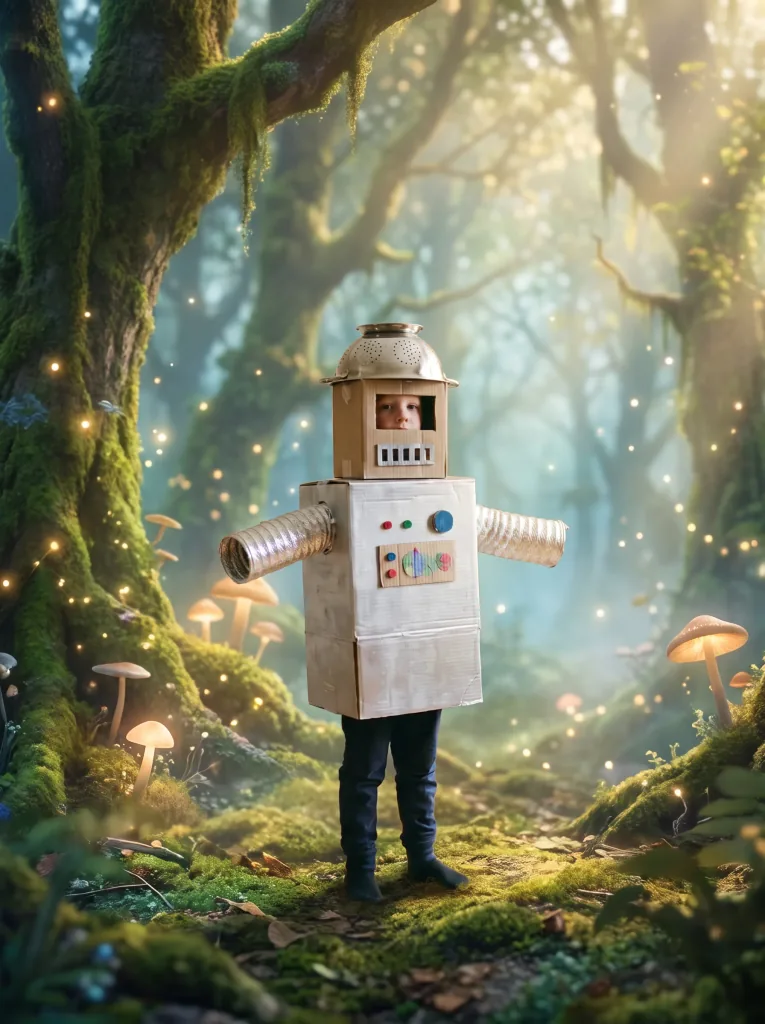 After
After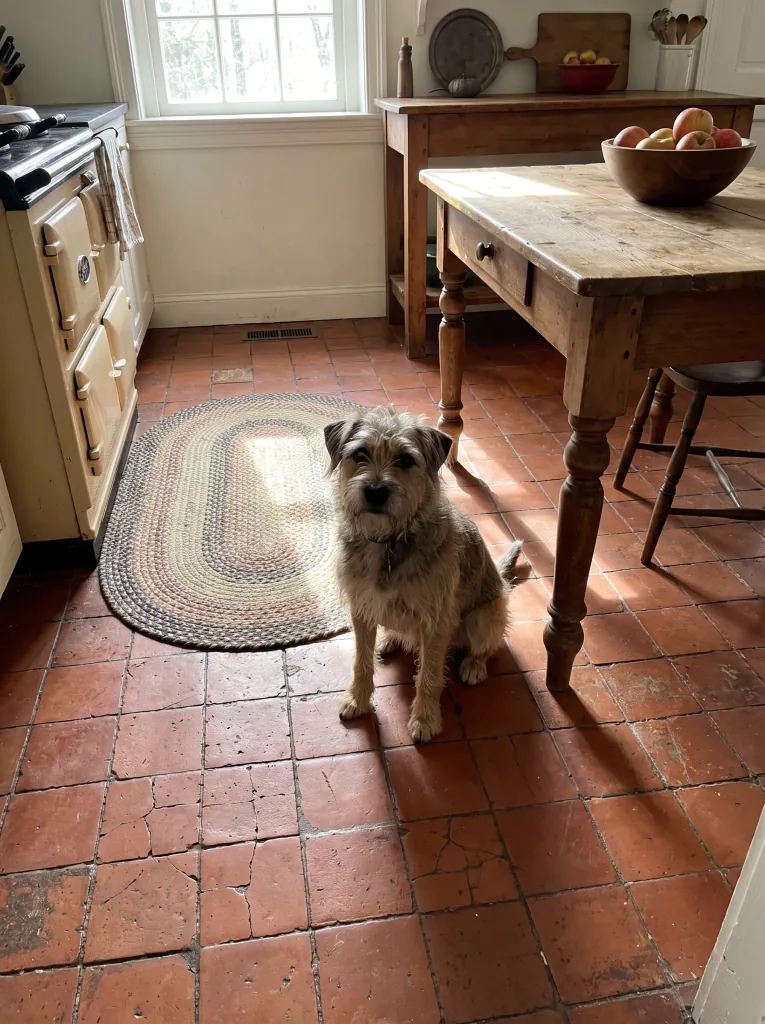 Before
 After
AfterFrequently asked questions
How do I describe the new background?
After uploading, you type the setting you want — for example a park at sunset or a white studio.
Will the subject look natural?
AI matches lighting and edges so the person or product blends into the new background without an artificial look.
Are my photos safe?
Yes. They're used only to produce your result and are not shared. See the Privacy Policy.
Which photos work best?
A clear subject in the foreground gives the best result.
Can I redo it?
Yes. Generate several versions with different backgrounds and pick the best.
How much does it cost?
Cost depends on the model and resolution — from 1 credit per image. Credit packs and the subscription are available in the app, and you get free starter credits when you create an account.
Last updated:
Related tools
New background, same you
Replace your first background right now.