What would you look like in the 80s?
Upload one selfie and AI turns it into a portrait that looks like a scanned 1986 print: fluorescent tubes in the frame, film grain, period hair and clothes. Your face stays yours.
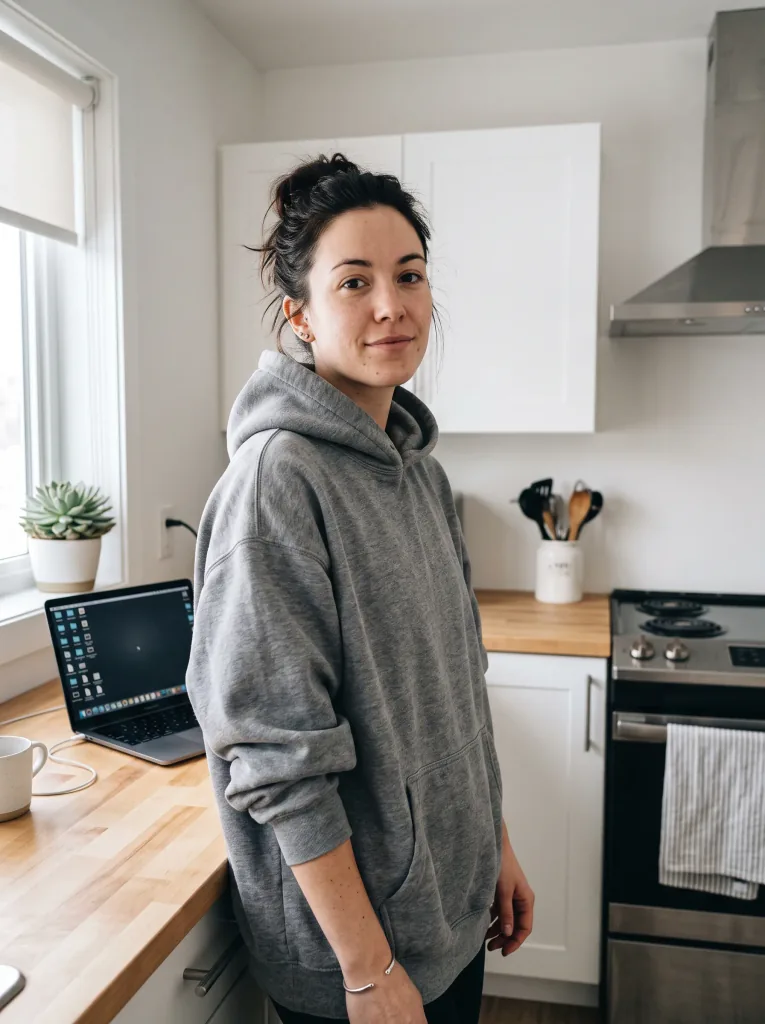 Today
Today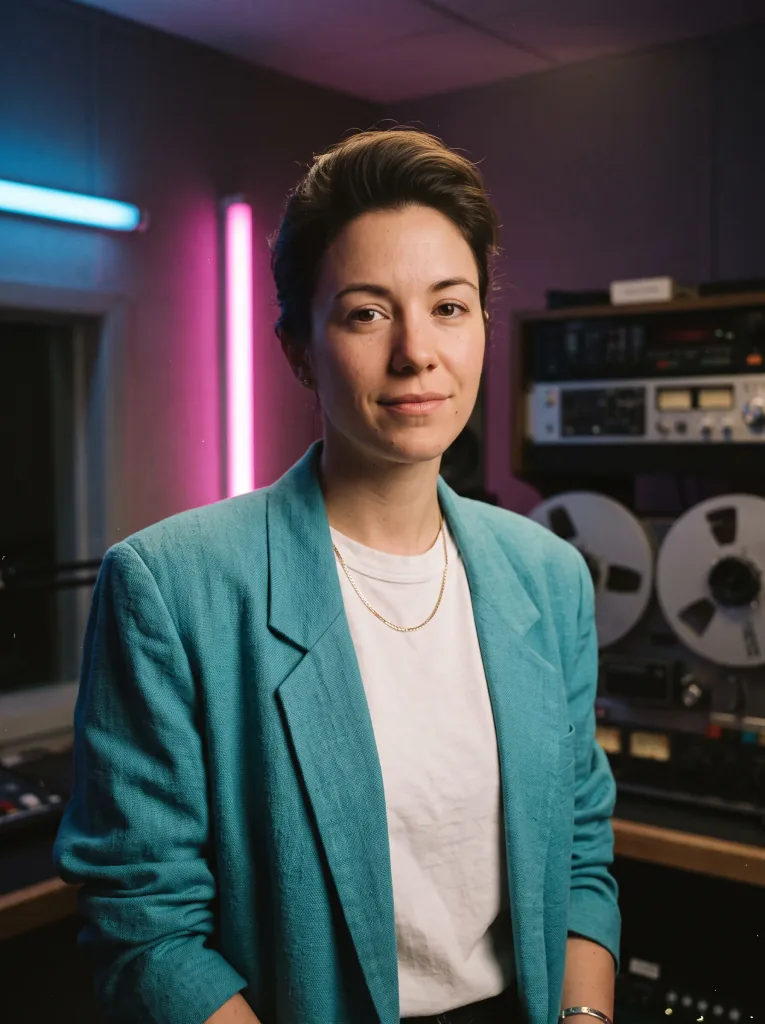 The 80s
How it works
Three steps from a selfie to an 80s photo.
- 1
Upload a selfie
One clear photo of your face from your phone is enough. No style reference photo and no description of the era needed.
- 2
Pick a look
Radio studio, 1988 glamour, roller rink or black and white. The prompt is already filled in, and one sentence changes it.
- 3
Download the photo
Save the photo in high quality and post it to Instagram or send it to your family.
The 80s, not cyberpunk
Period light
The color comes from a fluorescent tube behind the shoulder and warm tungsten light on the face, not LED strips and purple fog. That is what the light looked like in photos from those years.
Grain like real film
Visible grain, slightly imperfect exposure and skin with pores. The look of a scanned slide, not a filter.
Your face stays yours
AI changes the hair, clothes, background and light but keeps your features. It is still you, just in 1986.
Ready-made looks
Radio studio, 1988 glamour, roller rink, cassette shop, home snapshot or black and white. Click an example and the prompt fills itself in.
Done in seconds
No long prompt to write and no app to install. The photo appears in your browser.
Today and in the 80s
Sample photos and their period versions. Drag the slider, then click “Use” to make that look from your own photo.
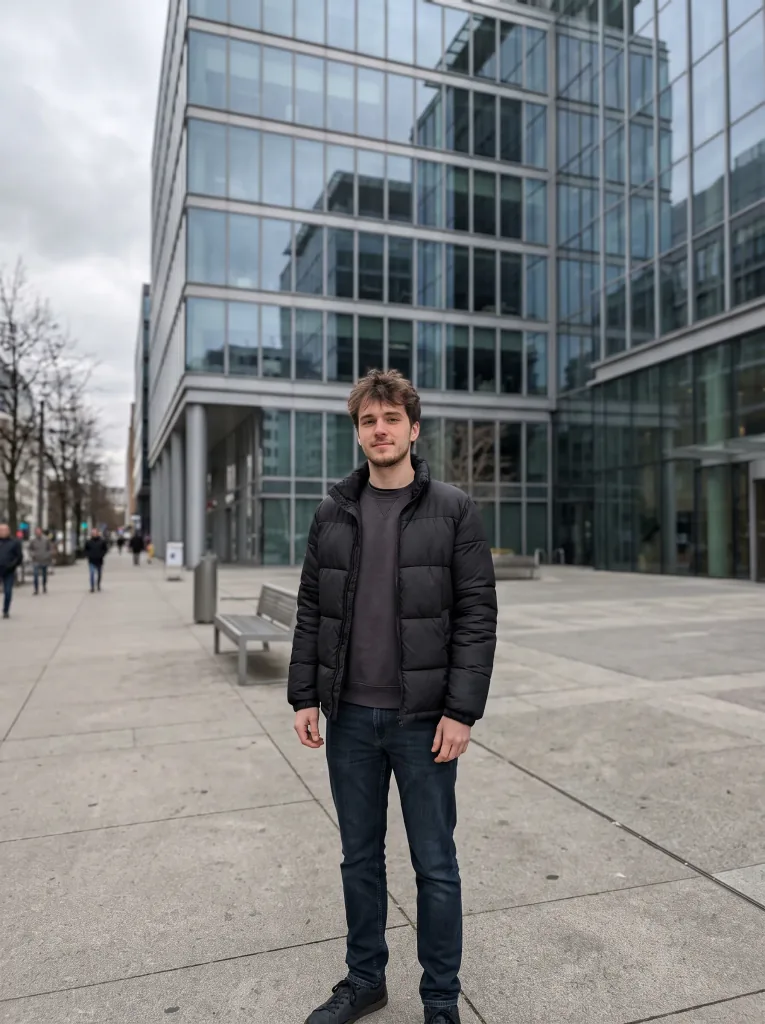 Today
Today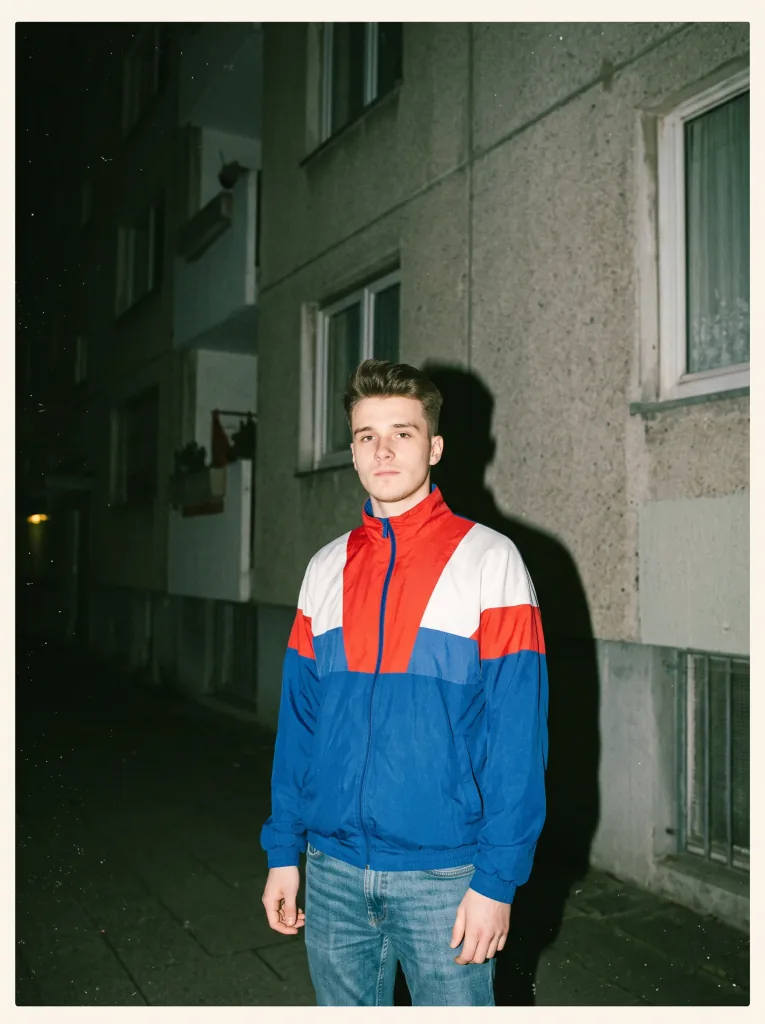 The 80s
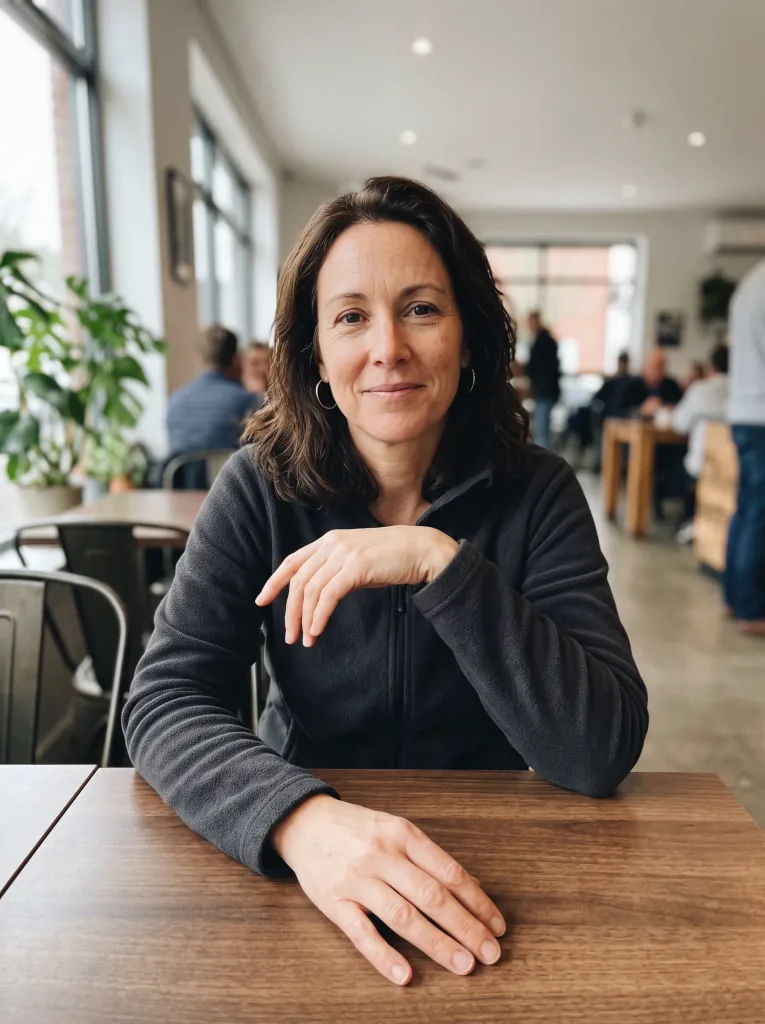 Today
Today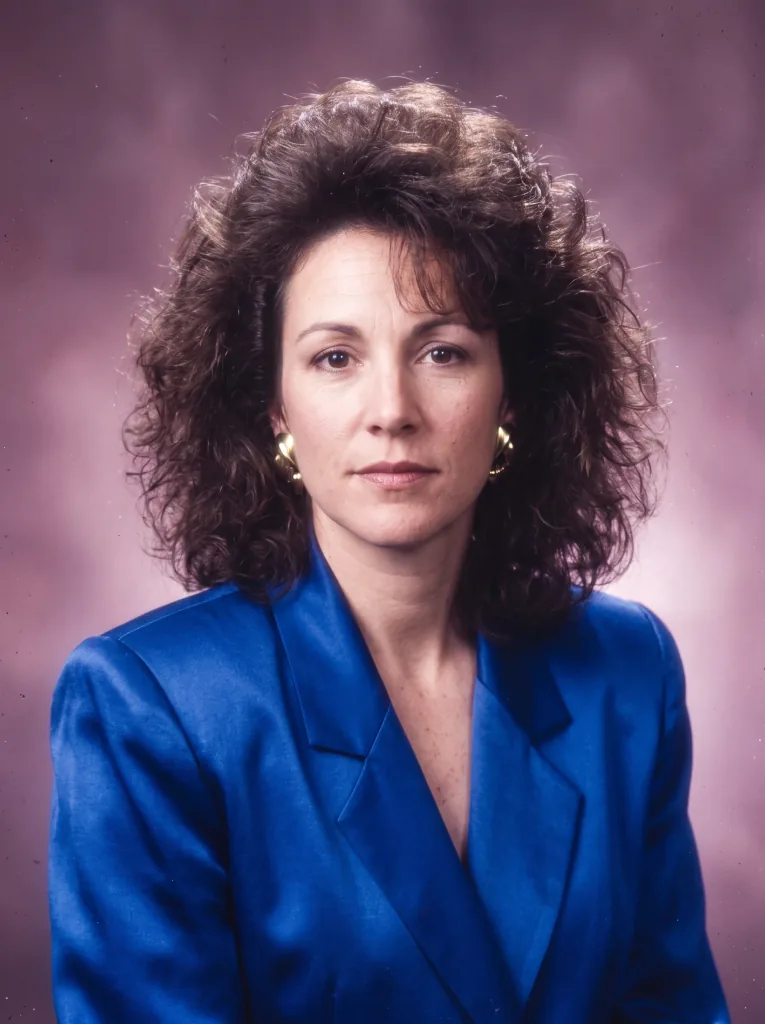 The 80s
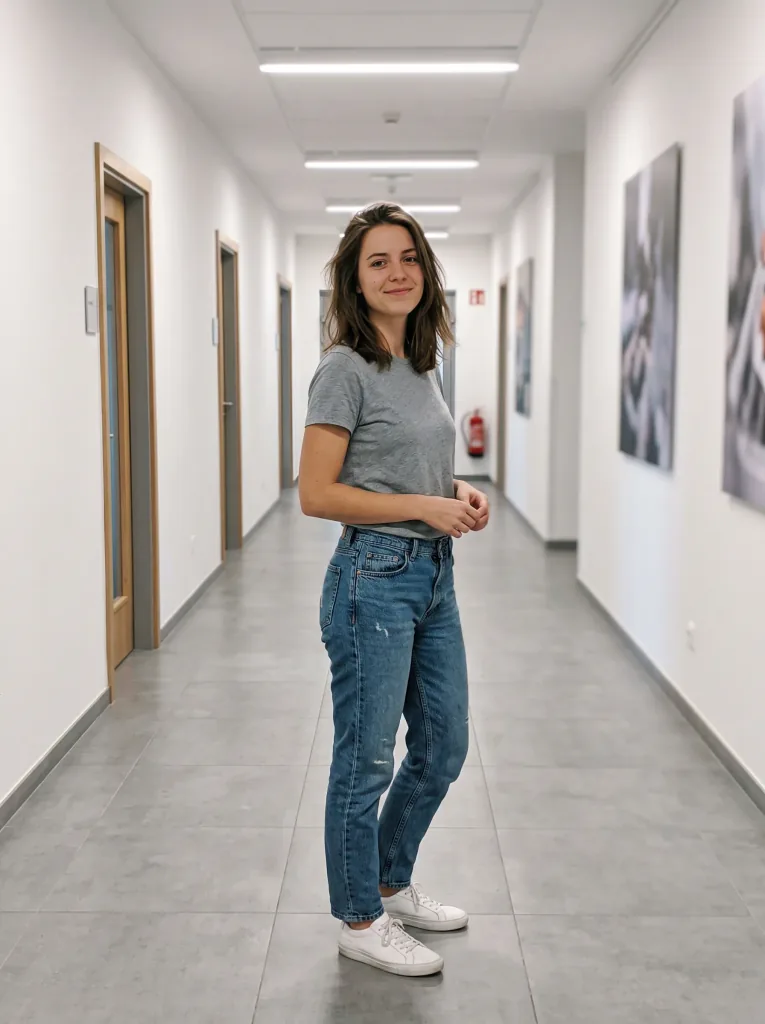 Today
Today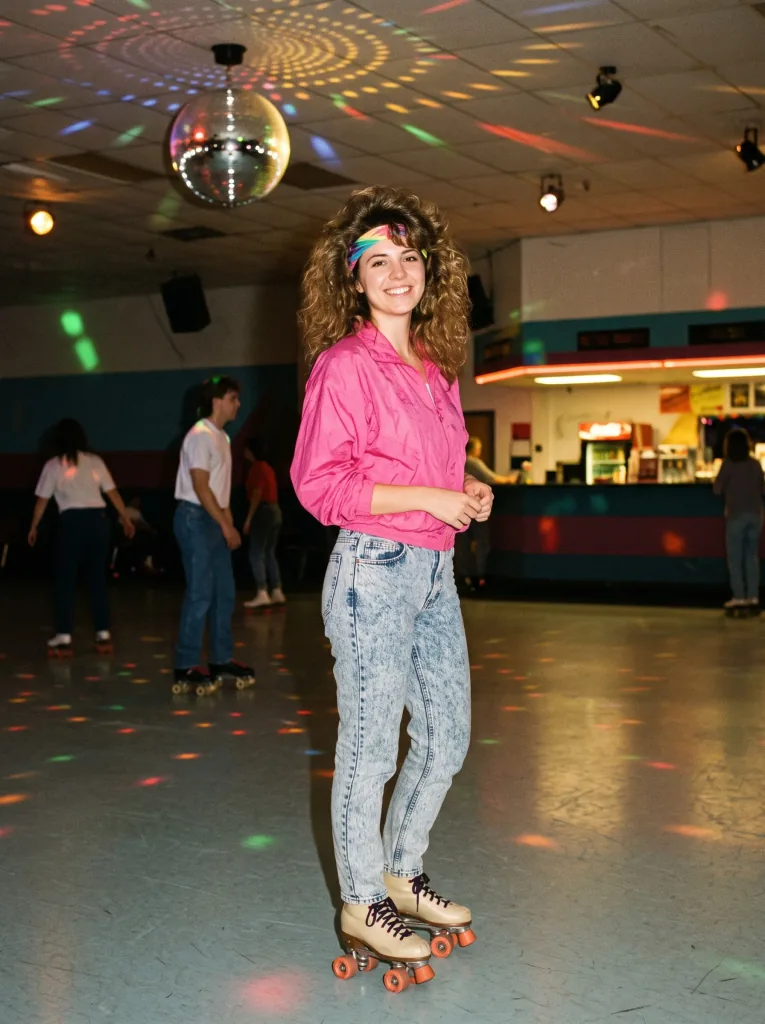 The 80s
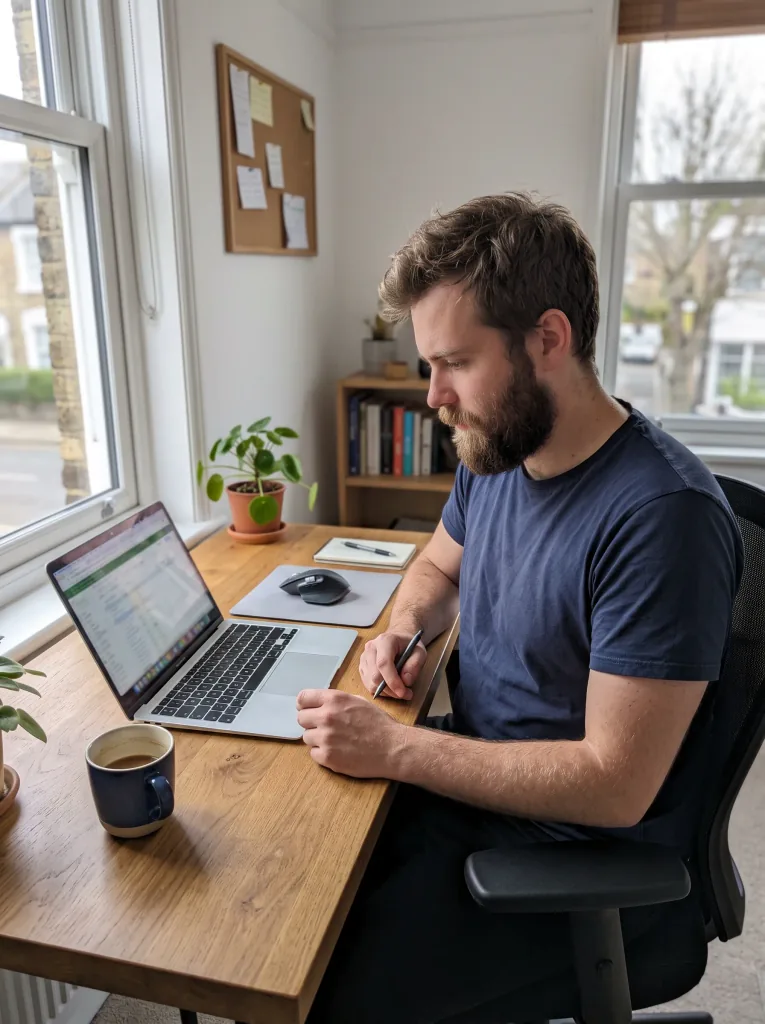 Today
Today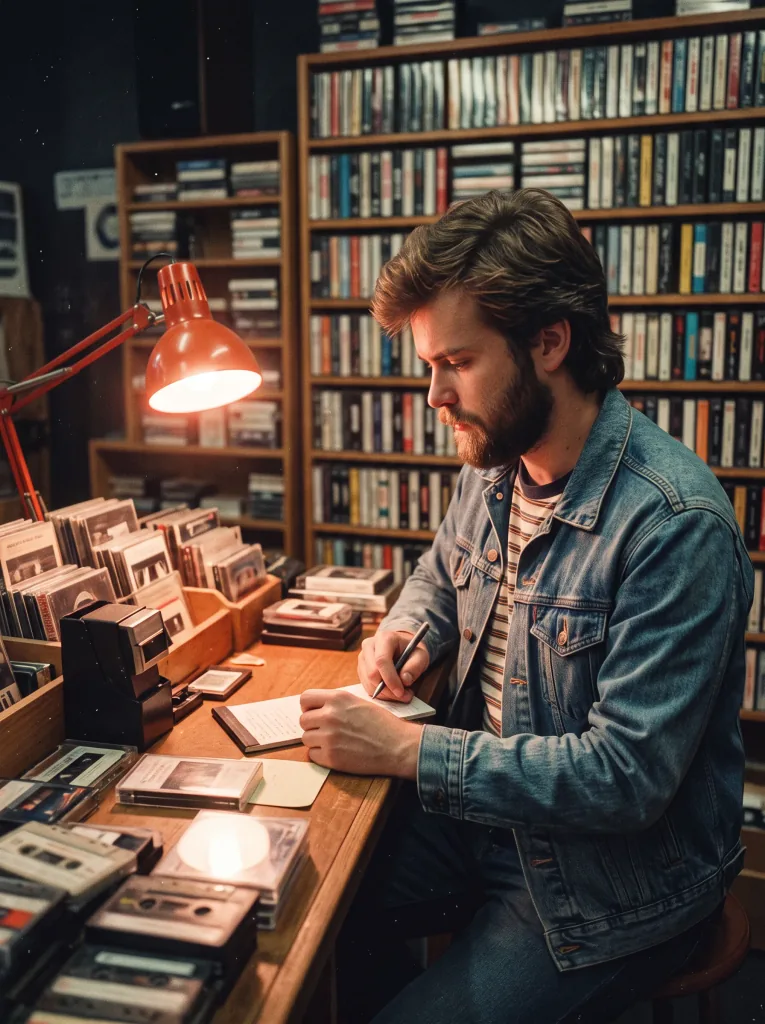 The 80s
 Today
Today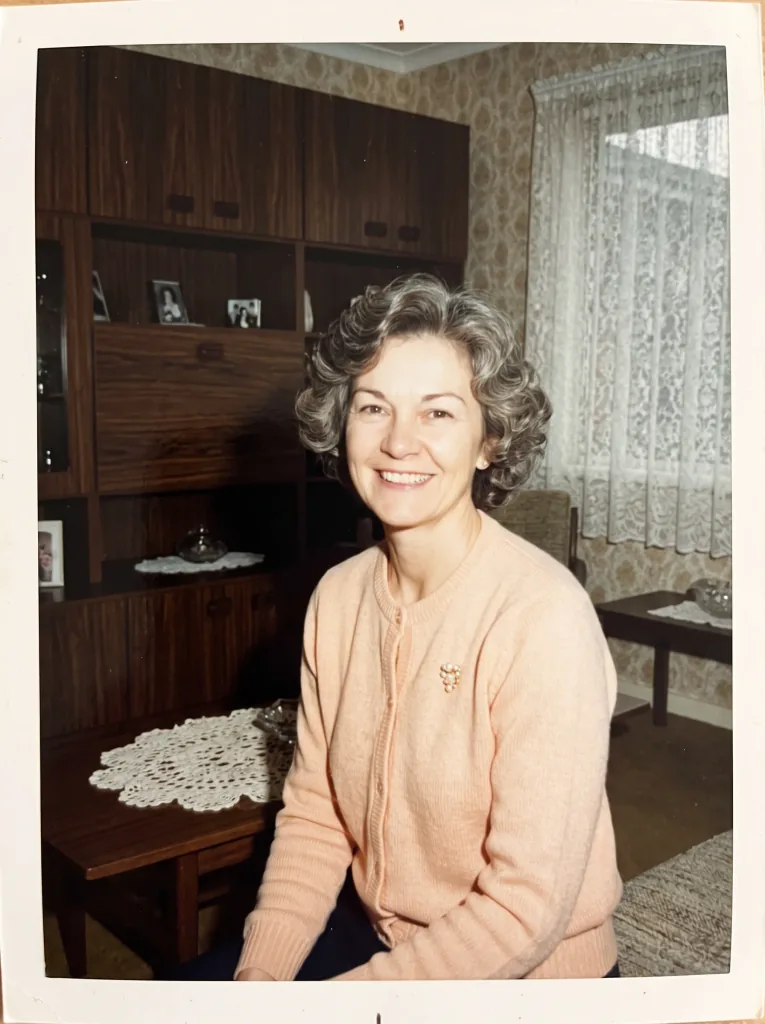 The 80s
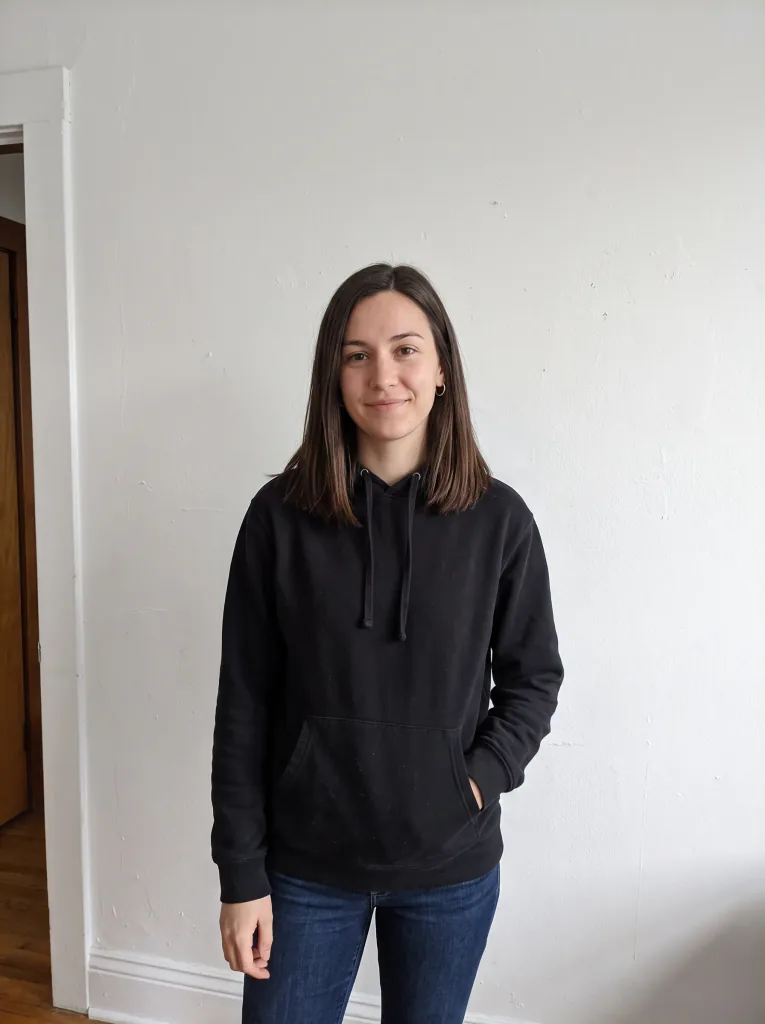 Today
Today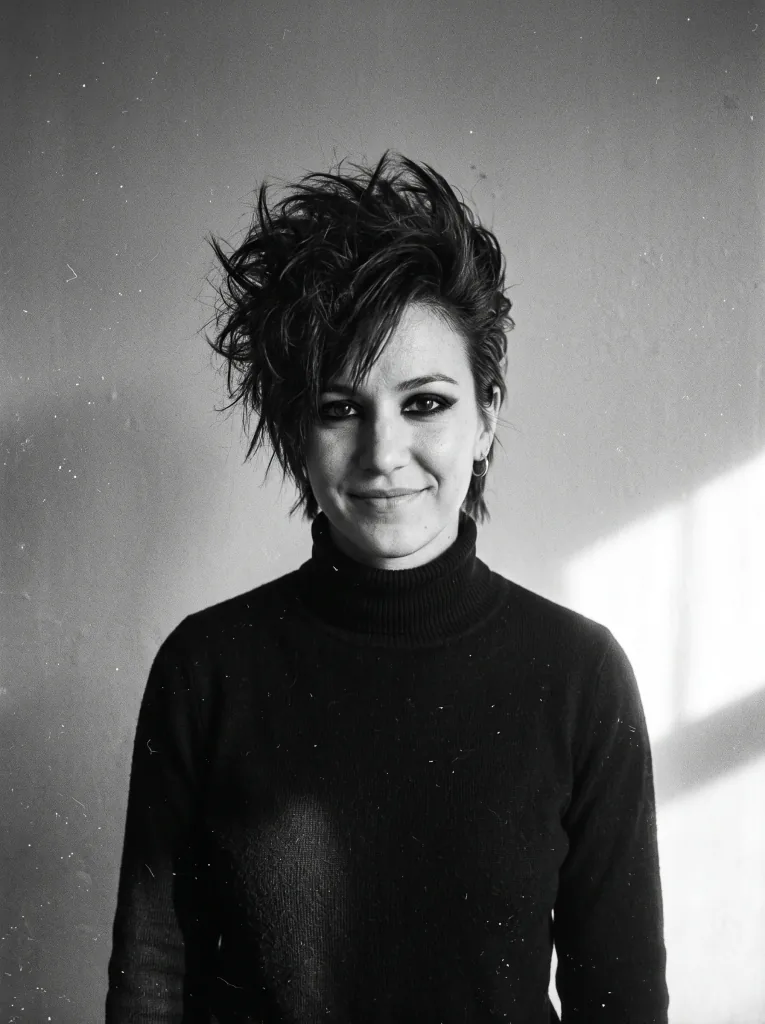 The 80s
Frequently asked questions
Why do “80s style” photos so often come out looking like cyberpunk?
Because generators read the word “neon” as LED strips, fog and gradients from films about the future. Our prompt describes the actual lamps in the frame: a fluorescent tube behind the shoulder, warm tungsten light on the face or a compact camera's flash, and takes its colors from a named film stock, not from post-production.
Do I need to upload several photos?
No. One clear photo of your face is enough. A style reference photo is not needed, because the ready-made prompt describes the era.
Will the face be mine?
The prompt tells the model to keep your features, build and distinctive traits and change only the hair, clothes, background and light. Period hair changes the first impression, so upload a clear front-facing photo and generate a second version if needed.
Can I change the year, the clothes or the place?
Yes. Edit the ready-made prompt before generating: type a different year (1984 looks different from 1989), add a moustache, a denim jacket or an arcade. One detail is usually enough to change the whole mood.
Does it work the same for men and women?
Yes, the prompt is the same. Only the clothing and hair details differ, and you can add them: a moustache, a tracksuit and a plaid shirt, or teased hair and big earrings.
Is this an 80s filter?
No. A filter lays an overlay on an existing photo. Here AI generates a new photo based on yours, following a description of the era, so the hair, clothes and background change too.
Are my photos safe?
Yes. Your uploaded photo is used only to generate your portrait and is never shared with anyone. See the Privacy Policy for details.
How much does it cost?
Cost depends on the model and resolution — from 1 credit per image. Credit packs and the subscription are available in the app, and you get free starter credits when you create an account.
Last updated:
Related tools
See yourself in a 1986 print
One selfie, a few seconds, zero cyberpunk.