Natural portrait retouching
Blemishes, shine and under-eye circles fade while skin keeps its natural texture. You look like you — just in better light.
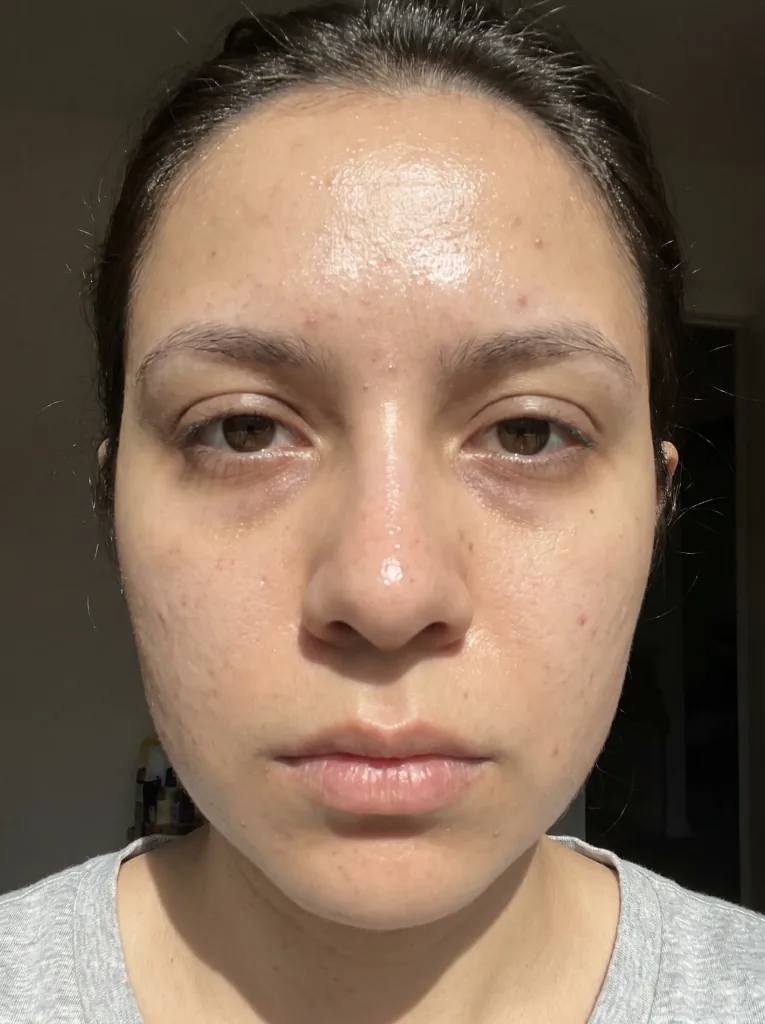 Before
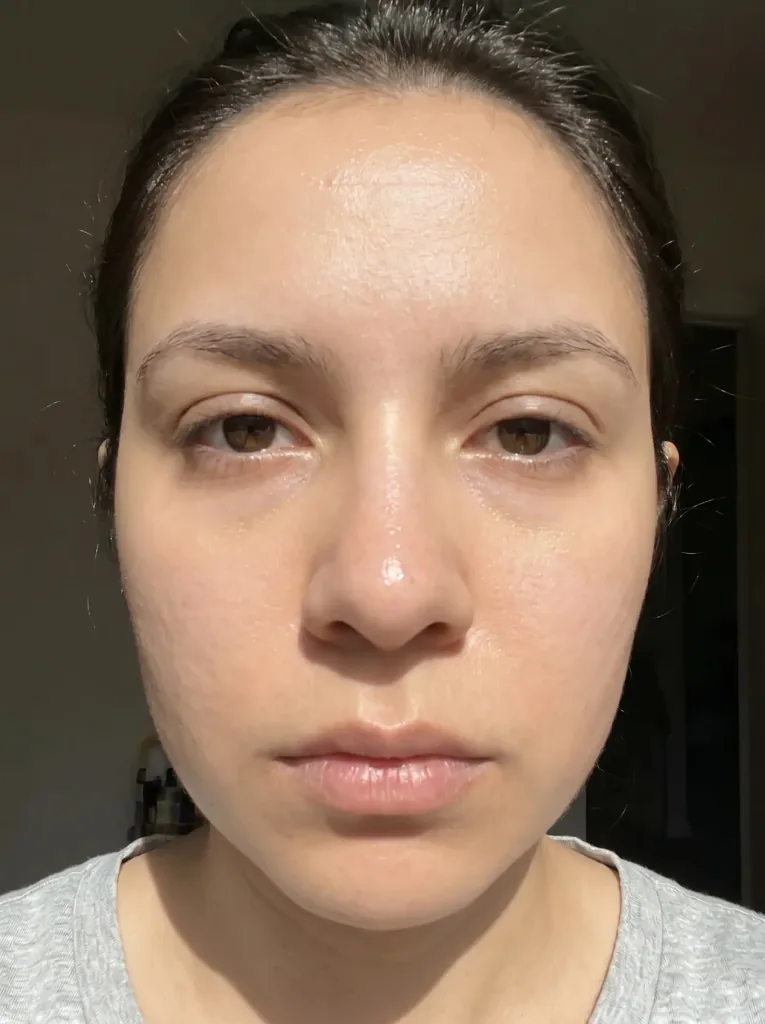 After
AfterHow it works
Three steps to a polished portrait.
- 1
Upload the photo
Send a portrait or a selfie.
- 2
AI retouches it
AI evens out skin and reduces blemishes.
- 3
Download the result
Save the naturally refreshed portrait in high quality.
Polished, yet still natural
Smoother skin
Blemishes fade while skin texture stays natural.
Fewer shadows
Under-eye circles and shine are gently reduced.
Still you
Retouching doesn't change your features or character.
Instant result
The result appears in seconds in your browser.
Before and after
See the retouching on real examples.
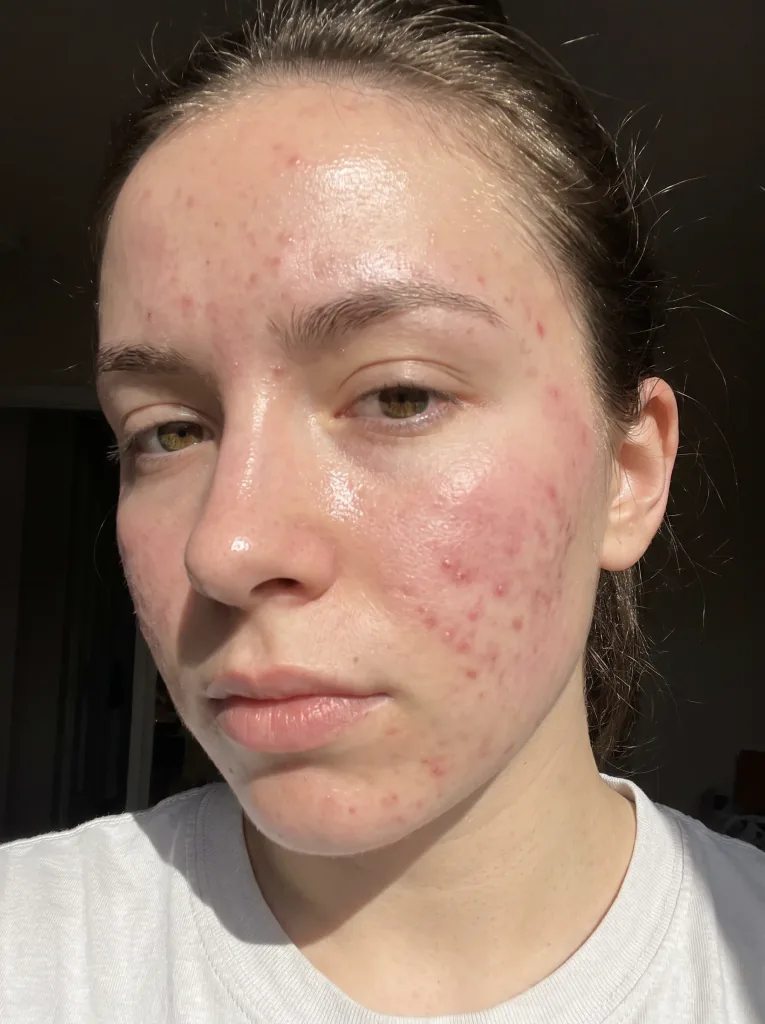 Before
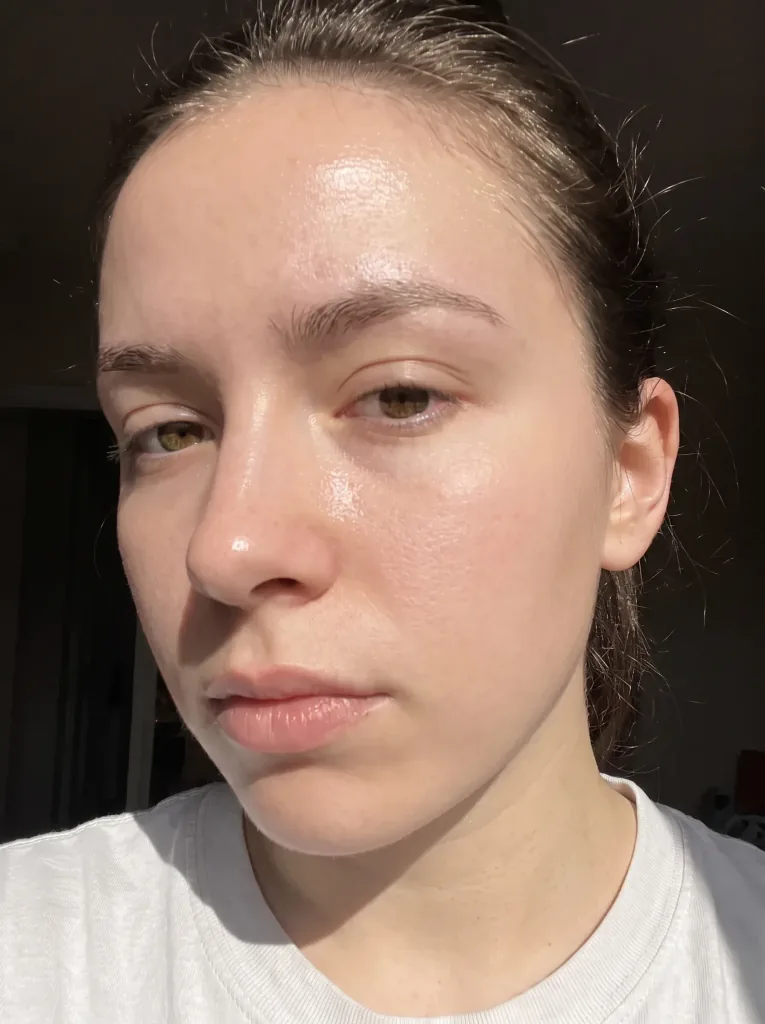 After
After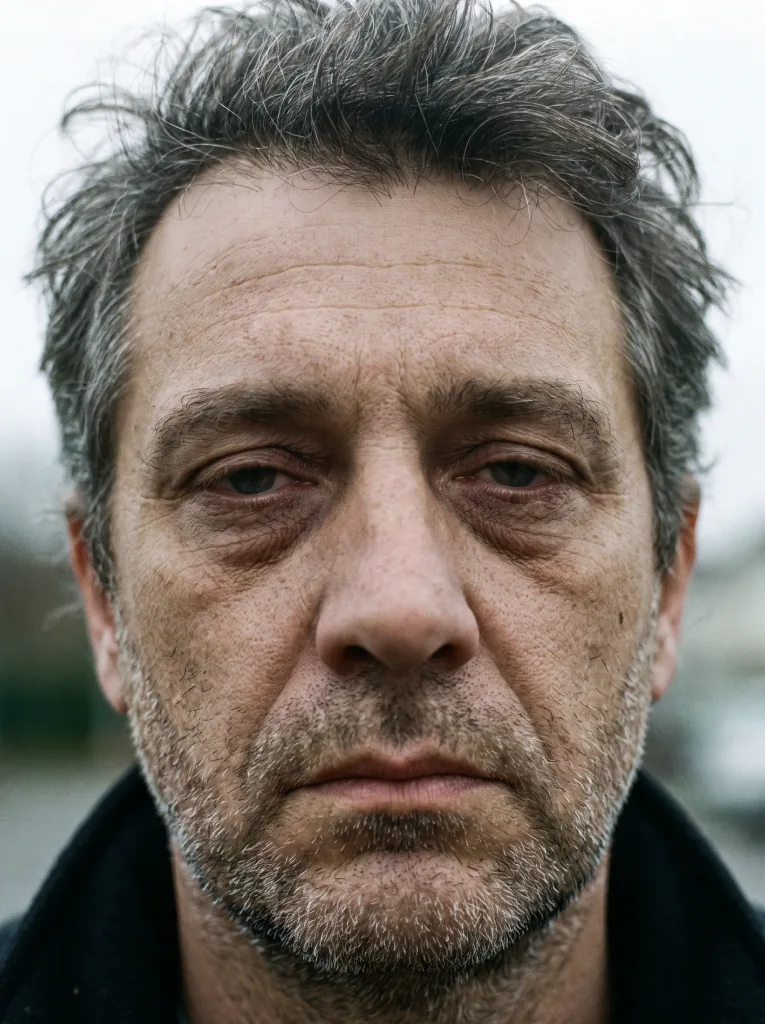 Before
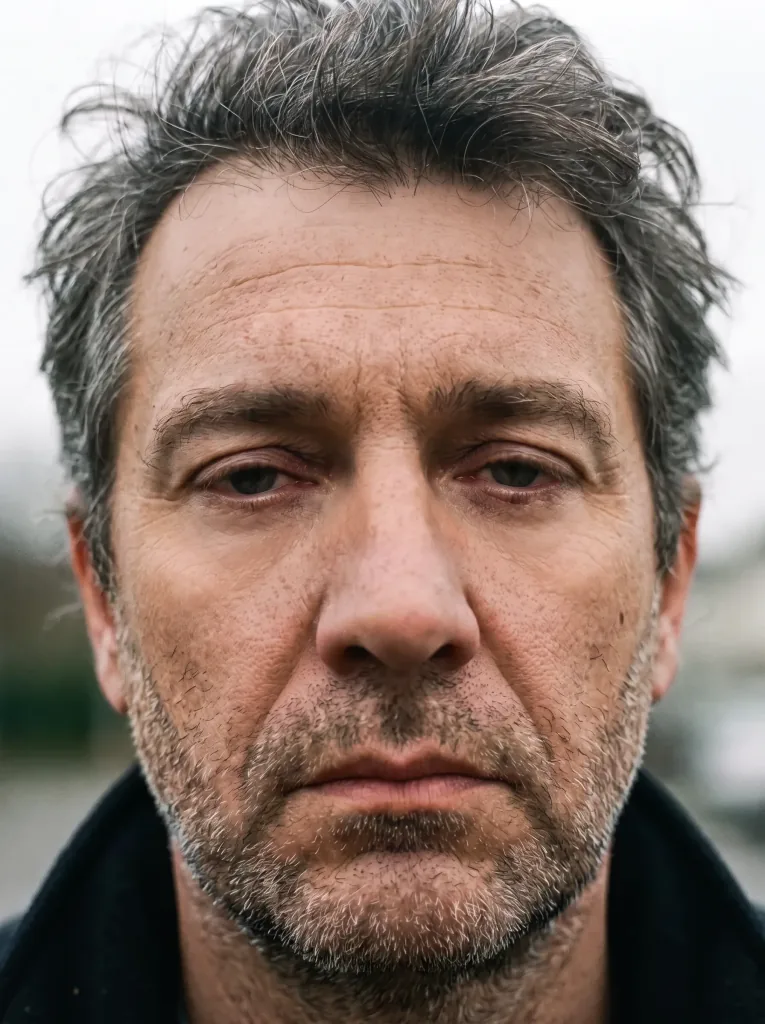 After
After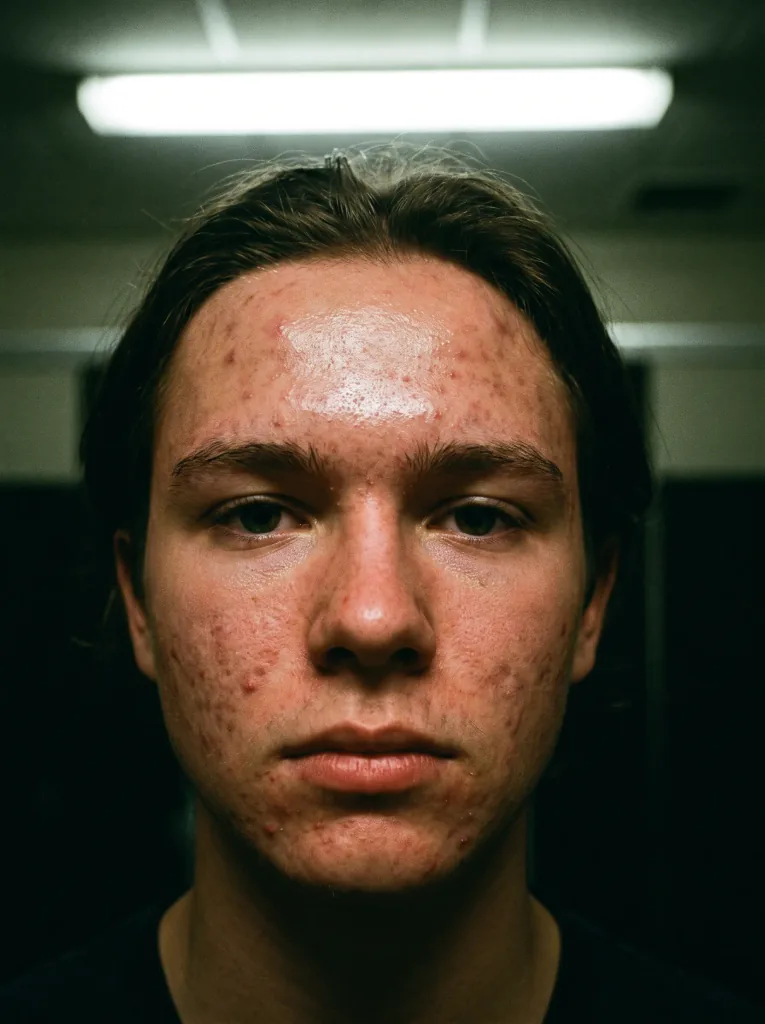 Before
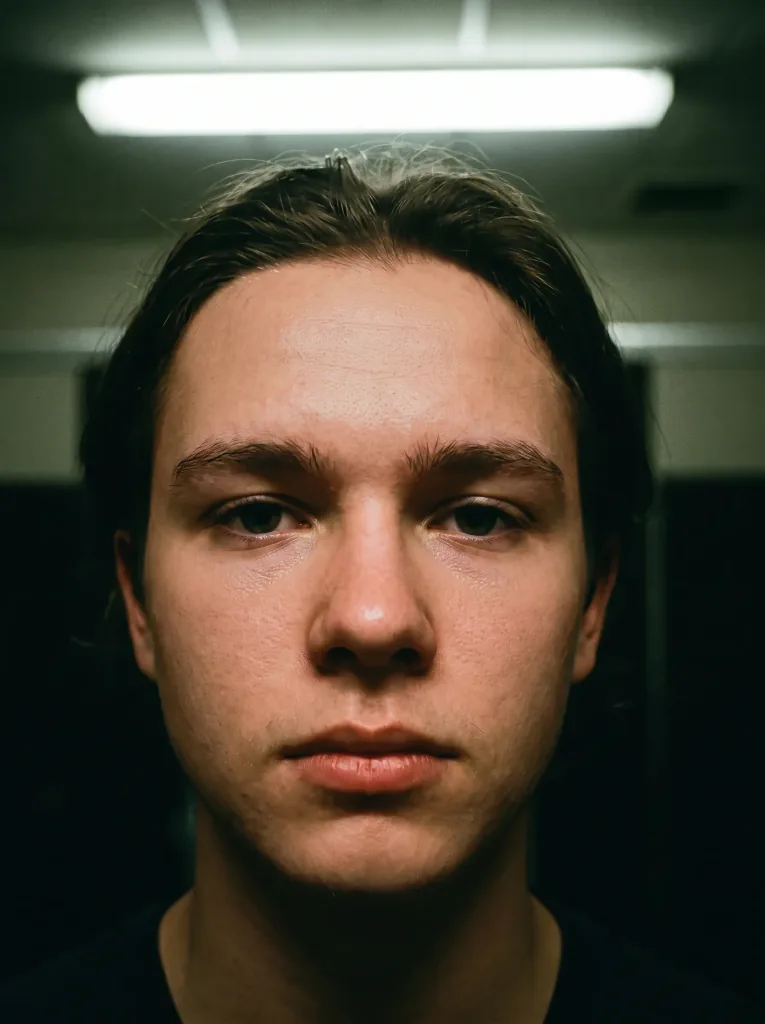 After
After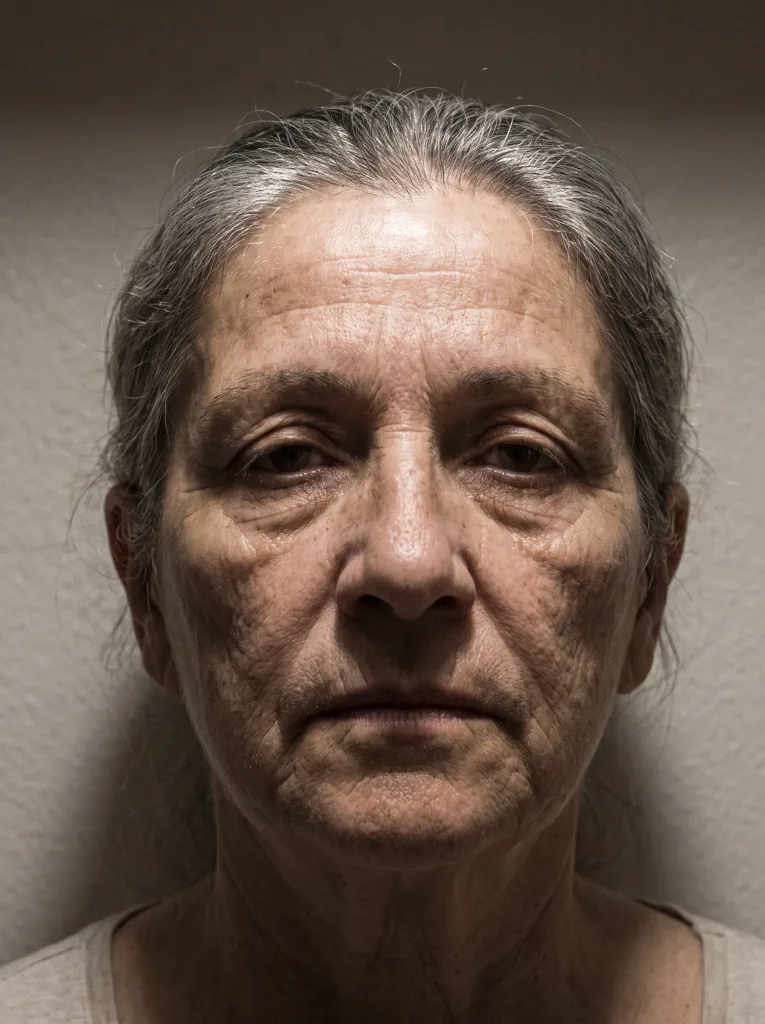 Before
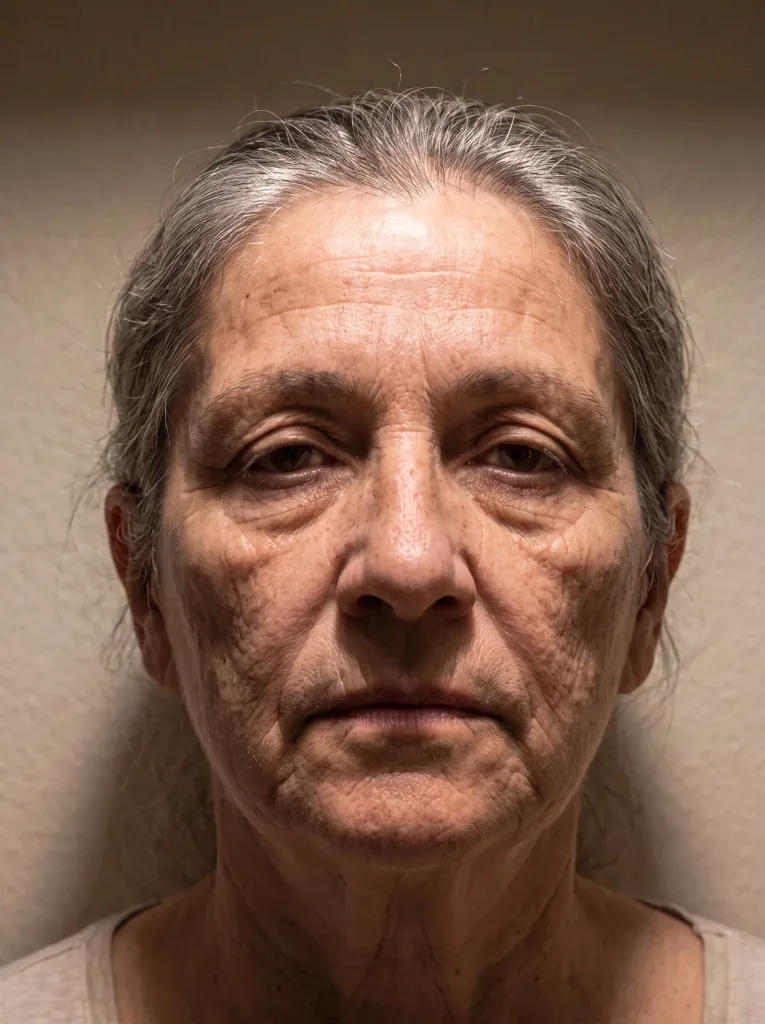 After
After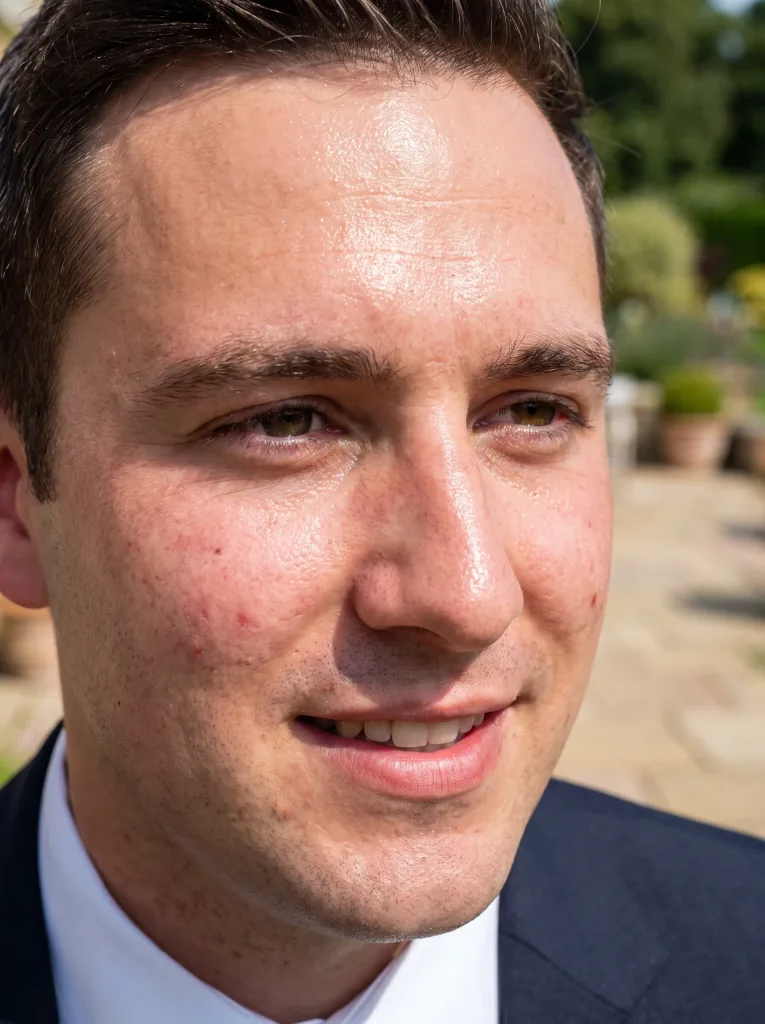 Before
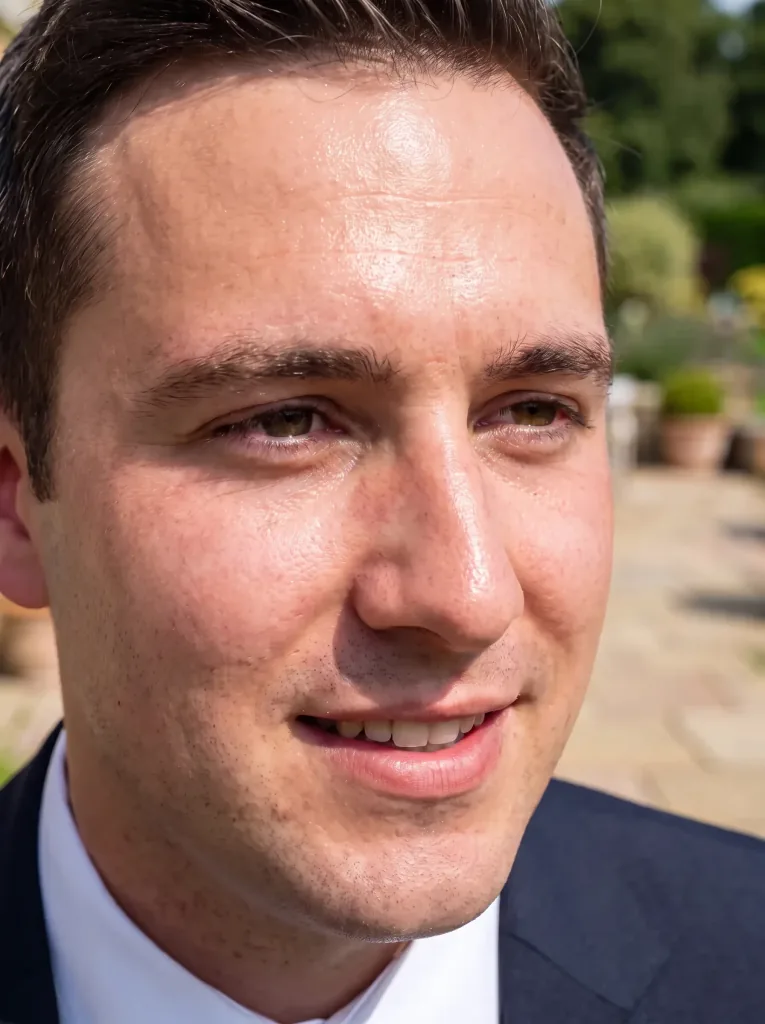 After
After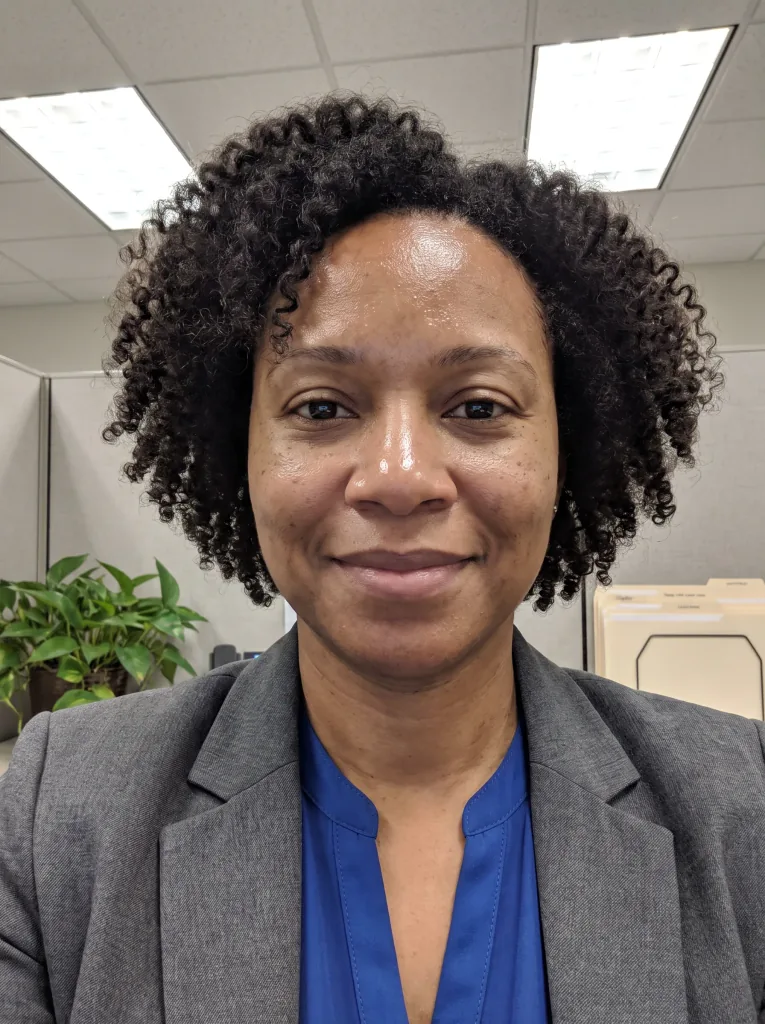 Before
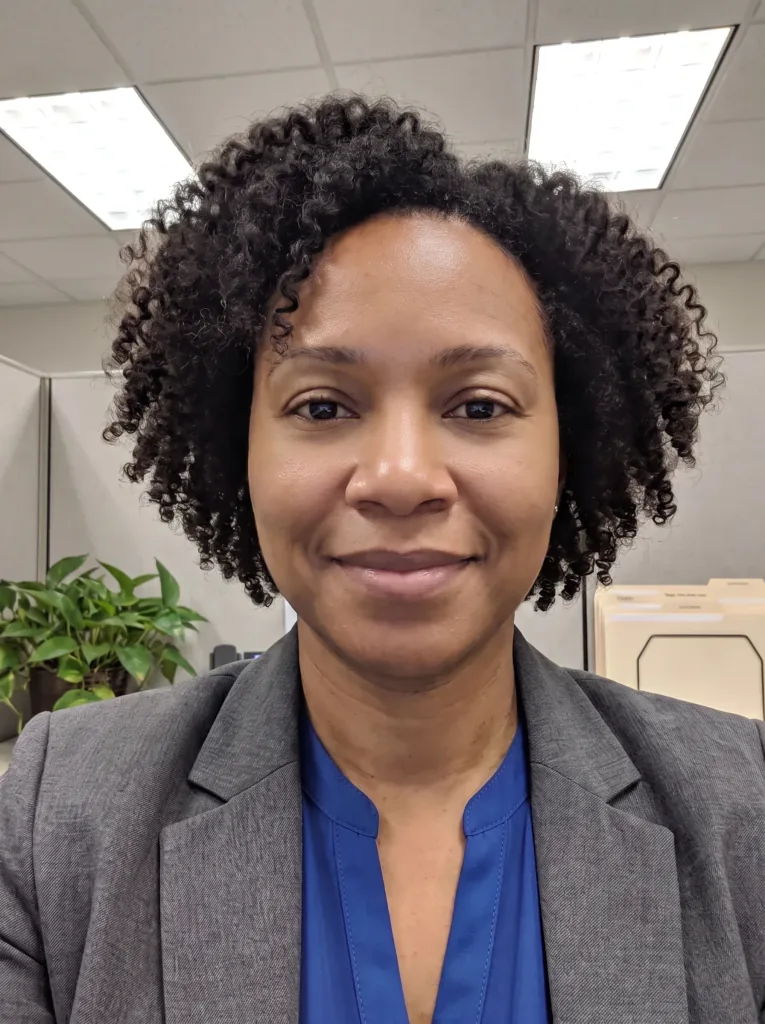 After
AfterFrequently asked questions
Will the retouch look natural?
Yes. The goal is a natural result — no over-smoothing and no plastic skin.
Will my features change?
No. Retouching improves skin and light while preserving your look and character.
Are my photos safe?
Yes. They're used only to produce your result and are not shared. See the Privacy Policy.
Which photos work best?
A clear portrait in good light gives the best result.
Can I redo it?
Yes. Generate several versions and pick the one you like most.
How much does it cost?
Cost depends on the model and resolution — from 1 credit per image. Credit packs and the subscription are available in the app, and you get free starter credits when you create an account.
Last updated:
Related tools
The best version of your portrait
Retouch your first photo right now.