Colorize your black-and-white photos
Old black-and-white photos gain natural, believable color. AI picks skin tones and period hues — in seconds, with no designer.
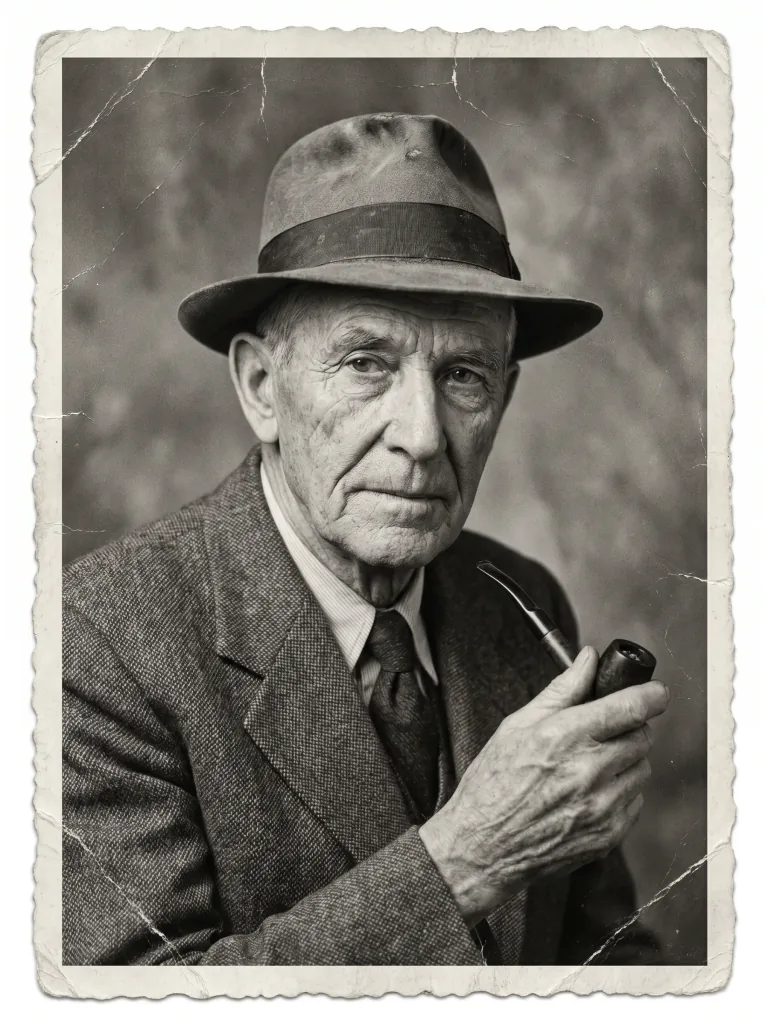 Before
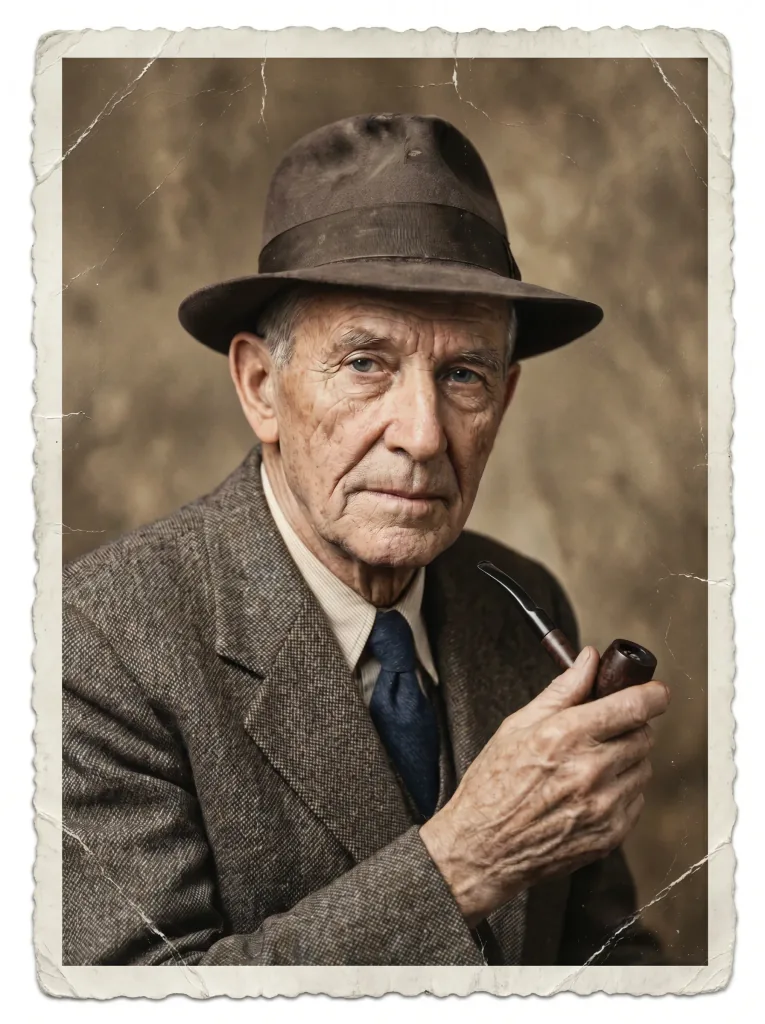 After
AfterHow it works
From black-and-white to color in three steps.
- 1
Upload the photo
Send a black-and-white photo or its scan.
- 2
AI picks the colors
AI recognizes the scene and applies natural, fitting hues.
- 3
Download the result
Save the colorized version in high quality.
Color you'll believe
Natural hues
Colors matched to the era and scene — never garish.
Realistic skin
Skin tones look believable, not artificial.
Details preserved
Colorization keeps composition and faces intact.
Instant result
The result appears in seconds in your browser.
Before and after
See the colorization on real examples.
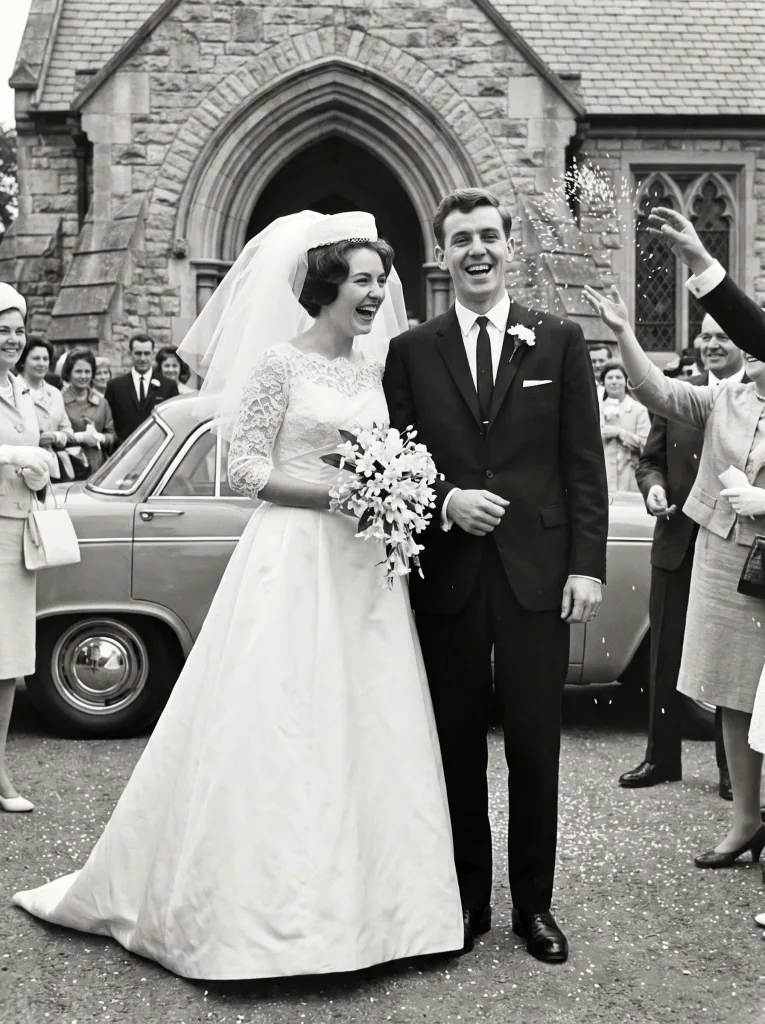 Before
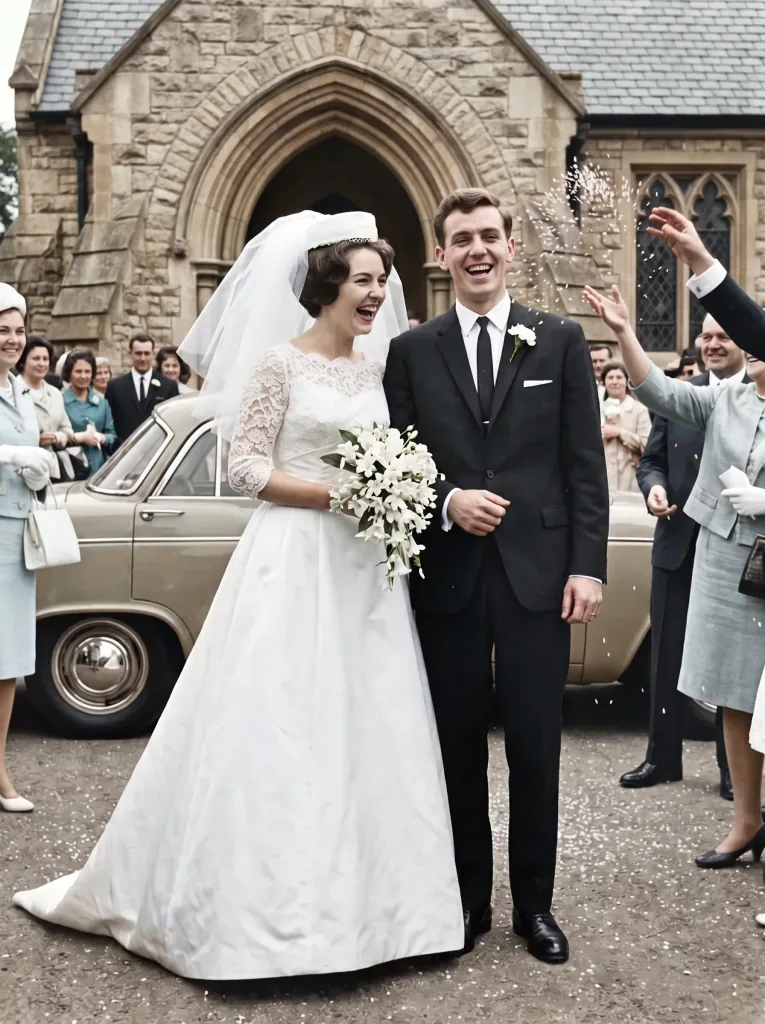 After
After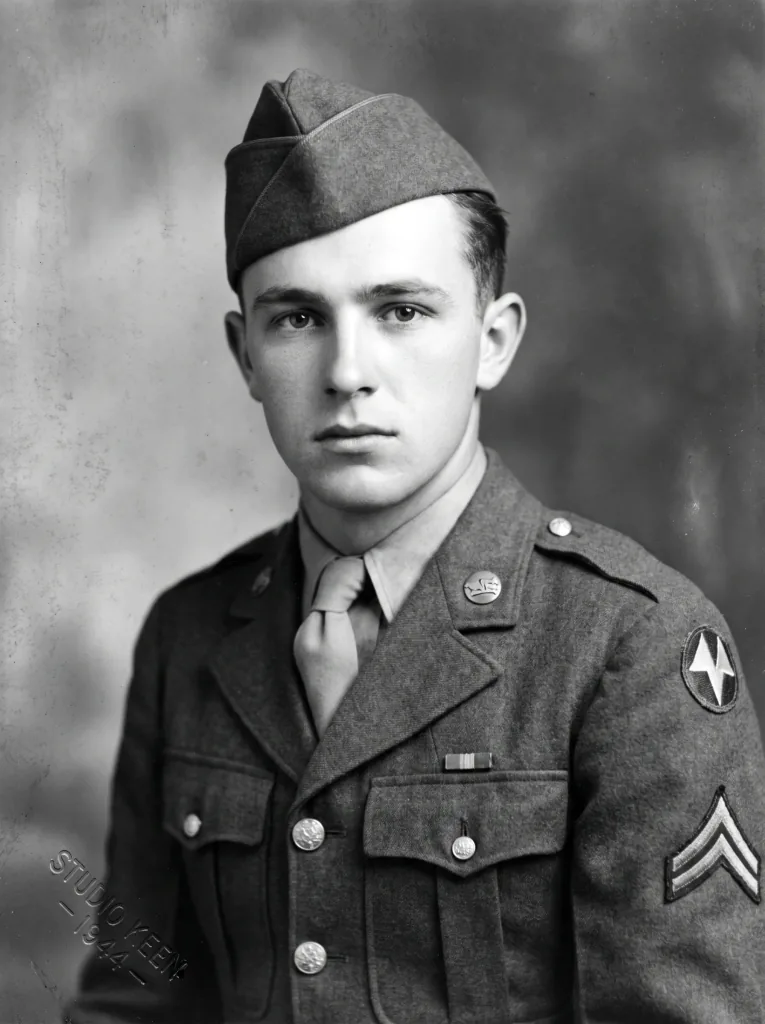 Before
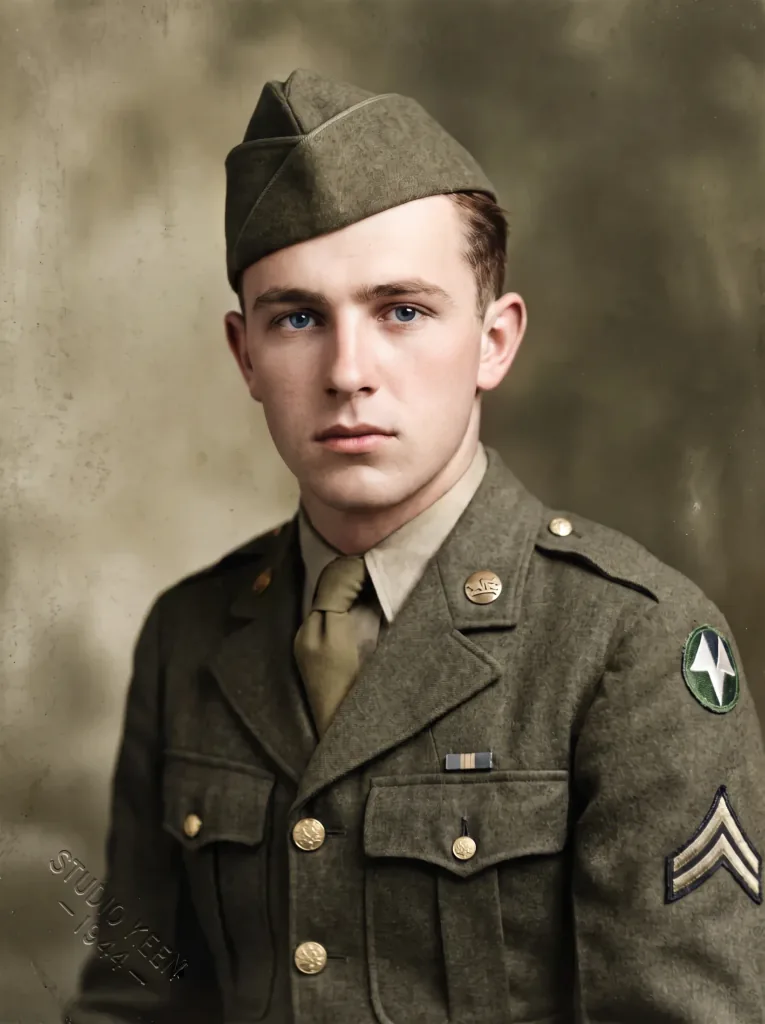 After
After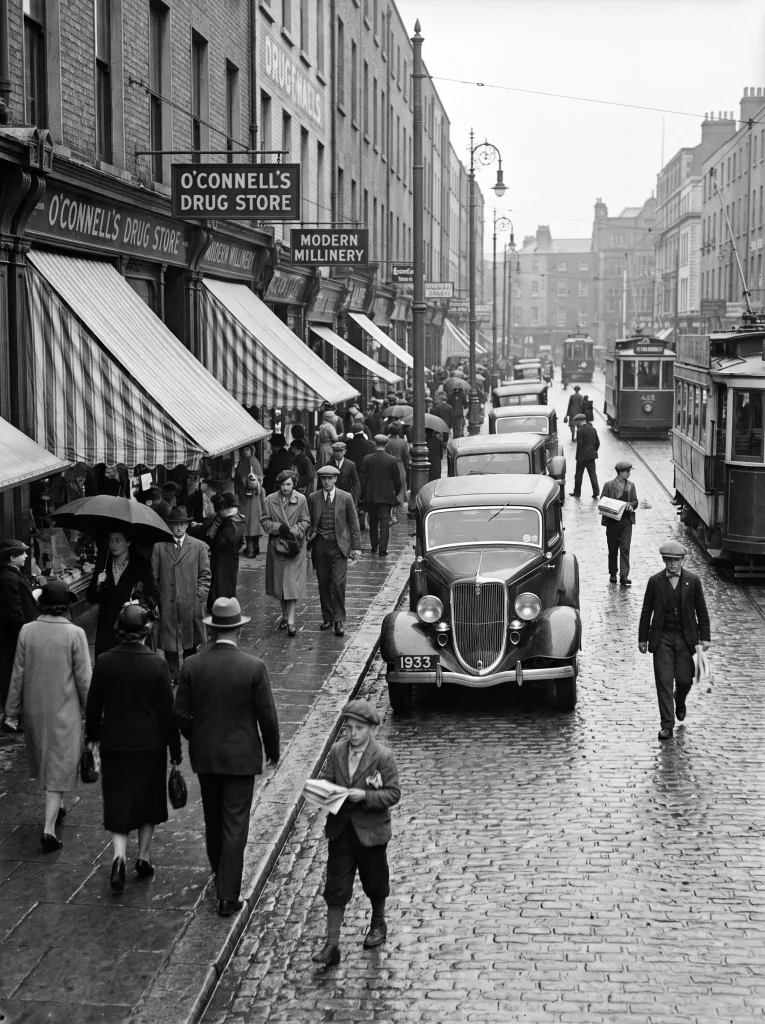 Before
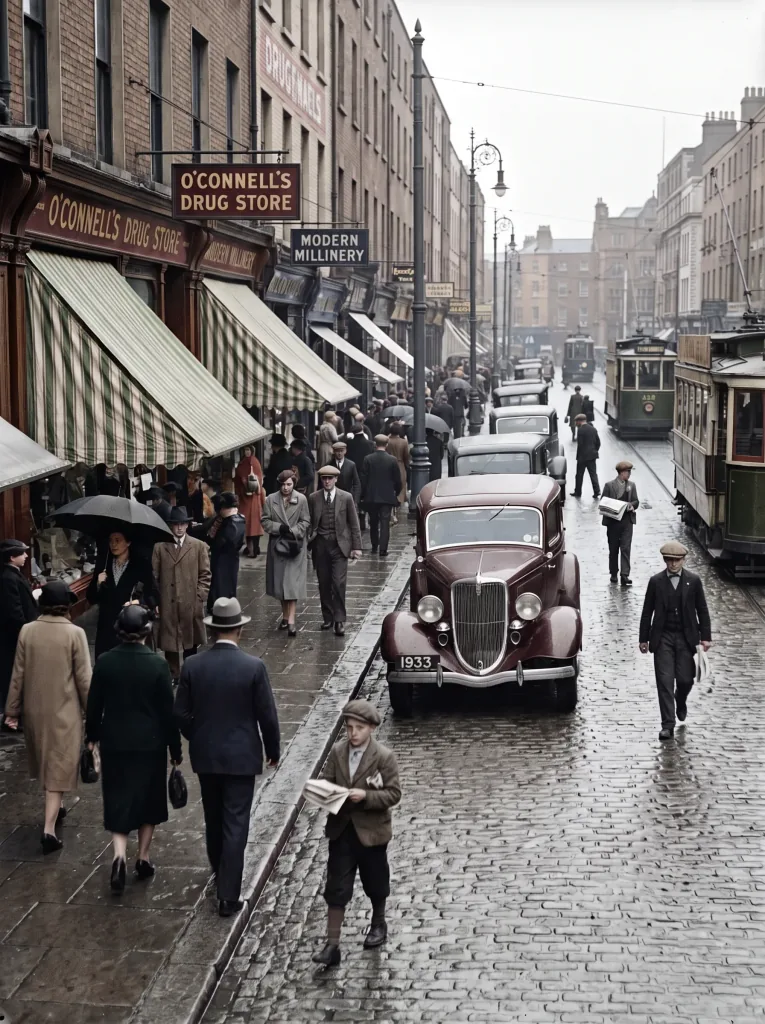 After
After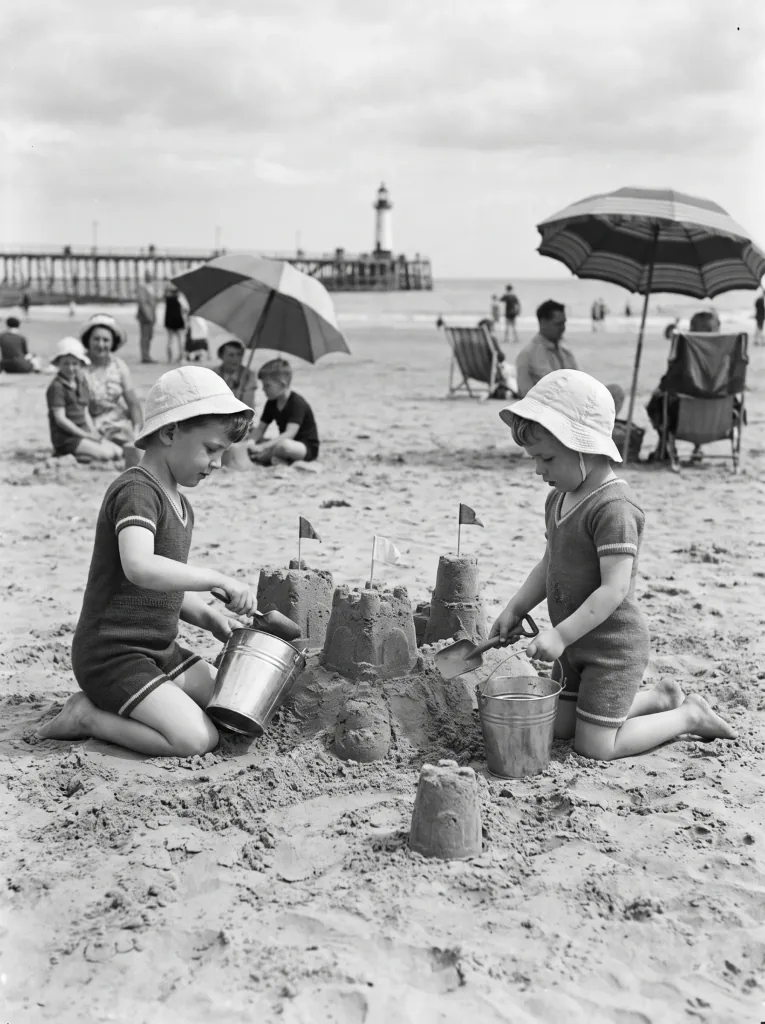 Before
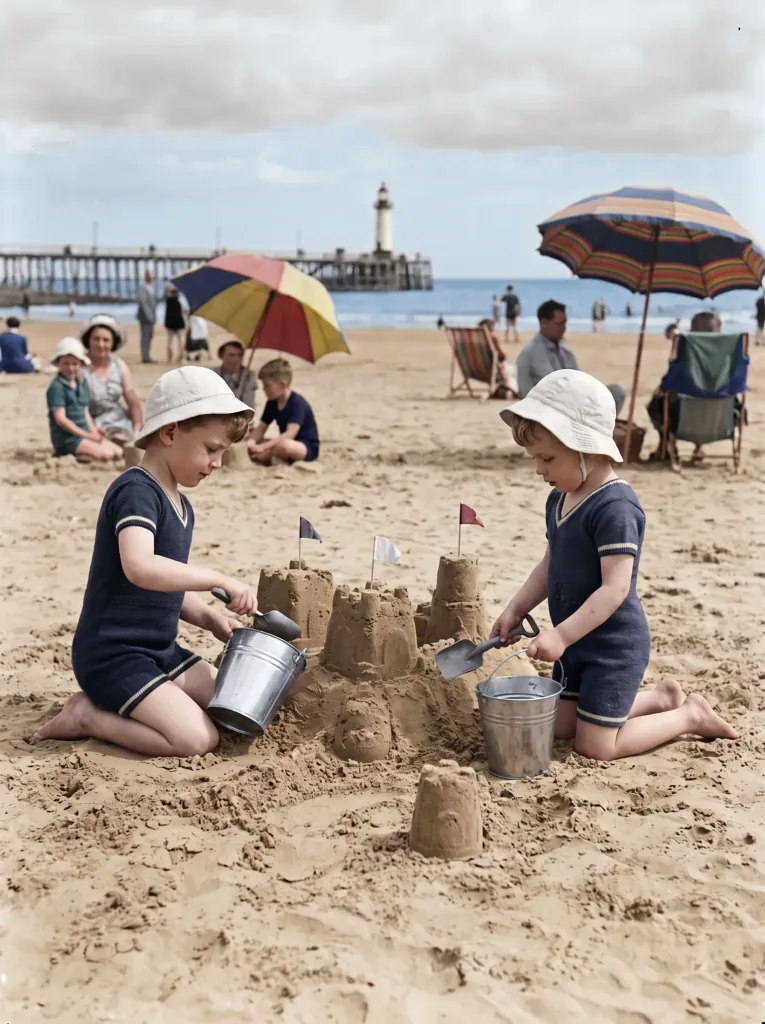 After
After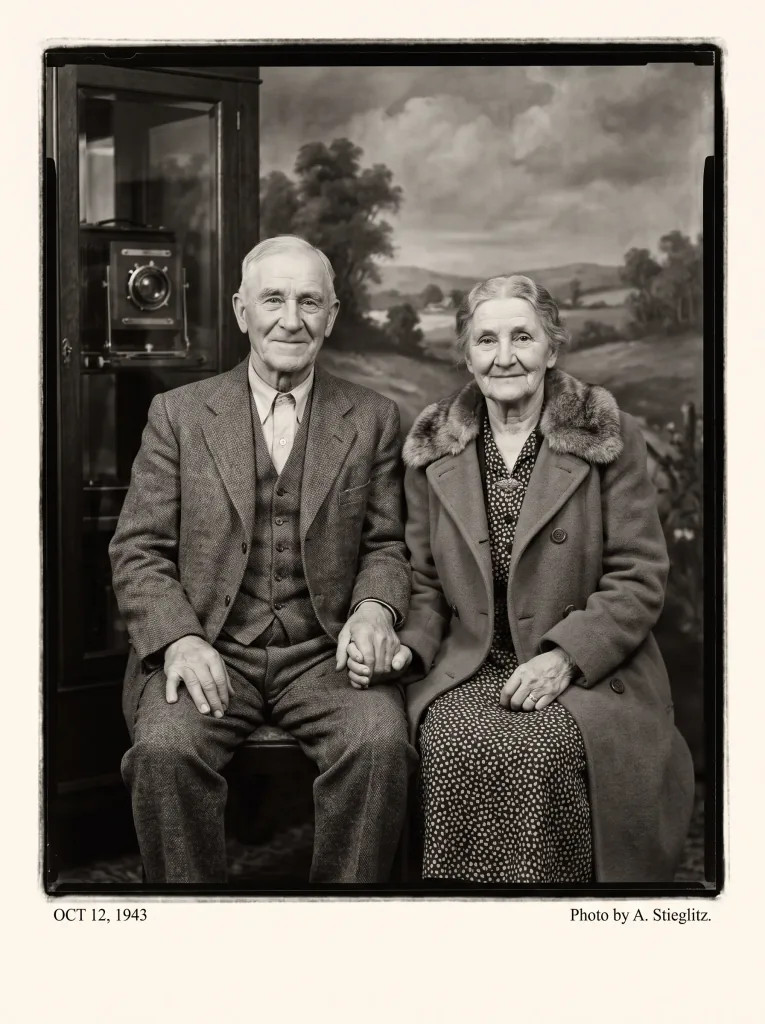 Before
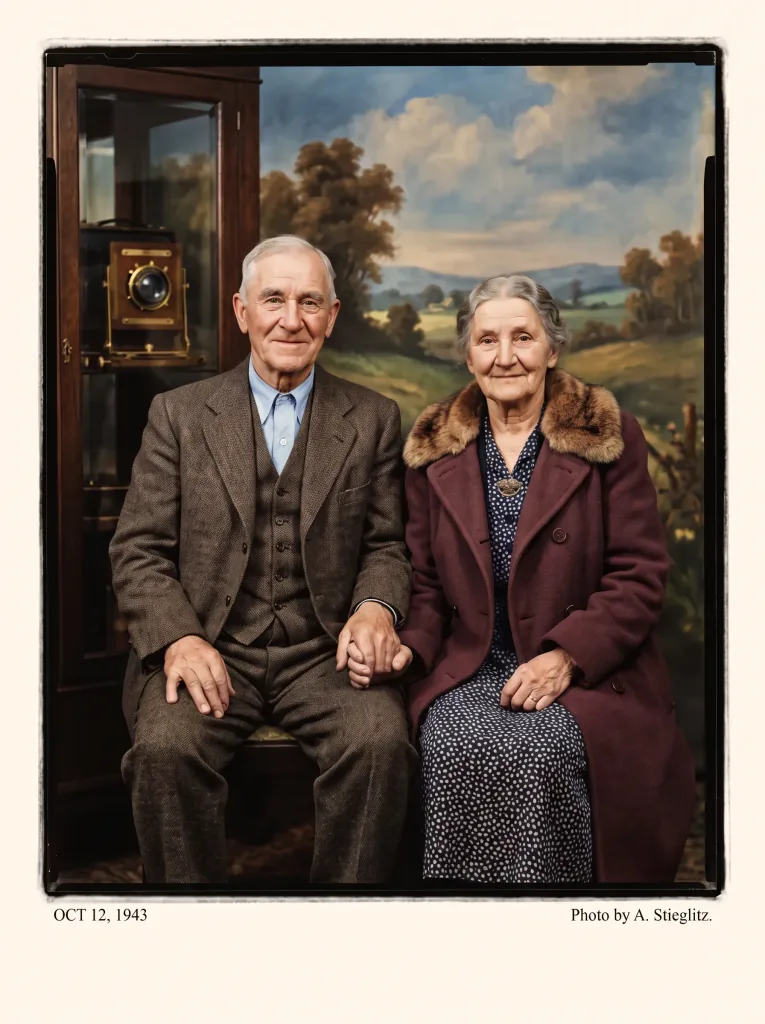 After
After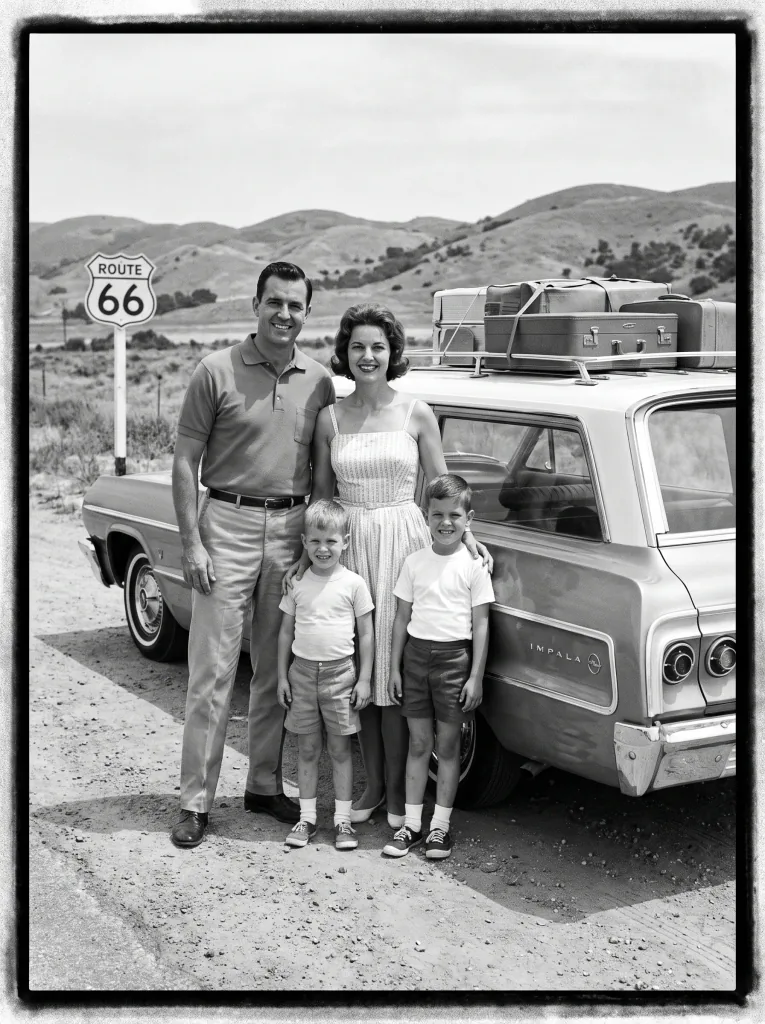 Before
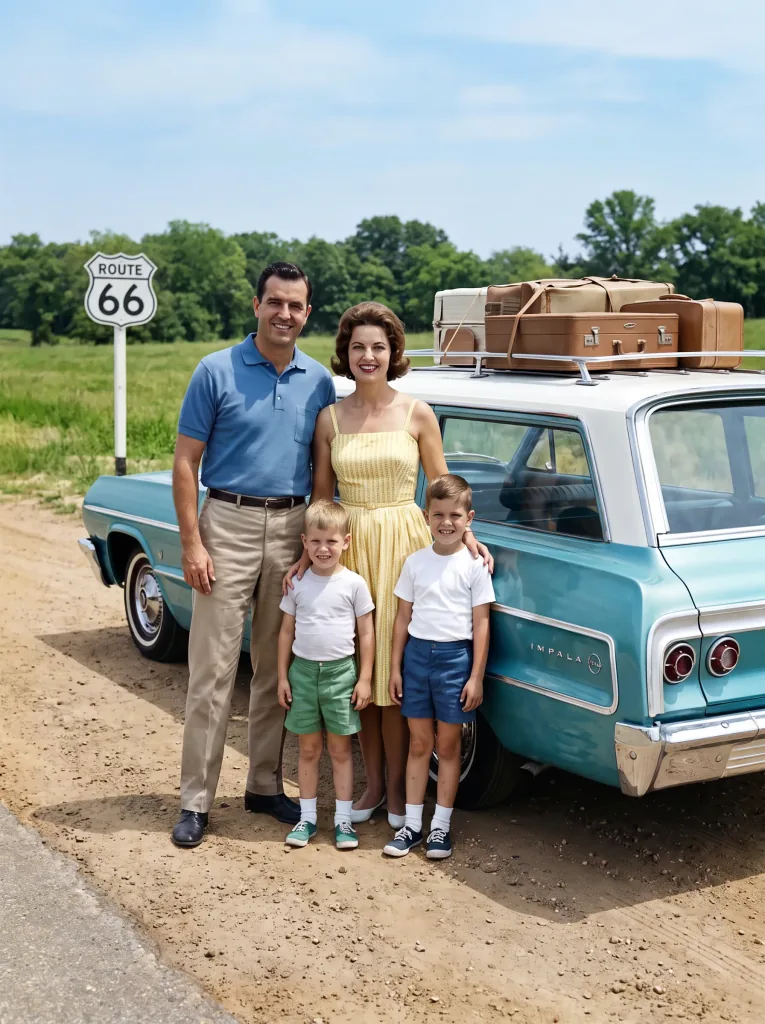 After
AfterFrequently asked questions
How does the AI know which colors to use?
It recognizes objects, scenes and materials and picks hues learned from millions of color photos. The result is believable, though not an exact historical reconstruction.
Are original details kept?
Yes. Colorization adds color without changing composition, sharpness or faces.
Are my photos safe?
Yes. Photos are used only to produce your result and are not shared. See the Privacy Policy.
Which photos work best?
Clear scans of black-and-white photos with legible detail give the best result.
Can I redo a photo?
Yes. Generate several versions and pick the one you like most.
How much does it cost?
Cost depends on the model and resolution — from 1 credit per image. Credit packs and the subscription are available in the app, and you get free starter credits when you create an account.
Last updated:
Related tools
See the past in color
Colorize your first photo right now.