Stage a room for your listing in seconds
Upload a photo of an empty or dated room and AI adds tasteful furniture and decor. The property looks inviting in the listing — with no crew and no moving furniture.
Free starter credits when you create an account.
Over 300,000 images created with obrazki.ai

How it works
Three steps stand between an empty room and a staged listing photo.
- 1
Upload the room photo
A plain photo of an empty room — or a furnished but dated one.
- 2
Pick a staging style
Say how it should look — modern, cozy, Scandinavian or minimalist.
- 3
Download the result
Save the staged room in high resolution — ready for your property listing.
What your listings need
Tasteful furniture
AI adds furniture and decor matched to the room and the style you choose.
Layout preserved
Walls, windows and perspective stay unchanged — it is still the same room.
Natural light
Realistic lighting and shadows make the staging look believable.
Faster and cheaper
You skip furniture rental and a crew — staging is done in seconds.
Done in seconds
No moving furniture and no shoot — the result appears right in your browser.
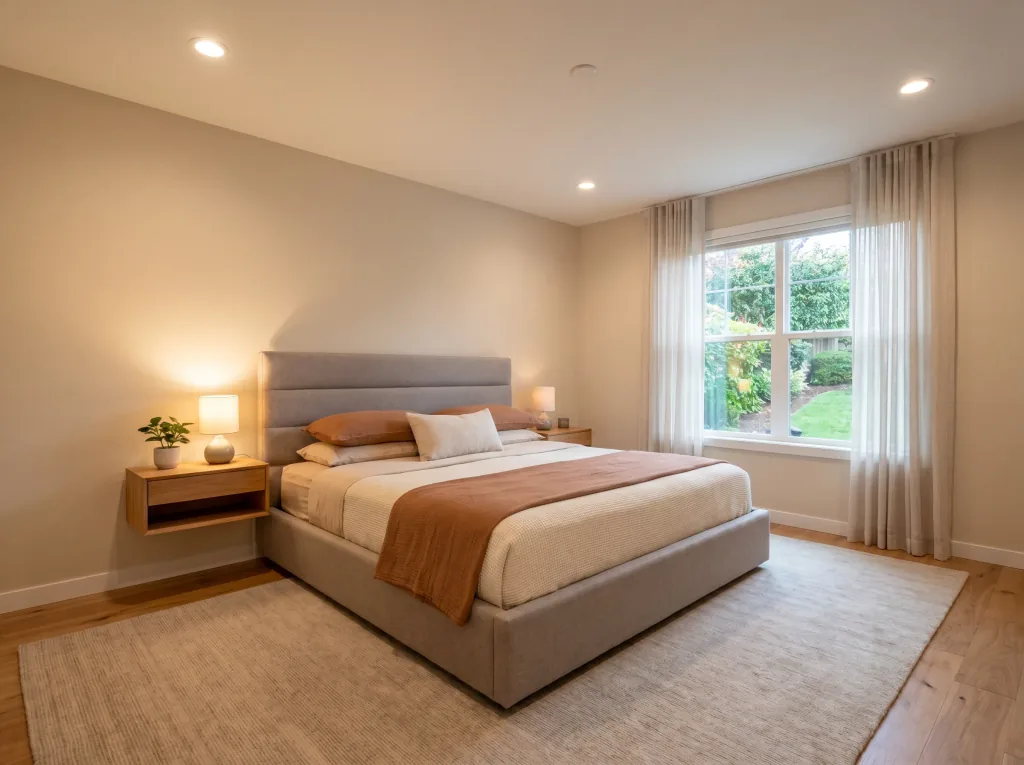
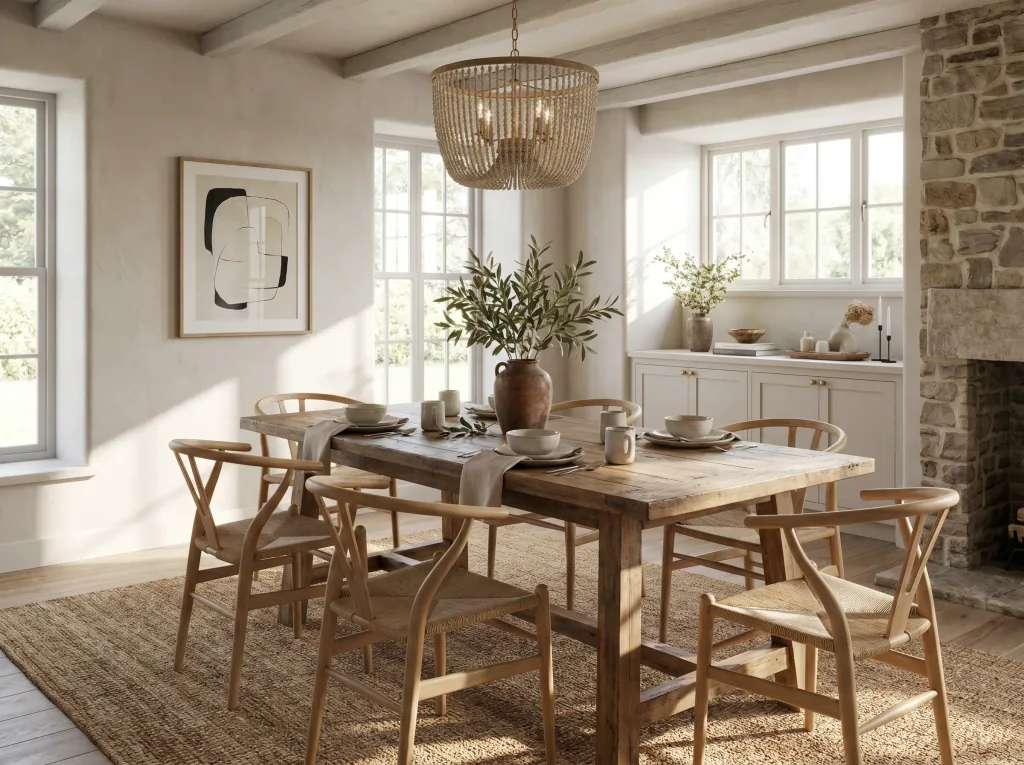
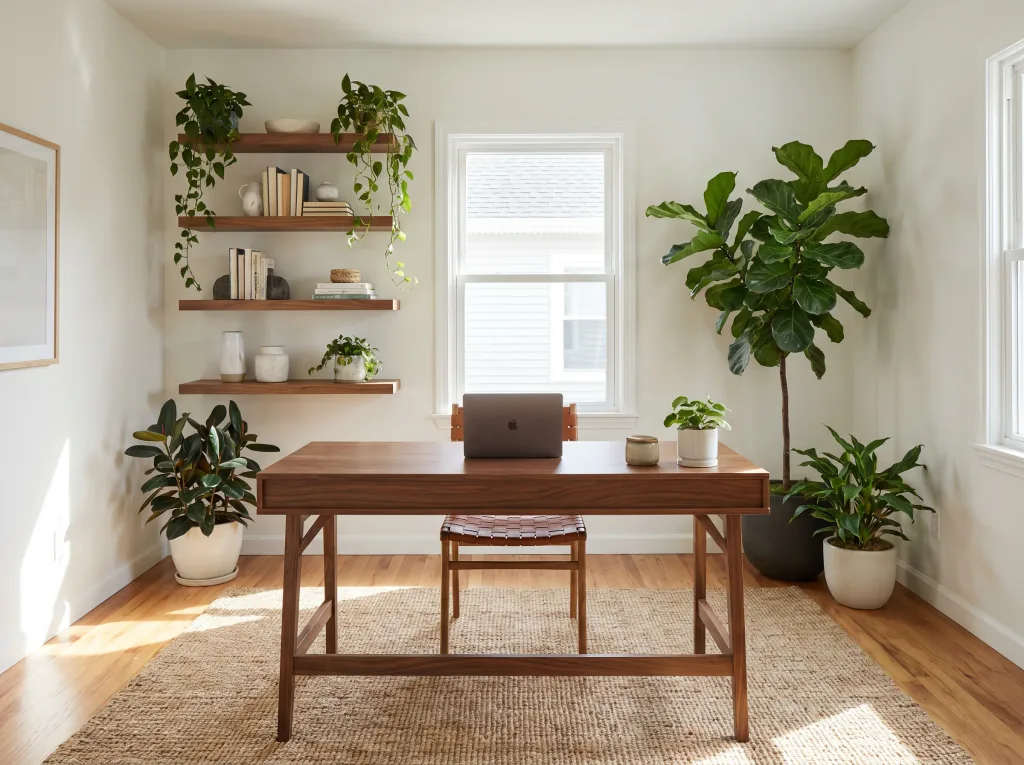
See the examples
Empty rooms virtually staged for listings.
Simple pricing
Pay only for what you need. No hidden fees.
Subscription
25 credits every month
≈ PLN 0.80 per credit
- 7 days free — 10 credits to start
- Full quality, no watermark
- All styles and creation modes
- Cancel anytime
20 credits
≈ PLN 1.00 per credit
- Full quality, no watermark
- All styles and creation modes
- Credits never expire
250 credits
≈ PLN 0.80 per credit
- Full quality, no watermark
- All styles and creation modes
- Credits never expire
Frequently asked questions
How does virtual staging work?
Your uploaded photo is analyzed by AI that recognizes the room layout and adds tasteful furniture and decor while preserving the walls, windows and perspective. The result is produced in seconds.
Can I use these photos in property listings?
Yes. You can use the staged photos commercially — in portal listings, presentations and sales materials.
Do I need to label it as a visualization?
Yes, it is good practice (and often a portal requirement) to mark the photo as virtually staged so buyers know the furniture is a visualization.
Which room photo should I upload?
A sharp, well-lit photo of the whole room with visible windows and floor works best. The clearer the space, the better the staging.
Will the room layout change?
No. AI preserves the walls, windows and proportions — it only adds furniture and decor, so the room stays true to reality.
Can I see several styles?
Yes. You can generate the same room in different styles and pick the staging that sells the property best.
How much does it cost?
Each generation costs one credit. Credit packs and the subscription are in the pricing above, and you get free starter credits when you create an account.
Related tools
Sell properties that make an impression
Stage your first room right now.